How it works
You’ll set most of this up on the first day, and then you can pretty much forget about it.
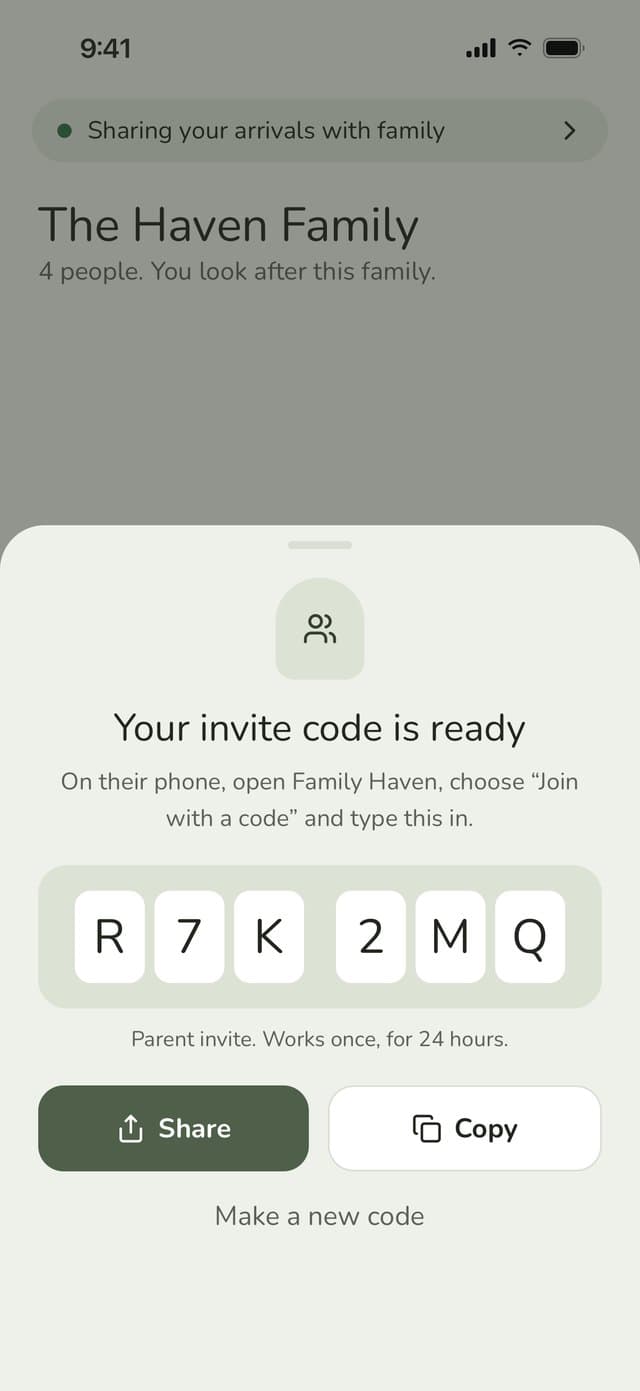
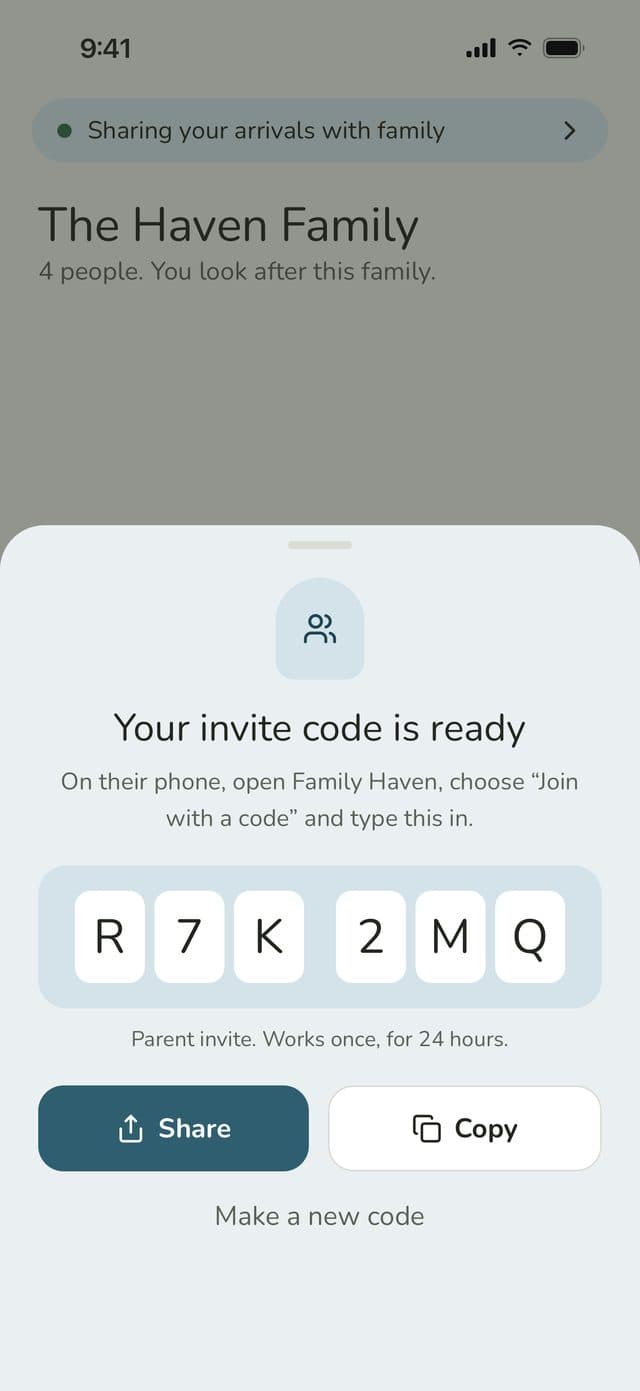
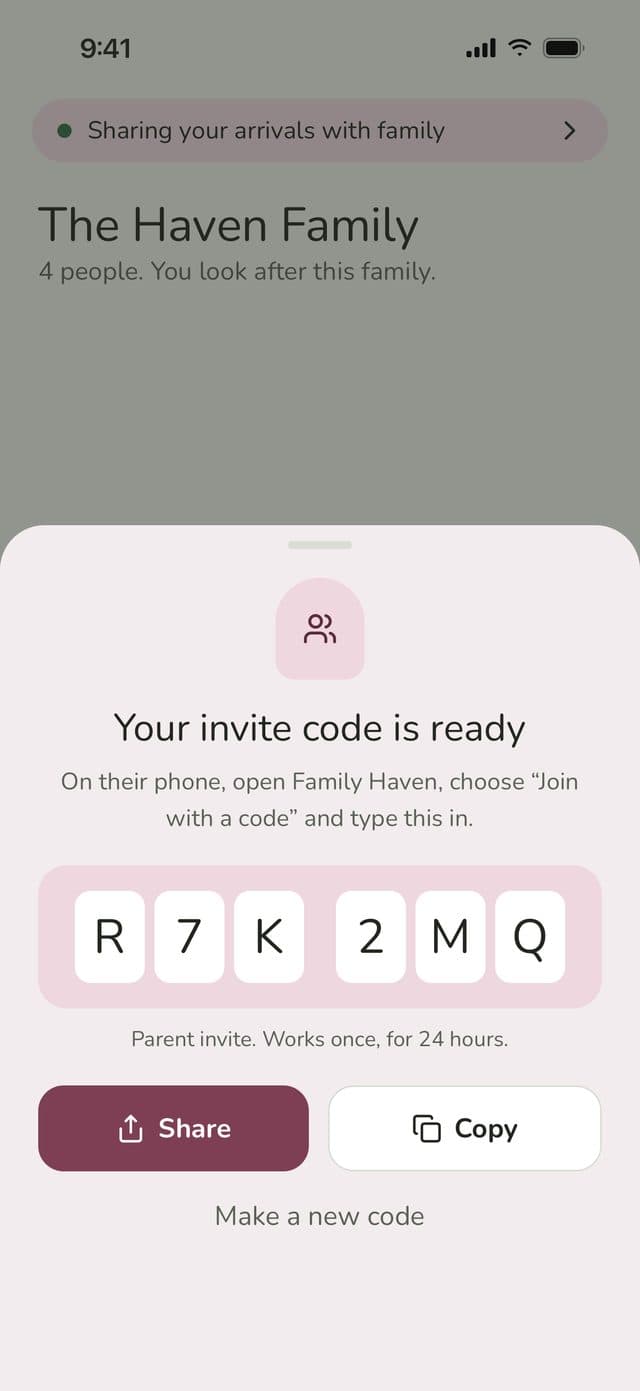
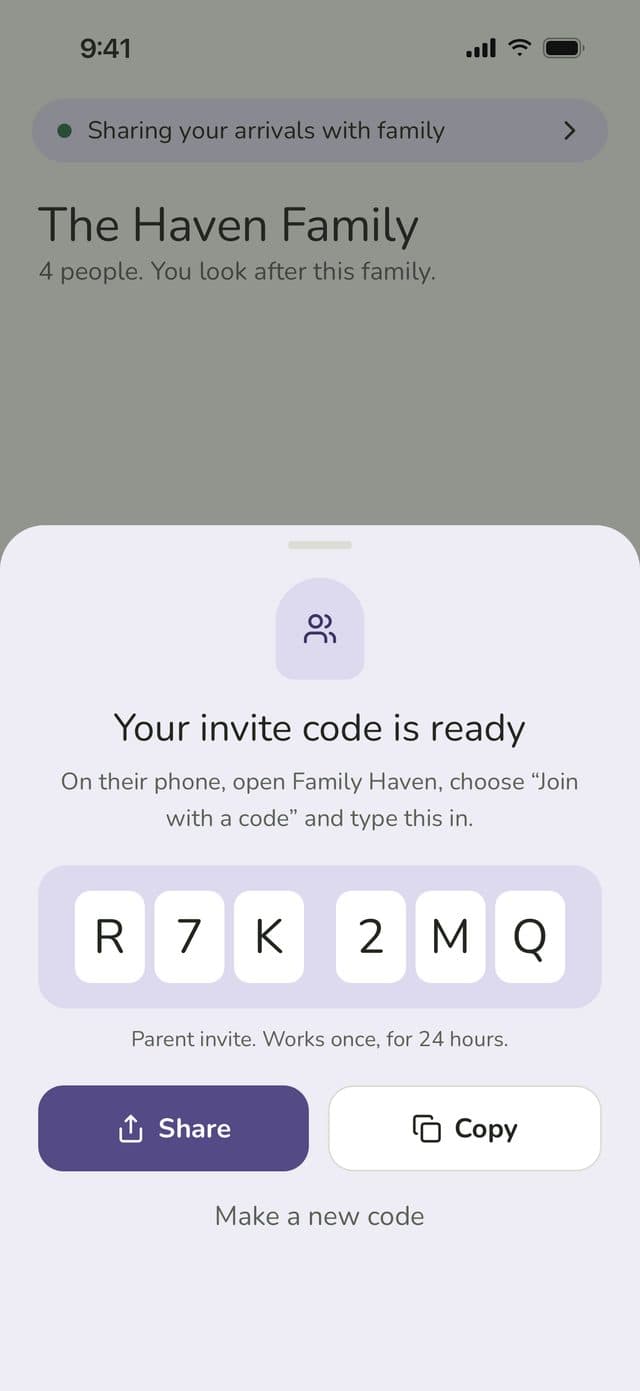
Sign in with Apple or Google, then invite everyone with a 6-character code: another parent, a grandparent, or your kids.
When you add a child, you’ll confirm you’re their parent or guardian and choose a Younger child or Teen profile. You make them a short login code, so they don’t need an email address.
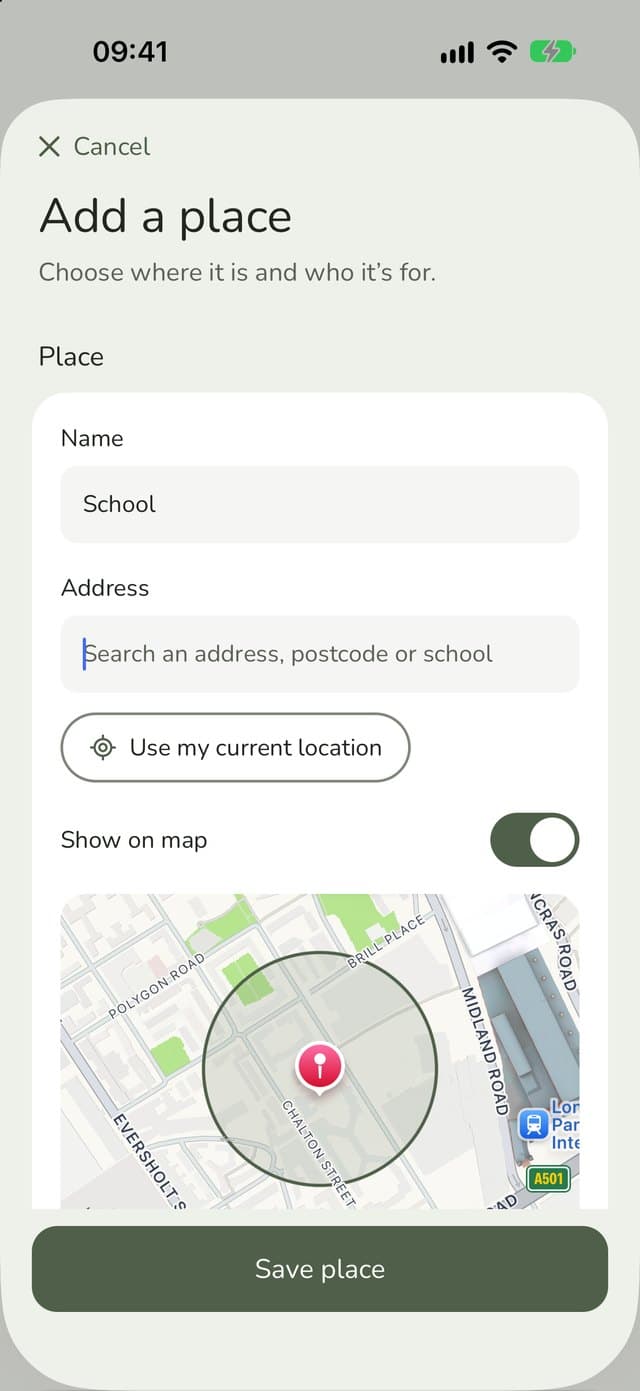
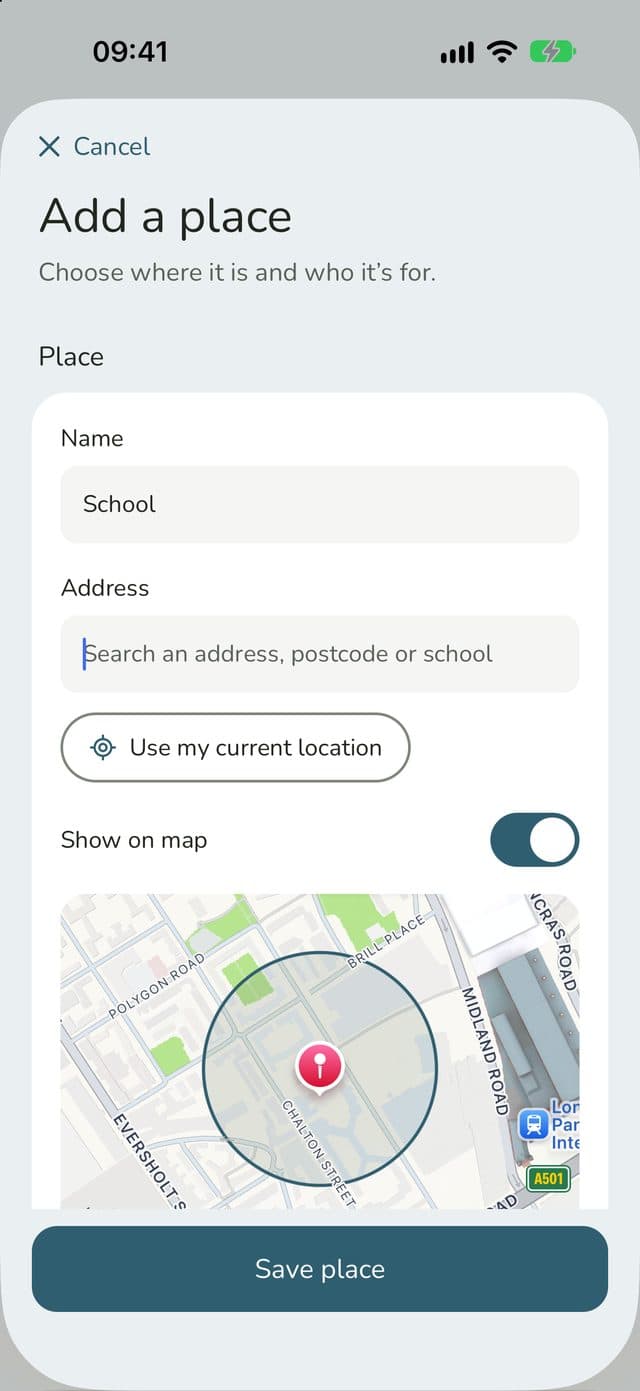
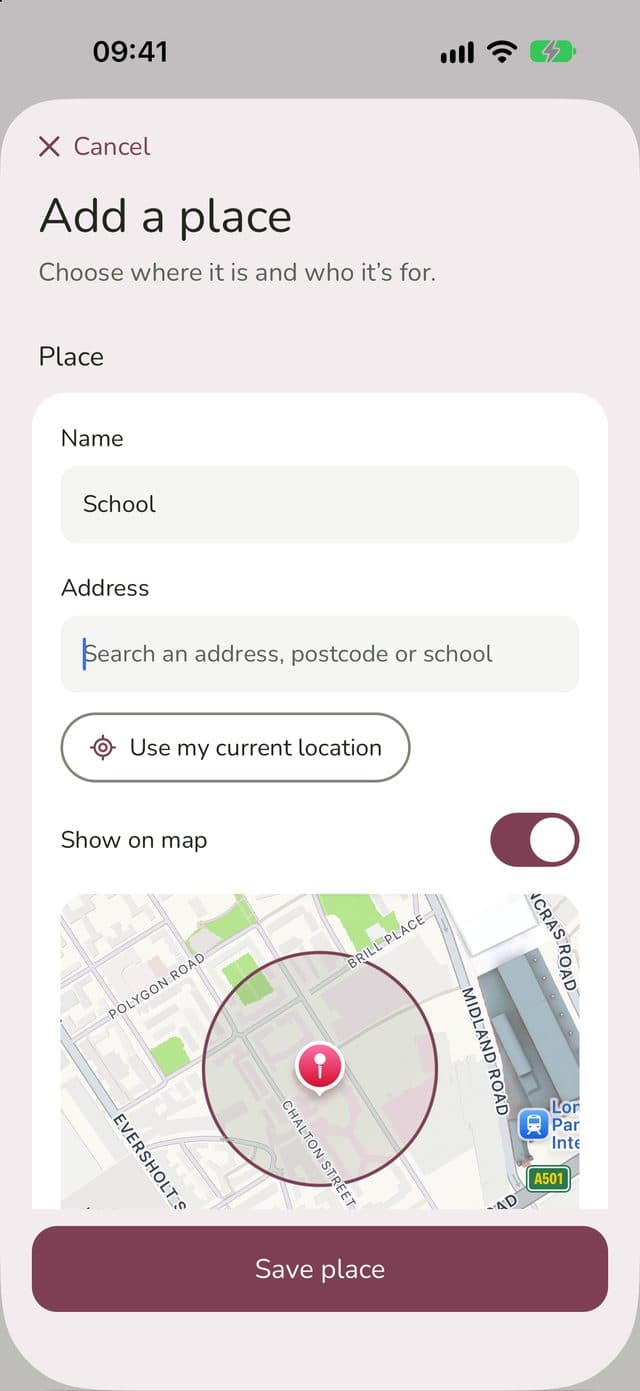
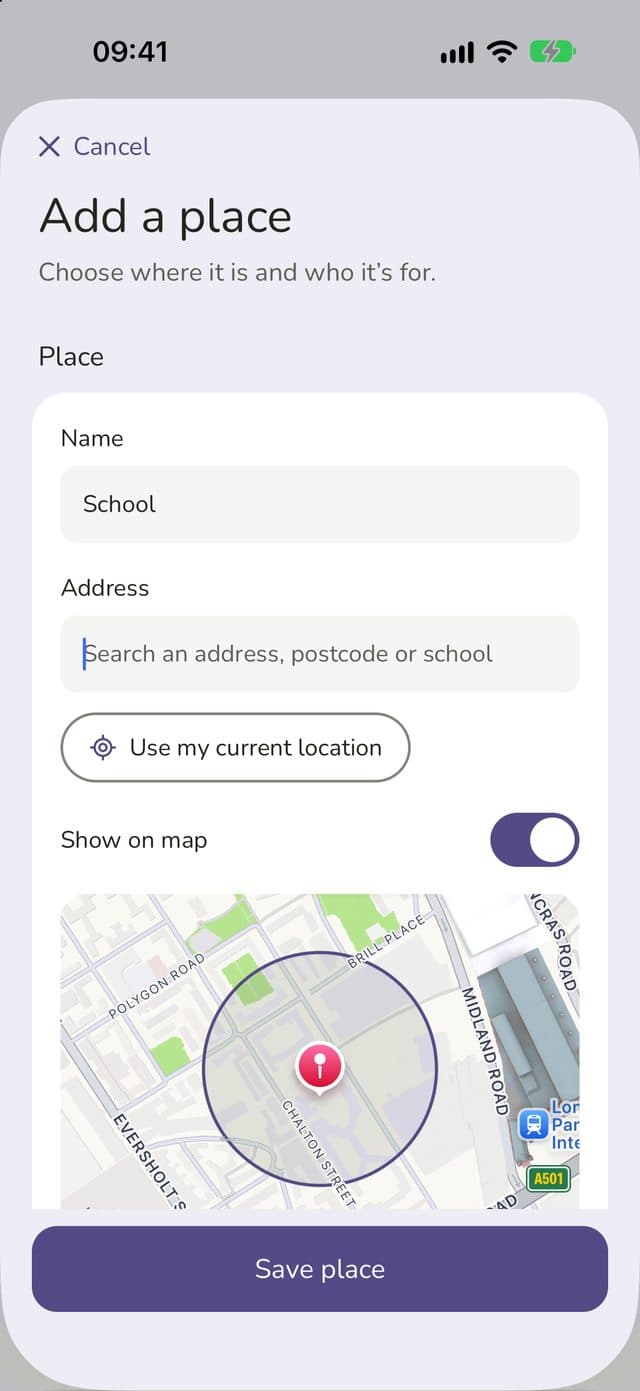
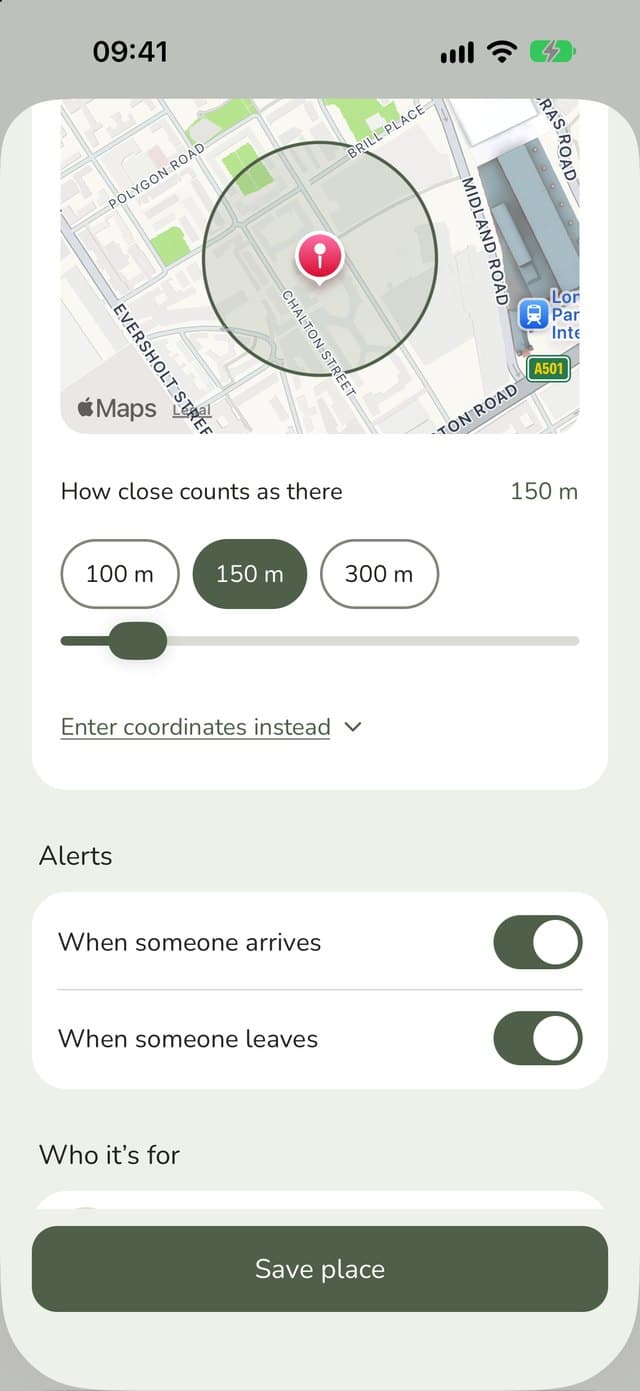
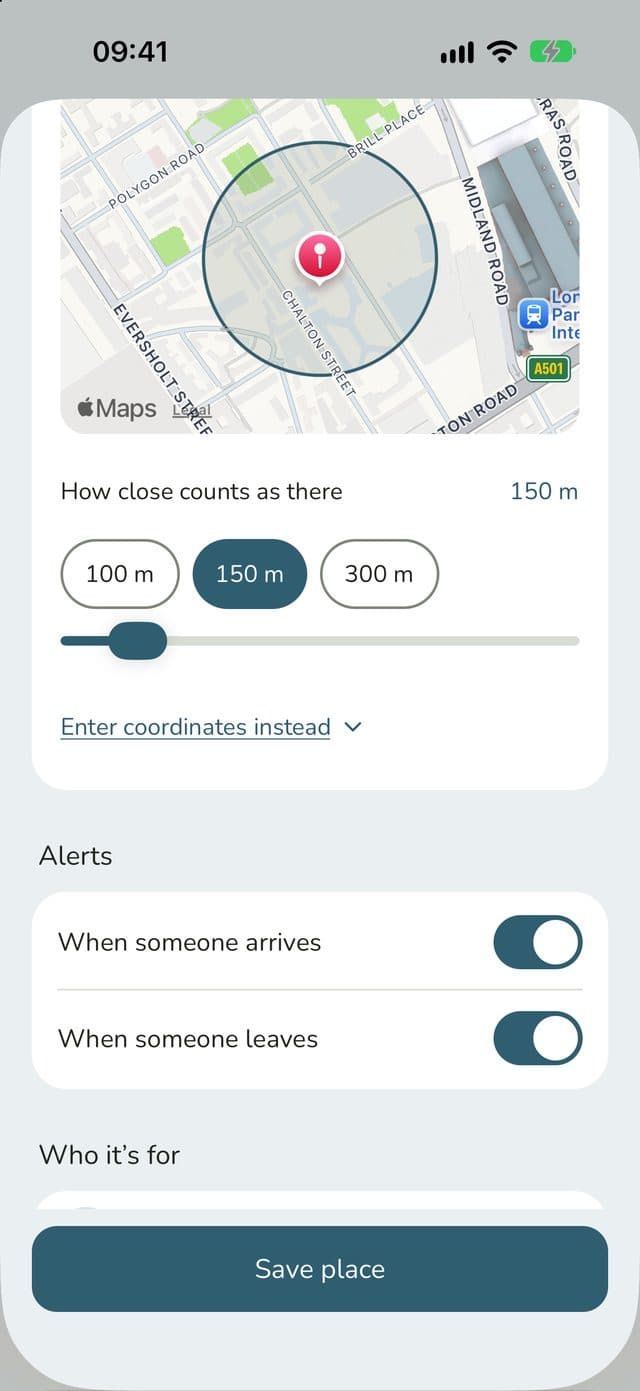
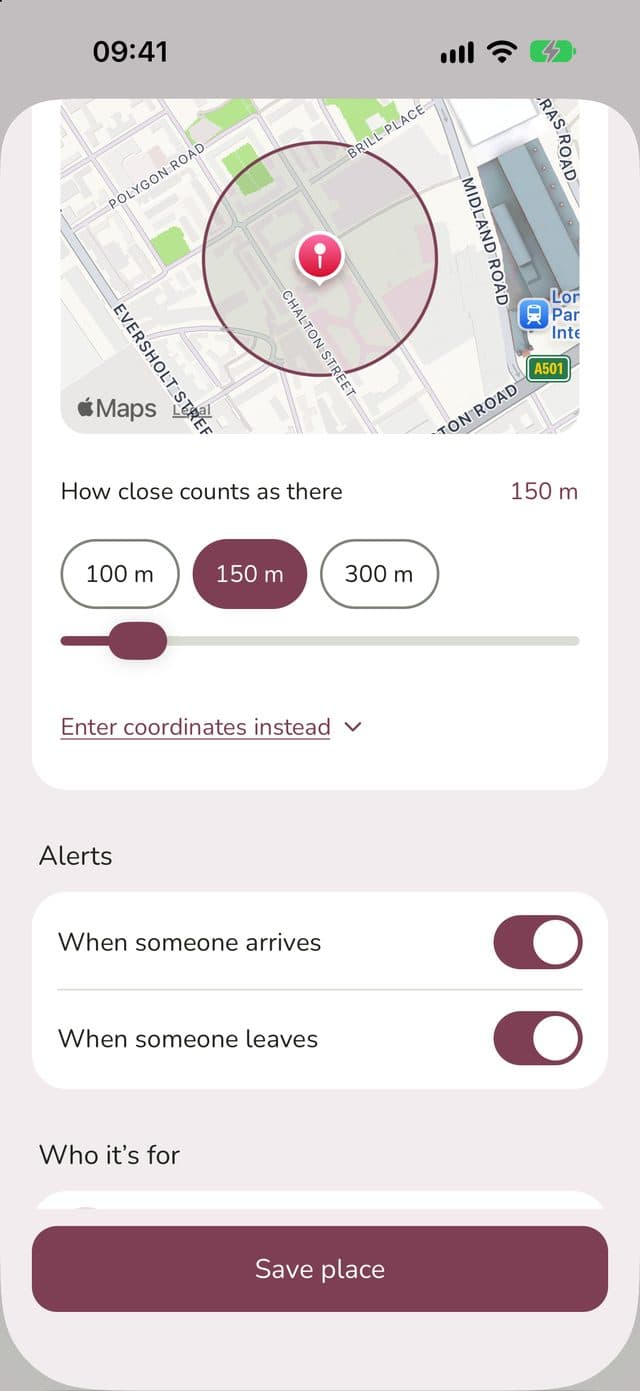
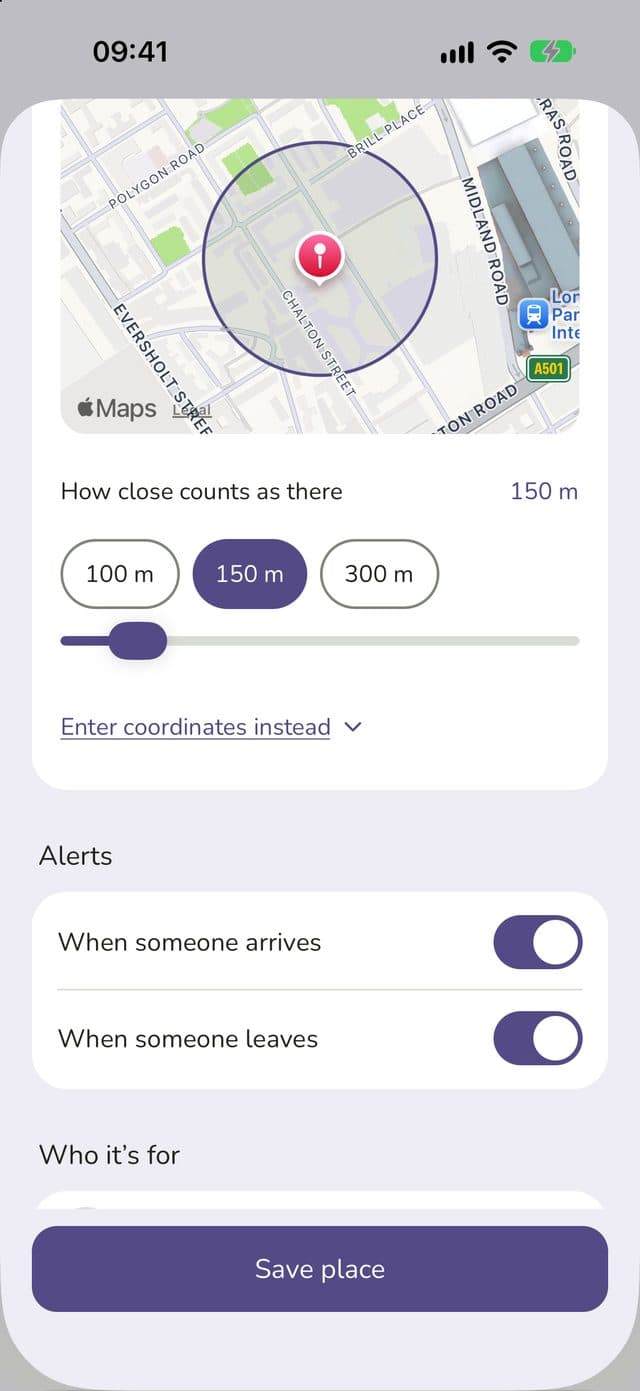
Search for an address, postcode or school name, or just use where you are now. Then drag the circle on the map to set how close counts as “there”.
Choose who each place is for, and whether you want to know when they arrive, when they leave, or both.
The free plan includes up to 3 saved places for your family. Family Haven Plus has no limit.


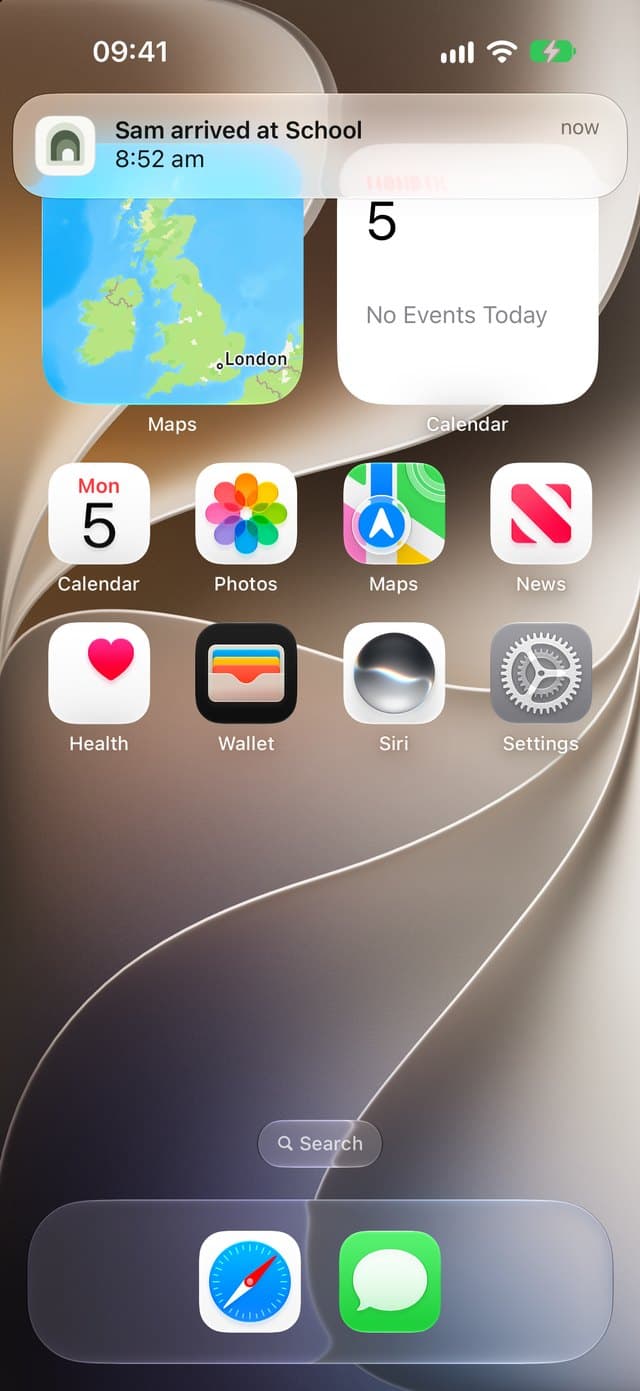
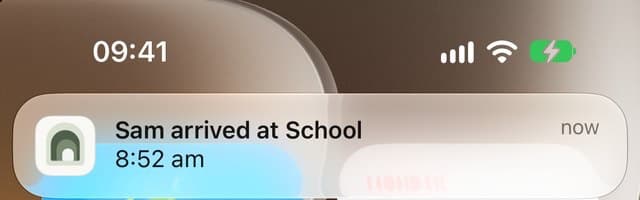
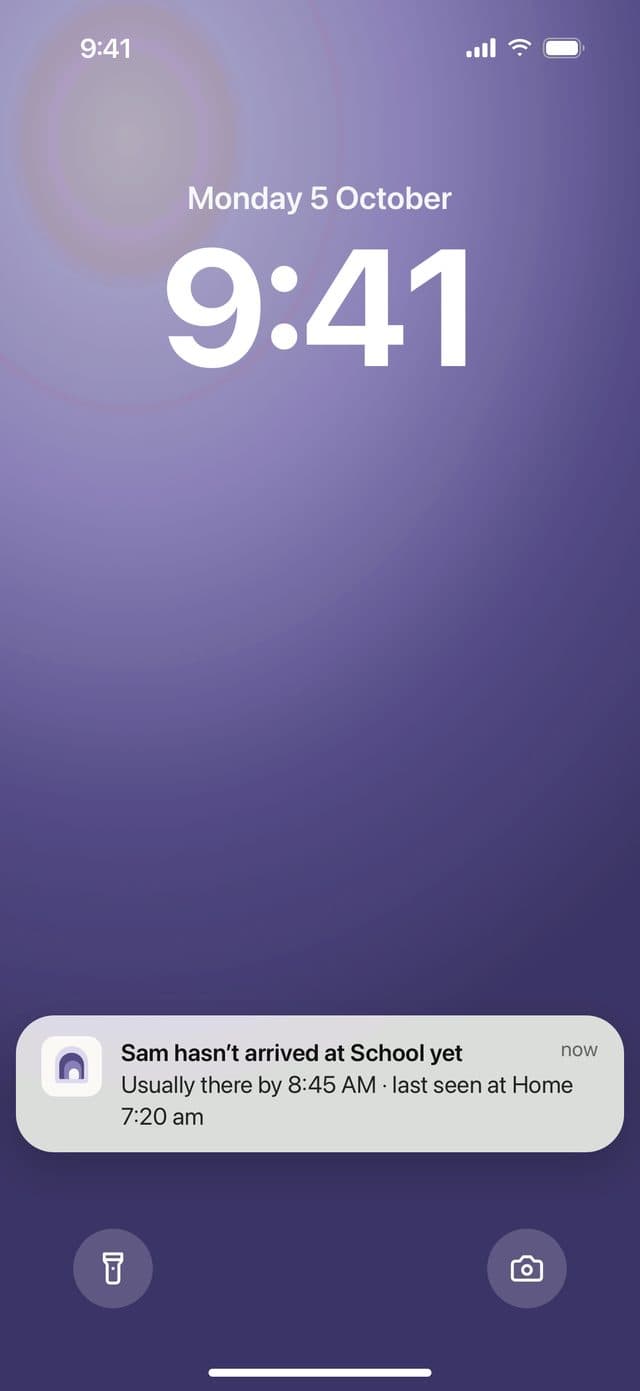
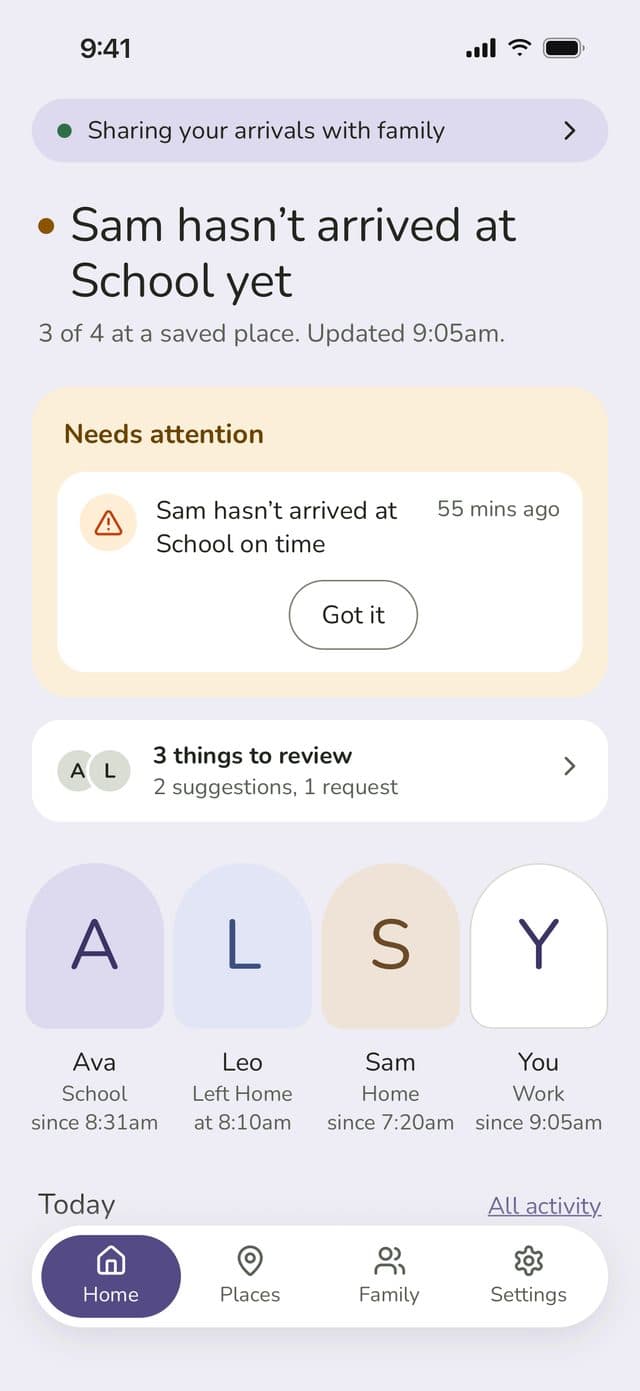
You’ll get a notification when someone gets to a saved place or heads off again. It keeps working in the background, even when the app is closed.
We double-check departures before telling you, so a wobbly GPS signal doesn’t send you a false “left school” alert.


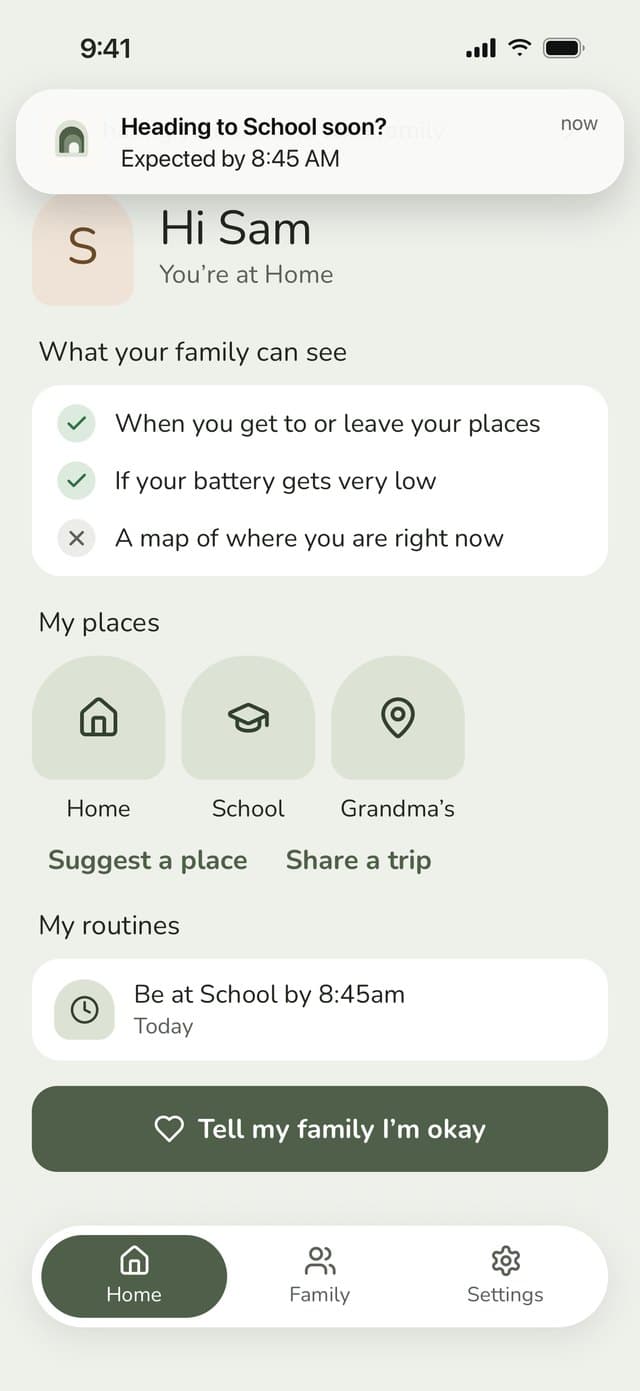
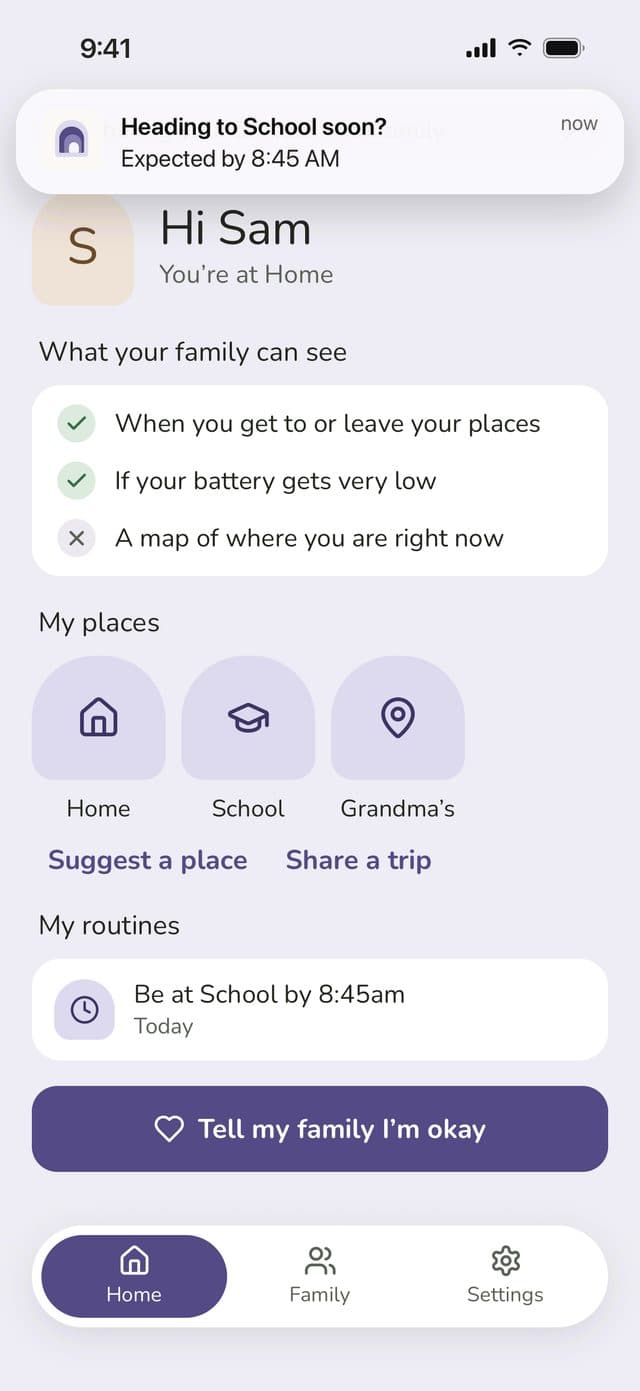
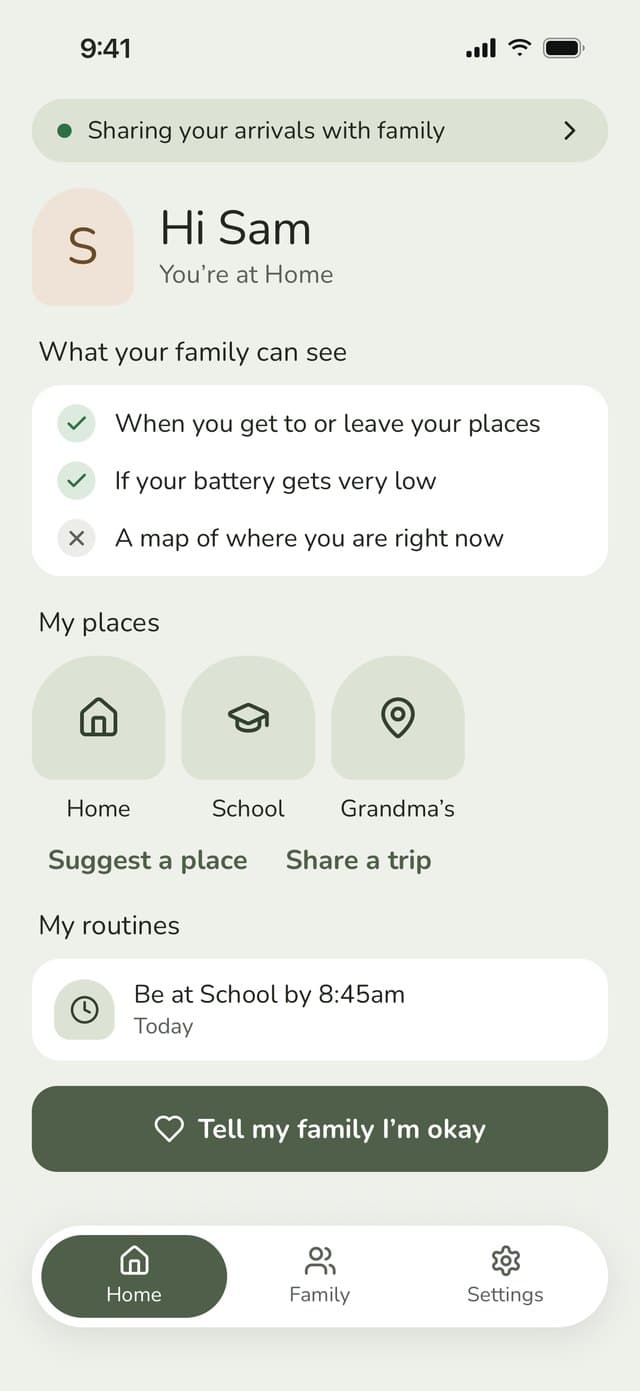
A routine is a time you expect someone to be somewhere. There are two kinds: “arrive by” and “don’t leave before”. Pick the person, the place and the days.
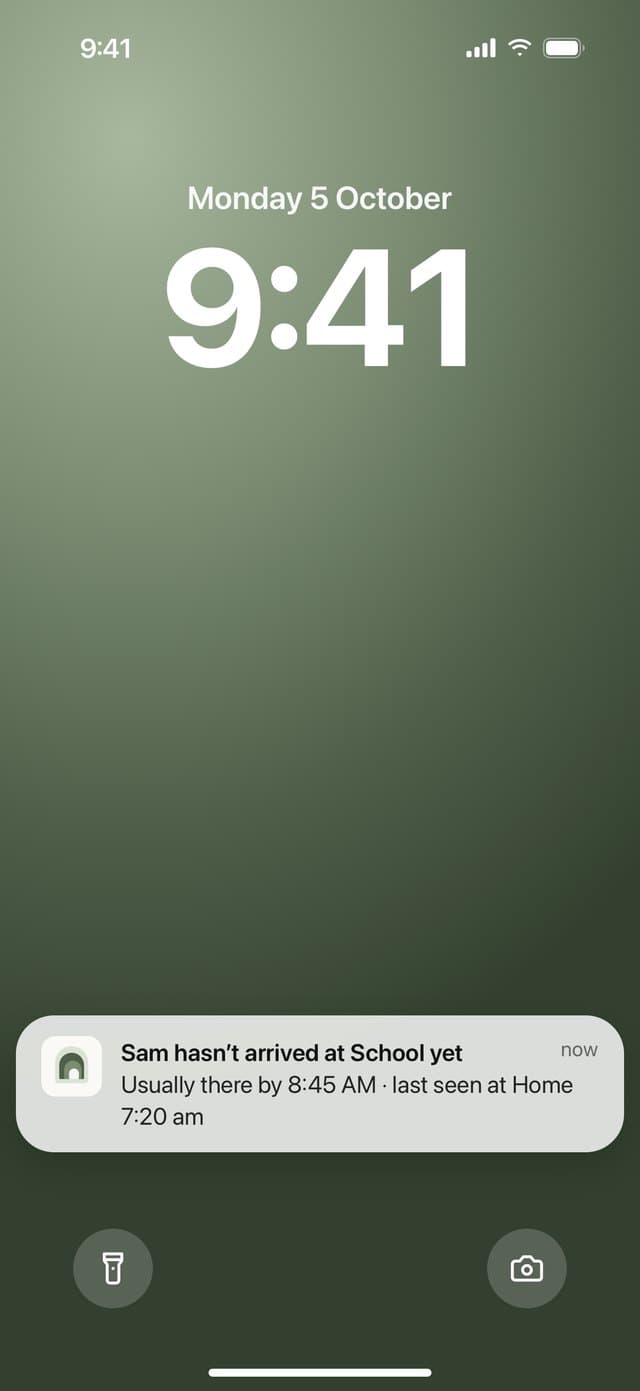
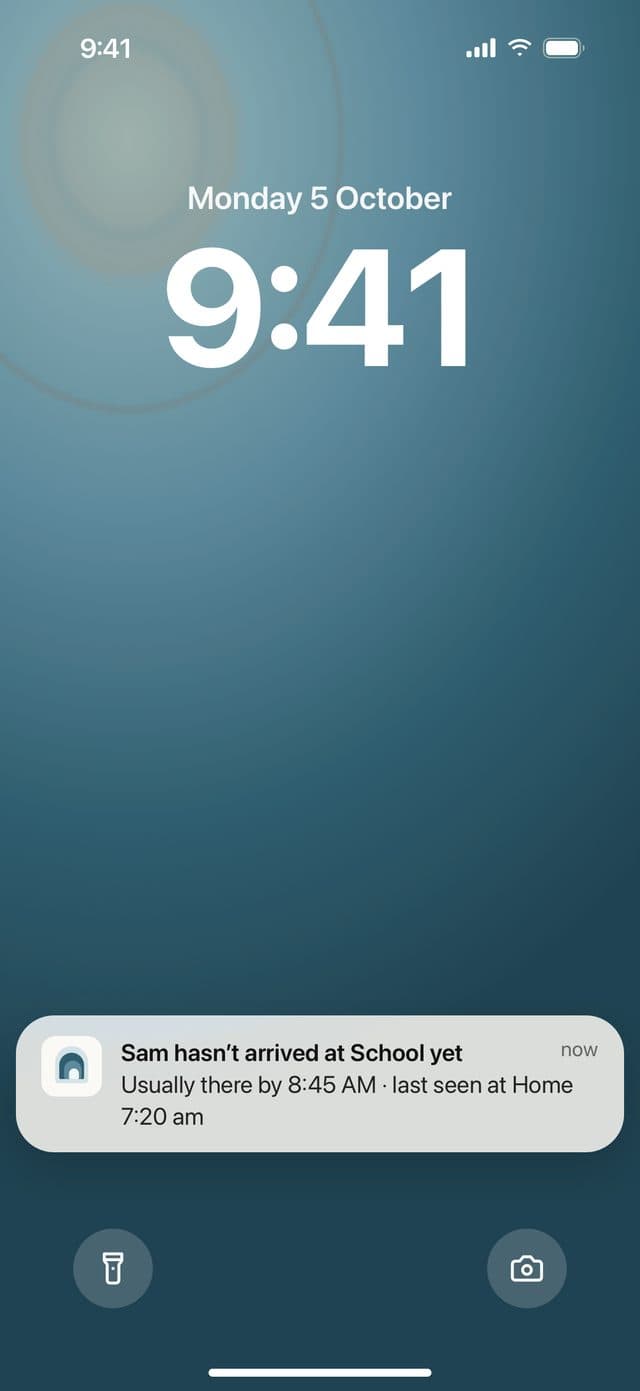
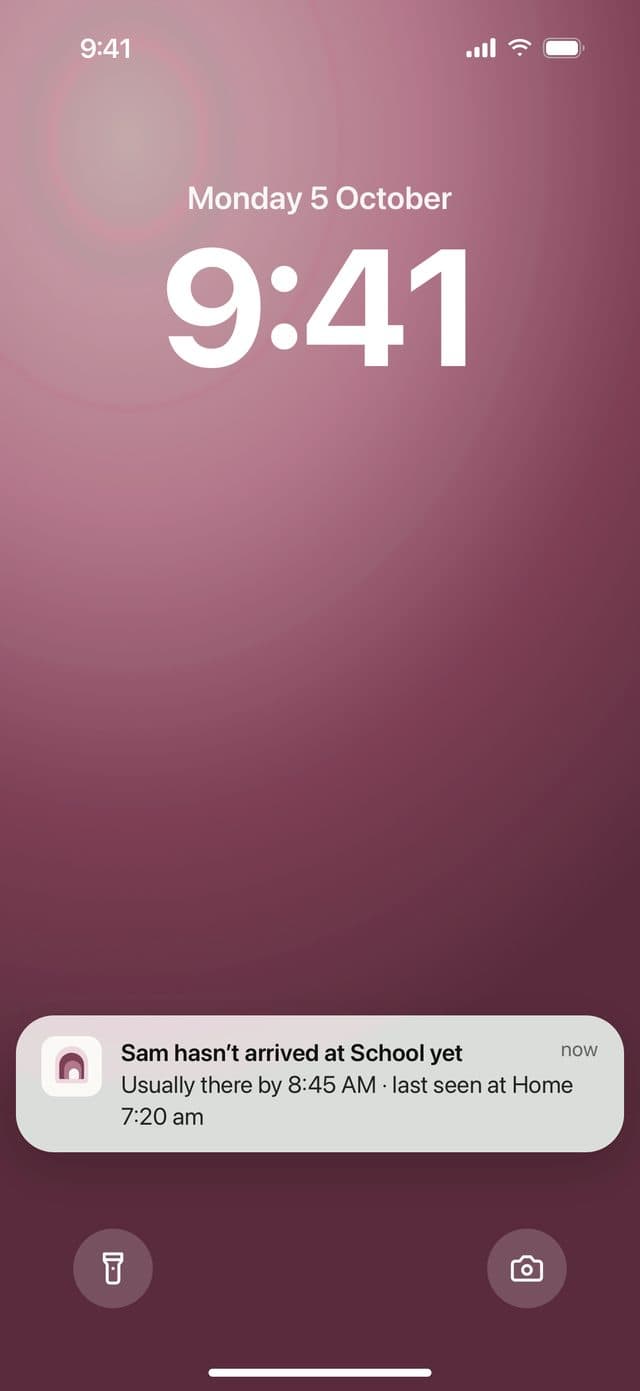
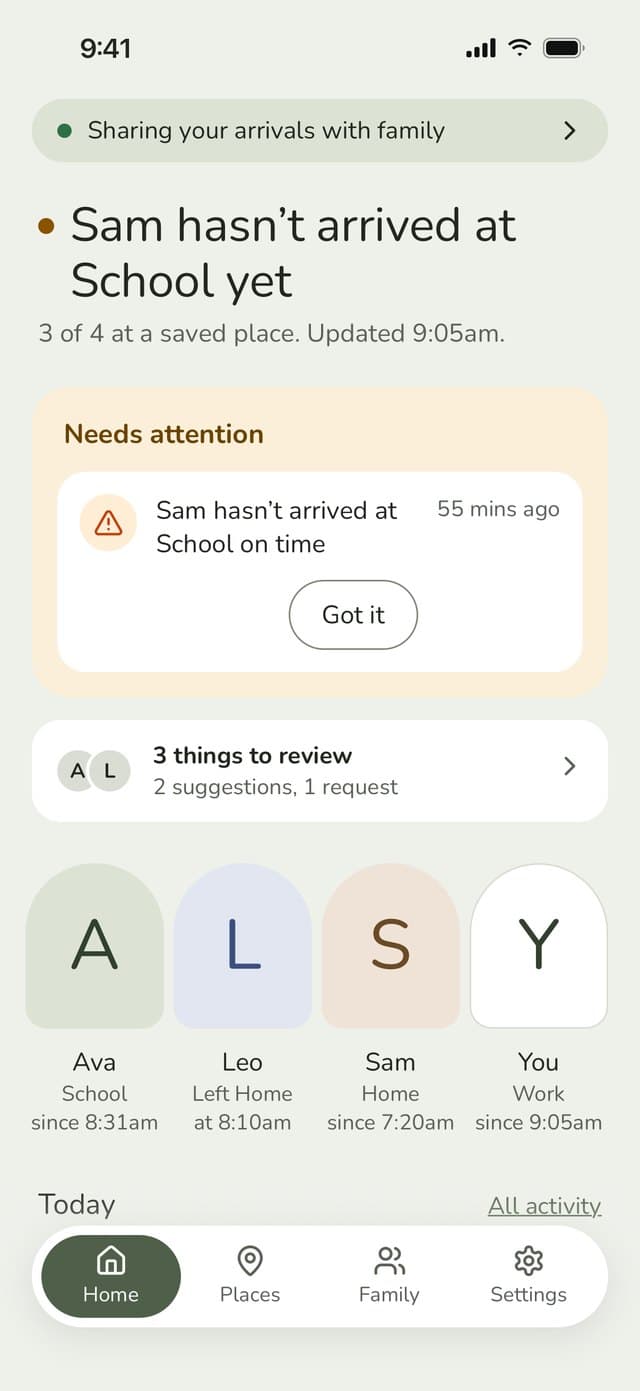
If they’re on time, you won’t hear a thing. If not, they get a gentle nudge to check in, and you get an alert with where they were last seen.
The free plan includes 1 routine. Family Haven Plus has no limit.


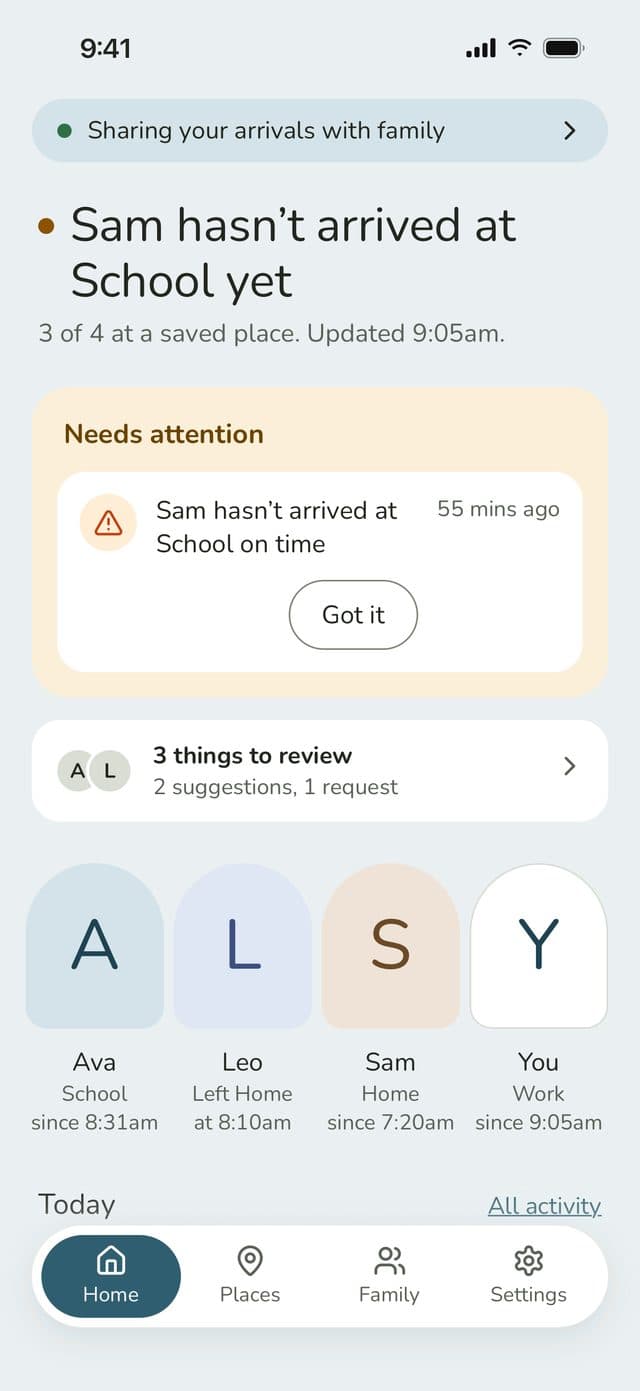
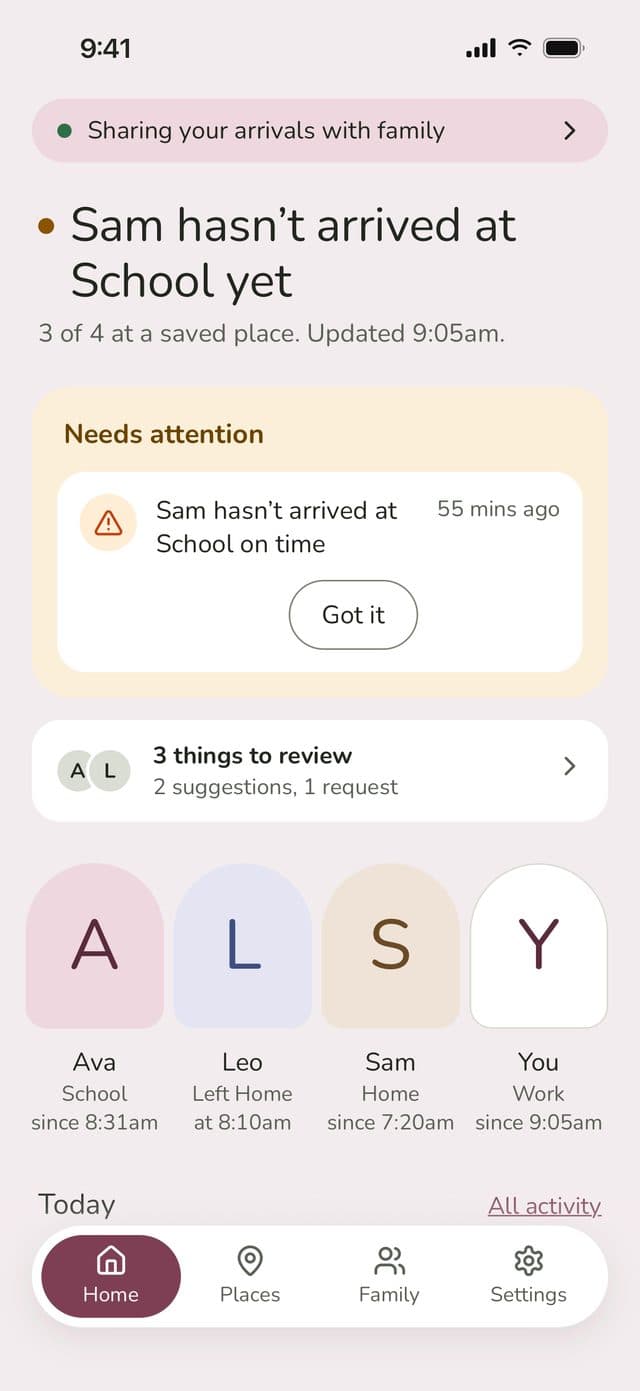
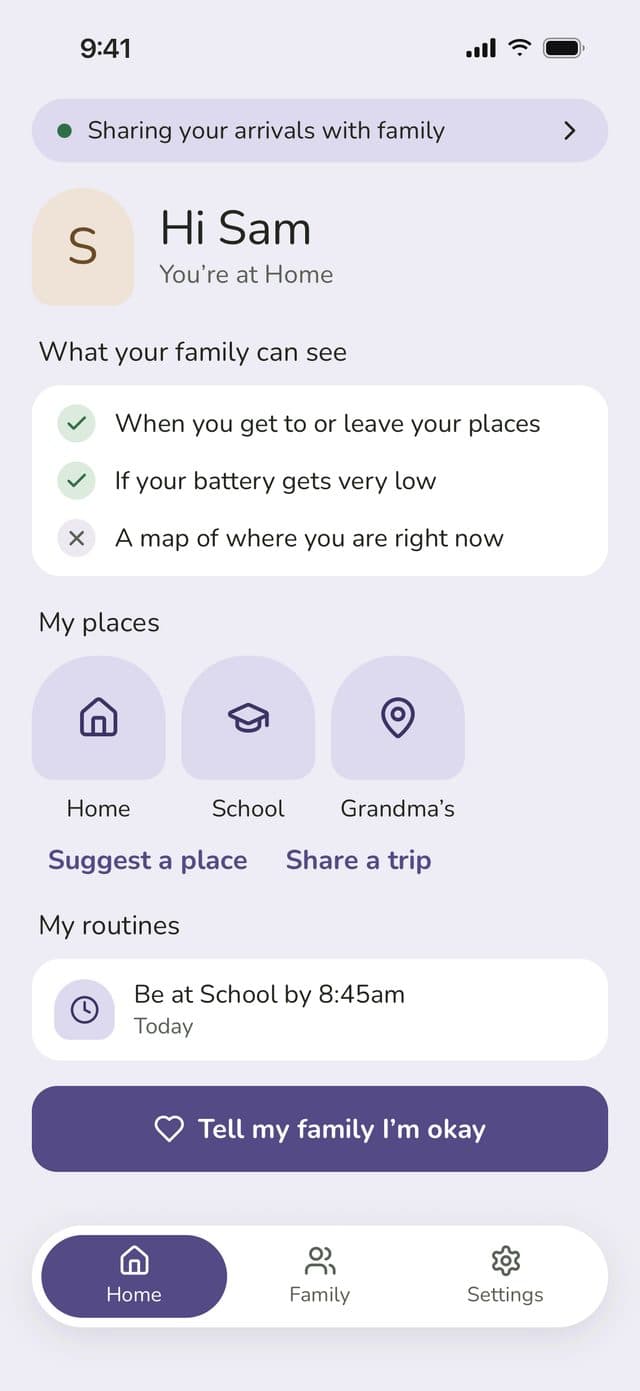
Open the app and anything important is right at the top. Below that, you can see what’s happened today and what’s still to come.


Anyone in the family can tap “I’m okay” to let everyone know they’re fine. It’s a quick reassurance, nothing more.


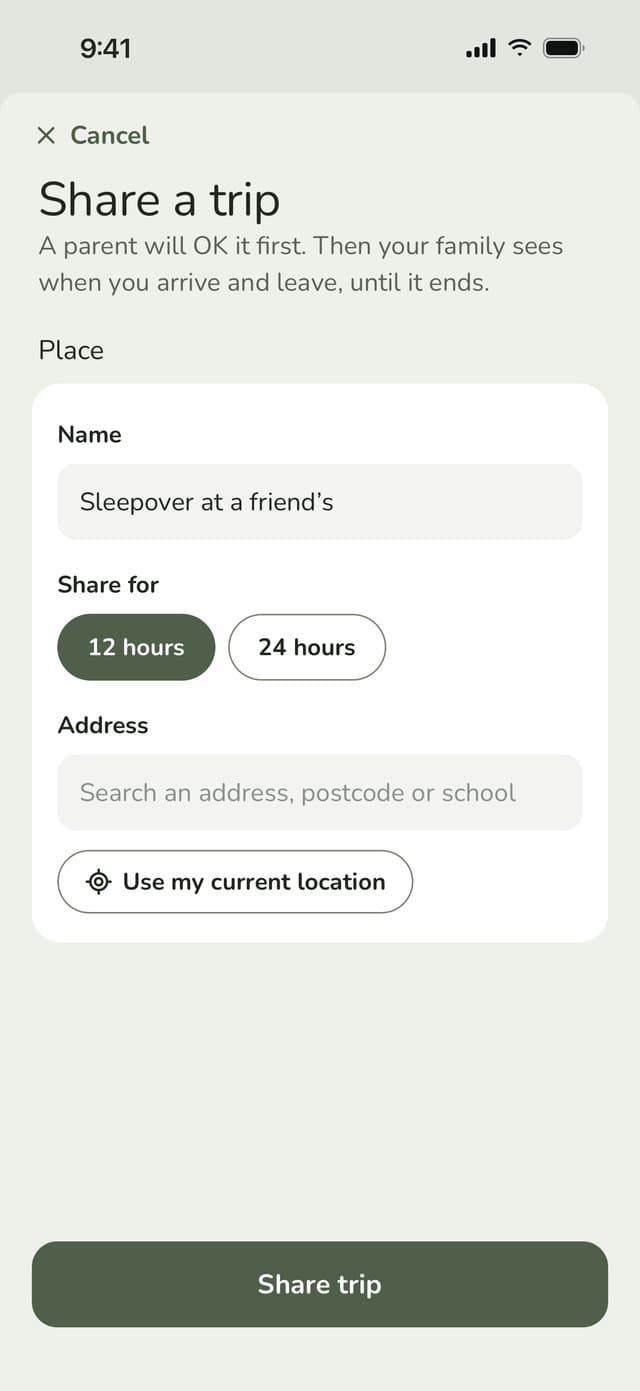
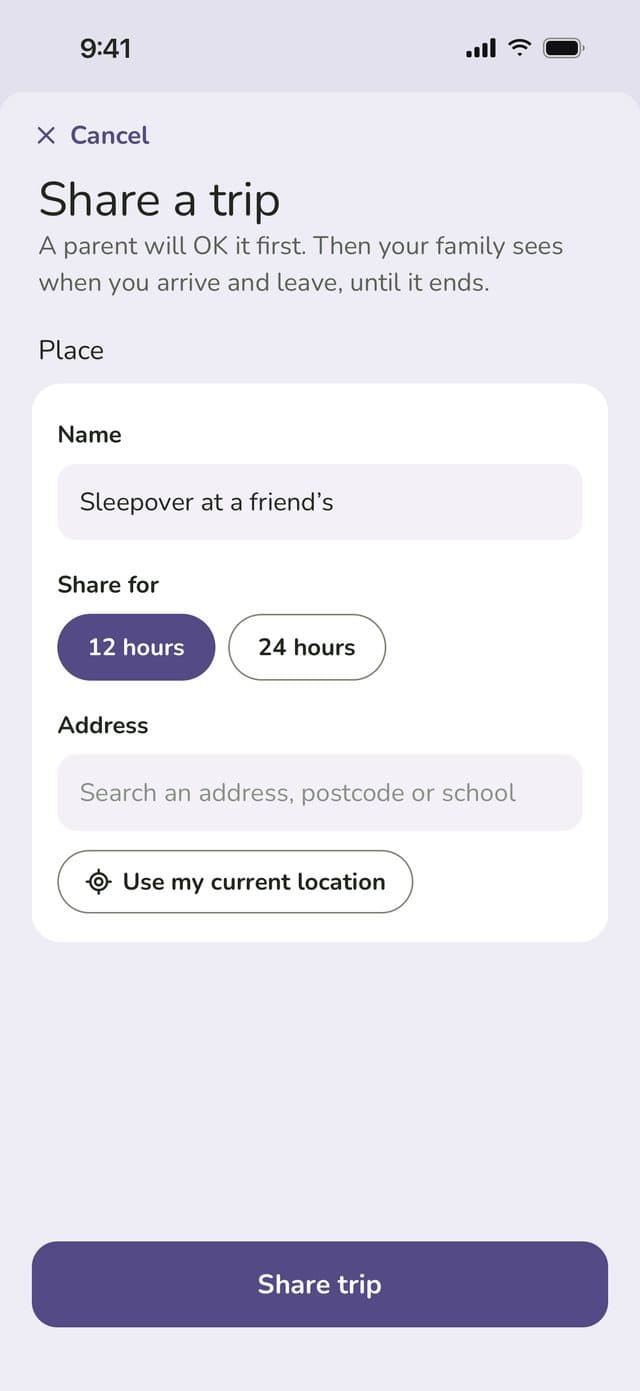
Off to a friend’s house or a gig? Kids and teens can share a one-off place for 12 or 24 hours. It tidies itself away when the time’s up.


Who does what
Children’s places, routines and permissions, approving requests, inviting people and running the family.
Keeping it running
Setting up your family takes a few minutes.