In this guide
If you're 13 to 17, sharing only starts once you've agreed to it. You can change your mind at any time, and your family will see that you have. Everything here is in Settings, under Your sharing.
Before you start
- You're signed in on your own phone. If not, see Set up your child's phone with your parent.
Step 1:Check your sharing
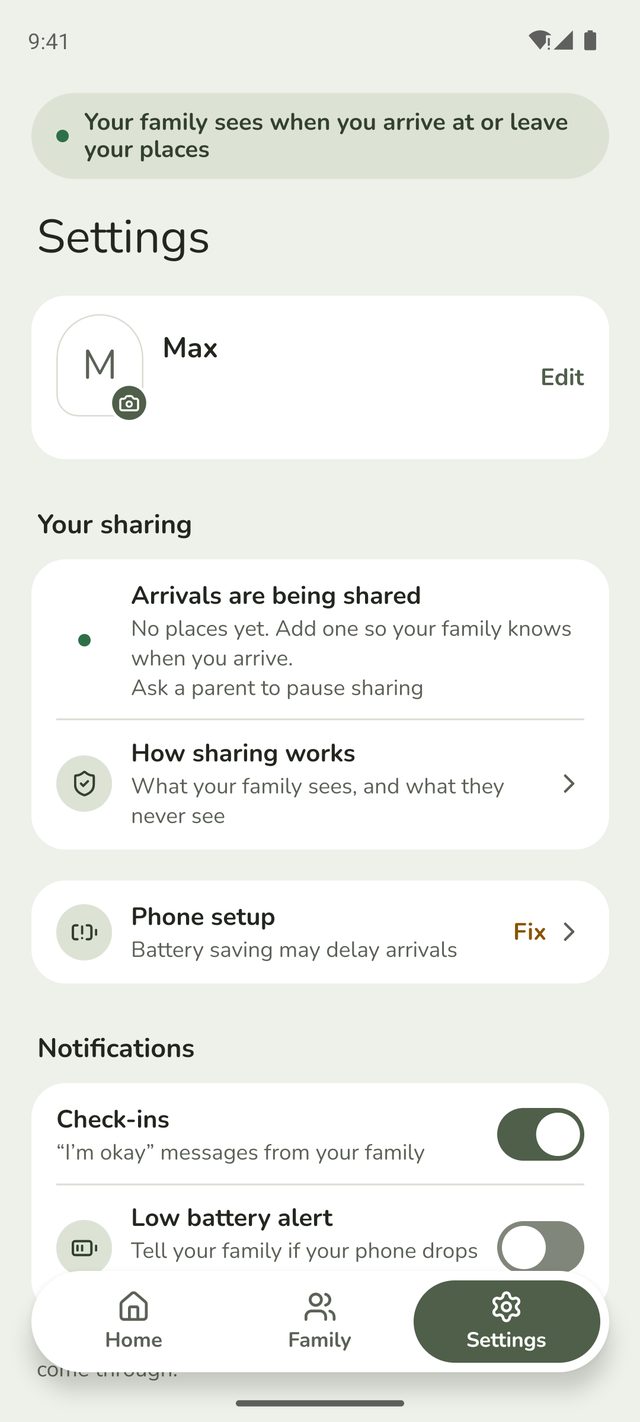
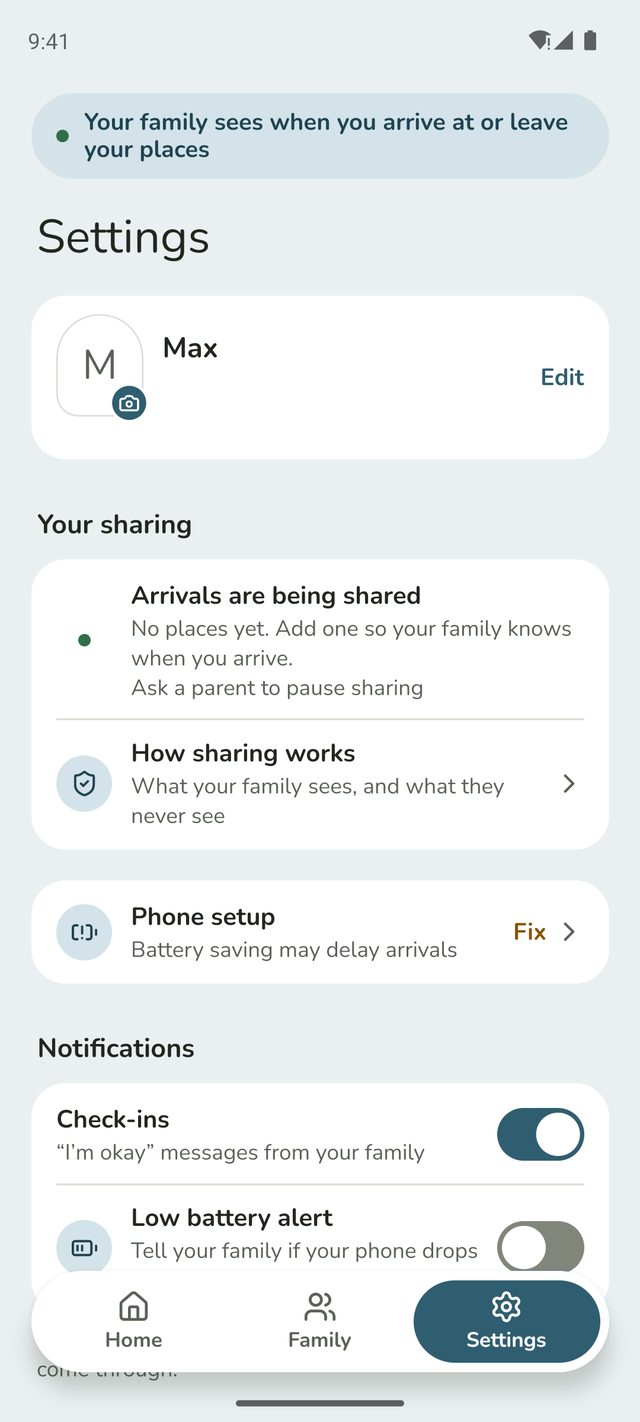
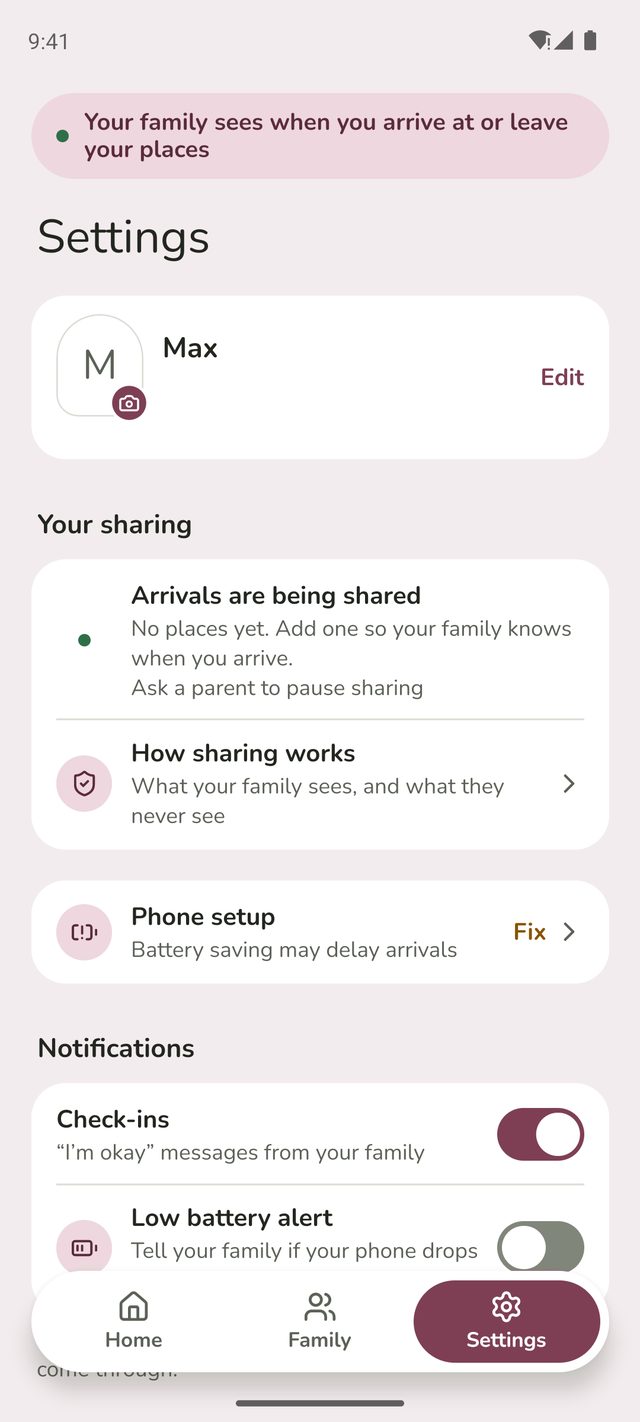
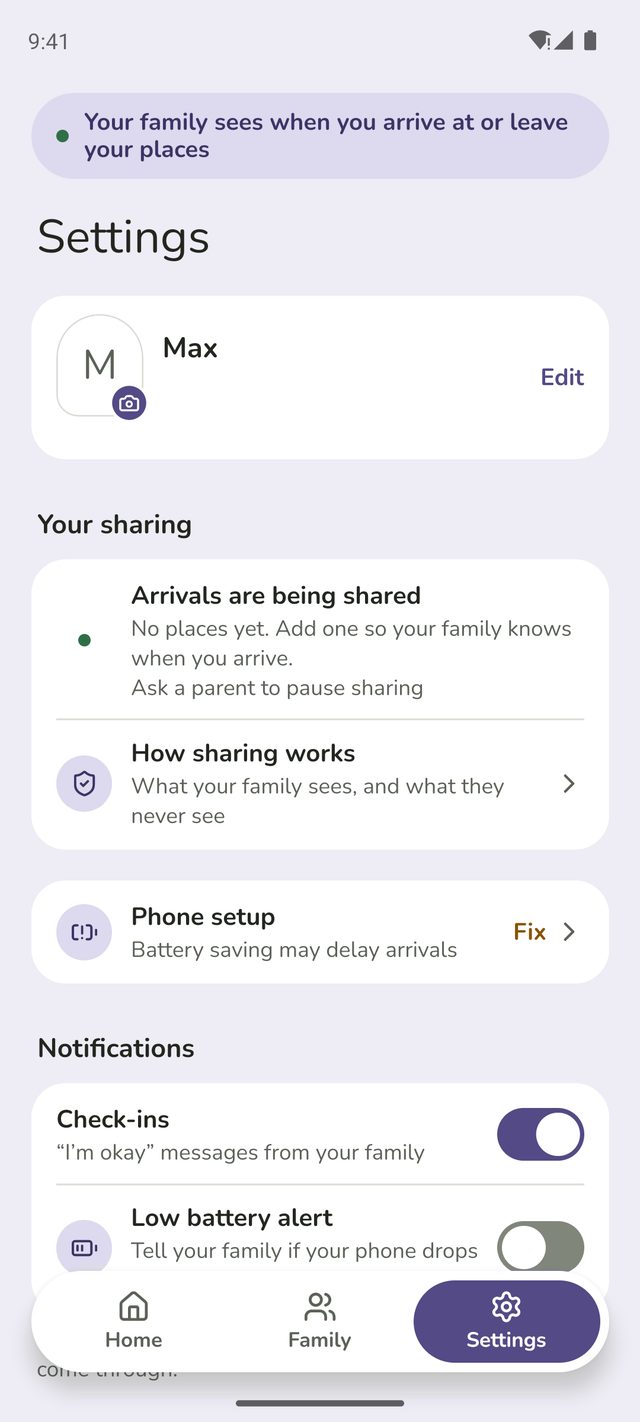
Tap Settings. At the top, Your sharing says whether arrivals are being shared, how many places your family is watching, and the last one you got to or left.
Step 2:See exactly what's shared
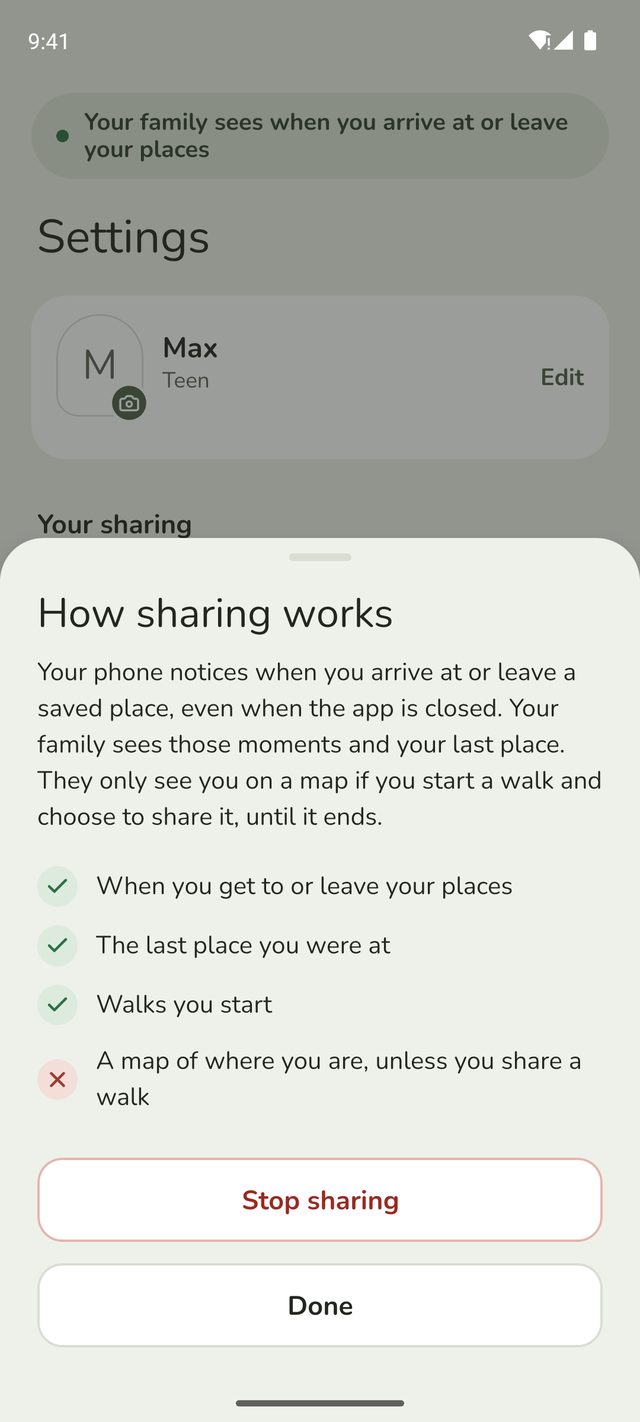
Tap Arrivals are being shared or How sharing works. Your family sees when you get to or leave your places, the last place you were at, and walks you start. They never see a map of where you are, unless you start a walk and choose to share it, or ask for help on it.
Step 3:Stop sharing
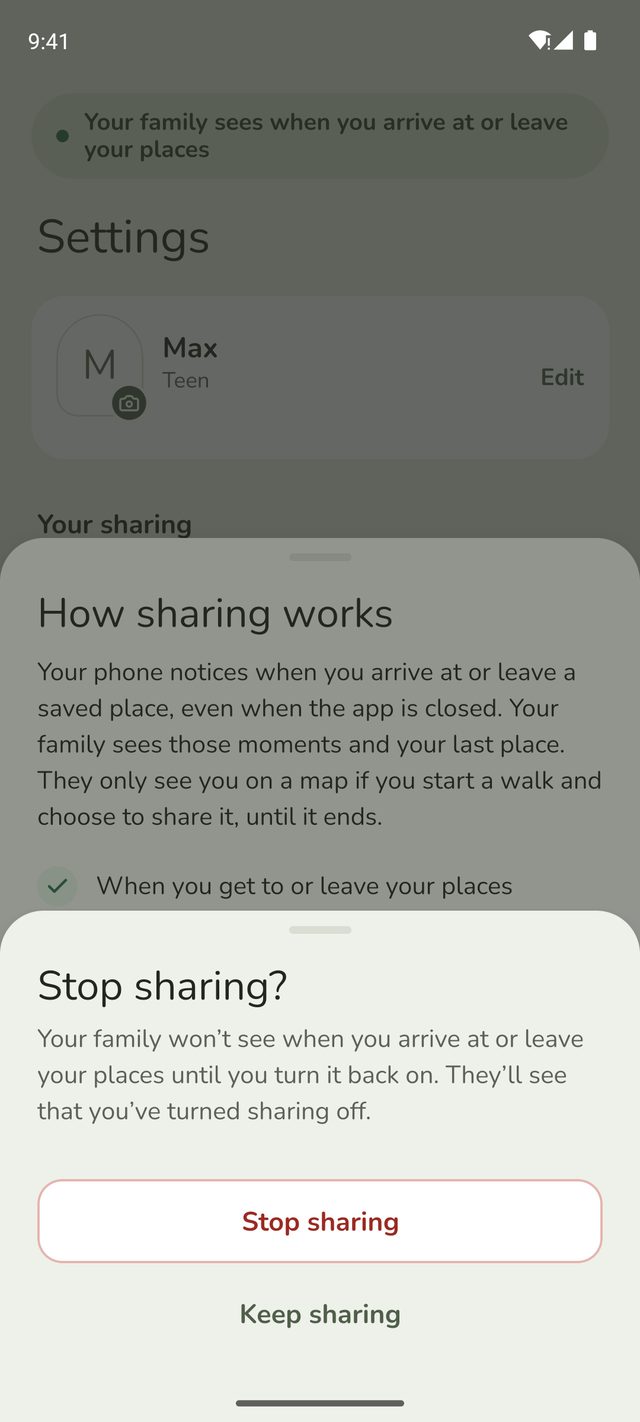
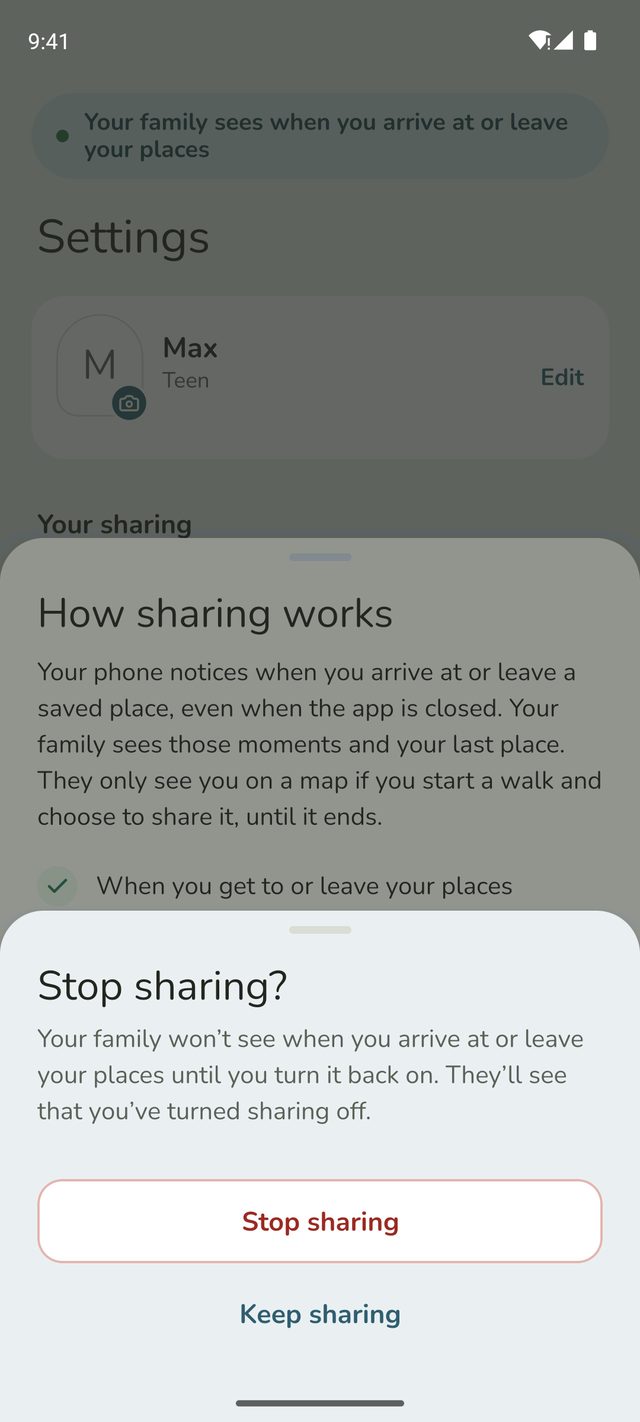
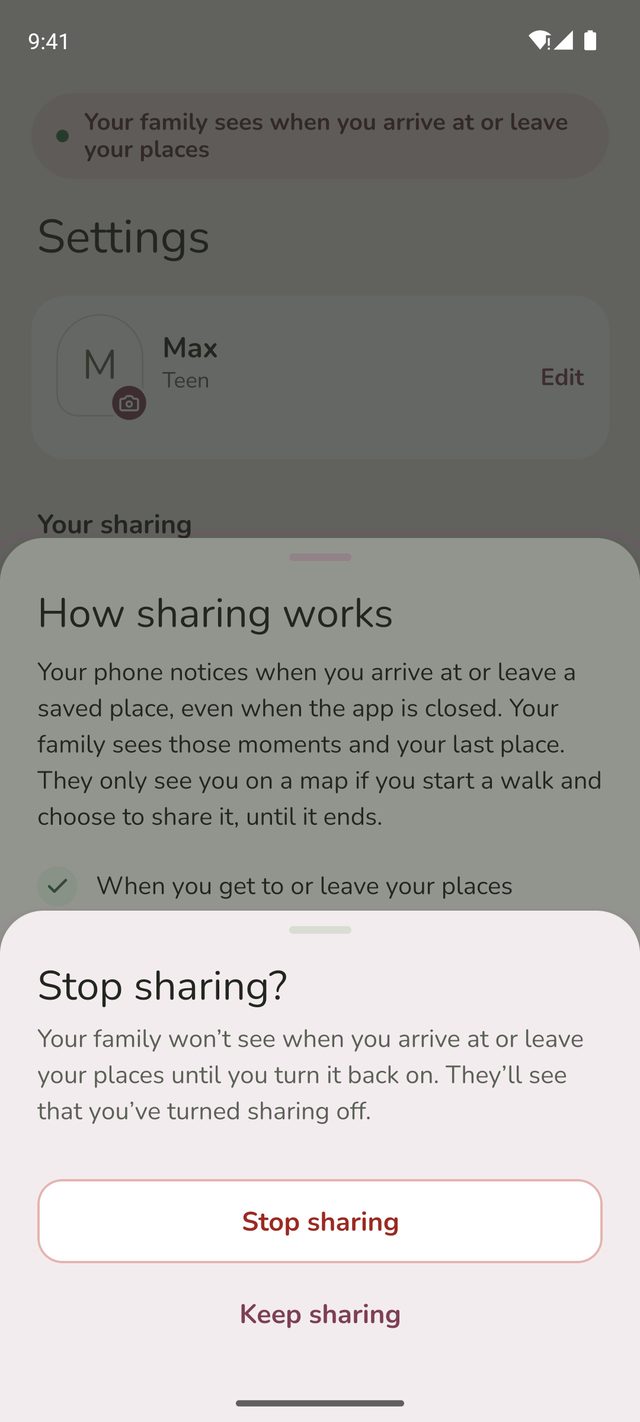
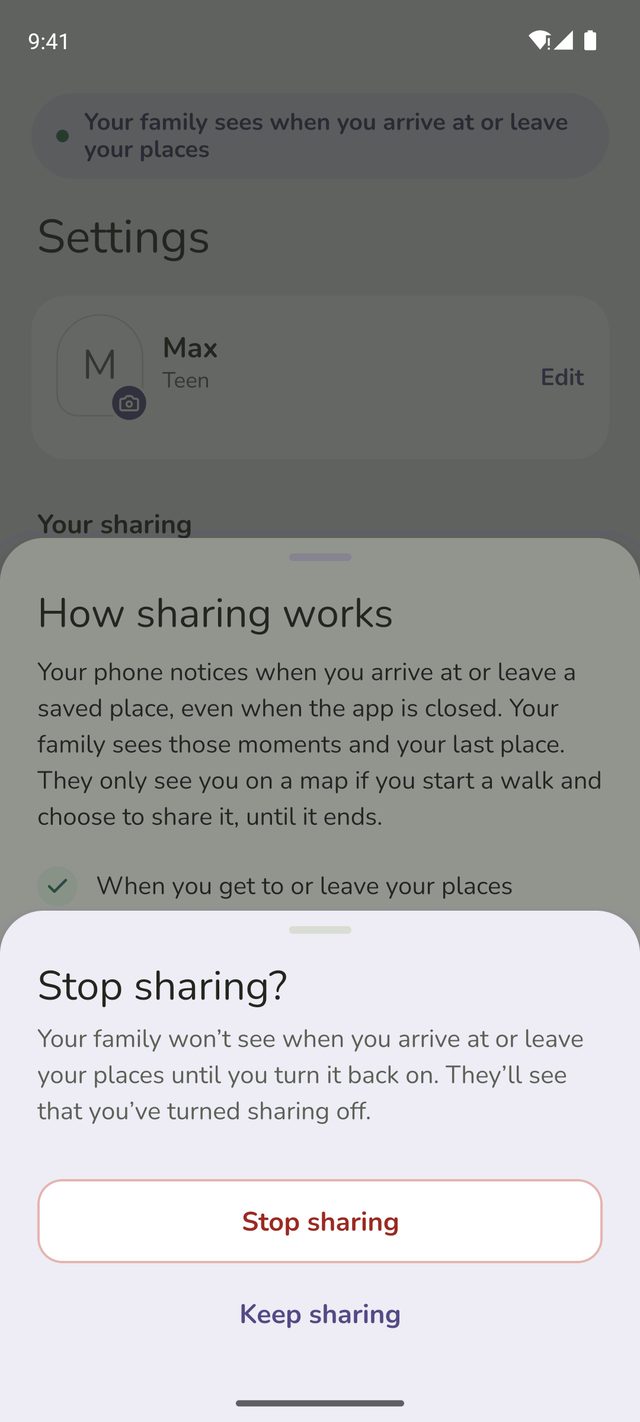
Tap Stop sharing. Family Haven checks first: your family won't see when you arrive at or leave your places until you turn it back on, and they'll see that you've turned sharing off. Tap Stop sharing again to confirm, or Keep sharing if you've changed your mind.
Step 4:Sharing is off
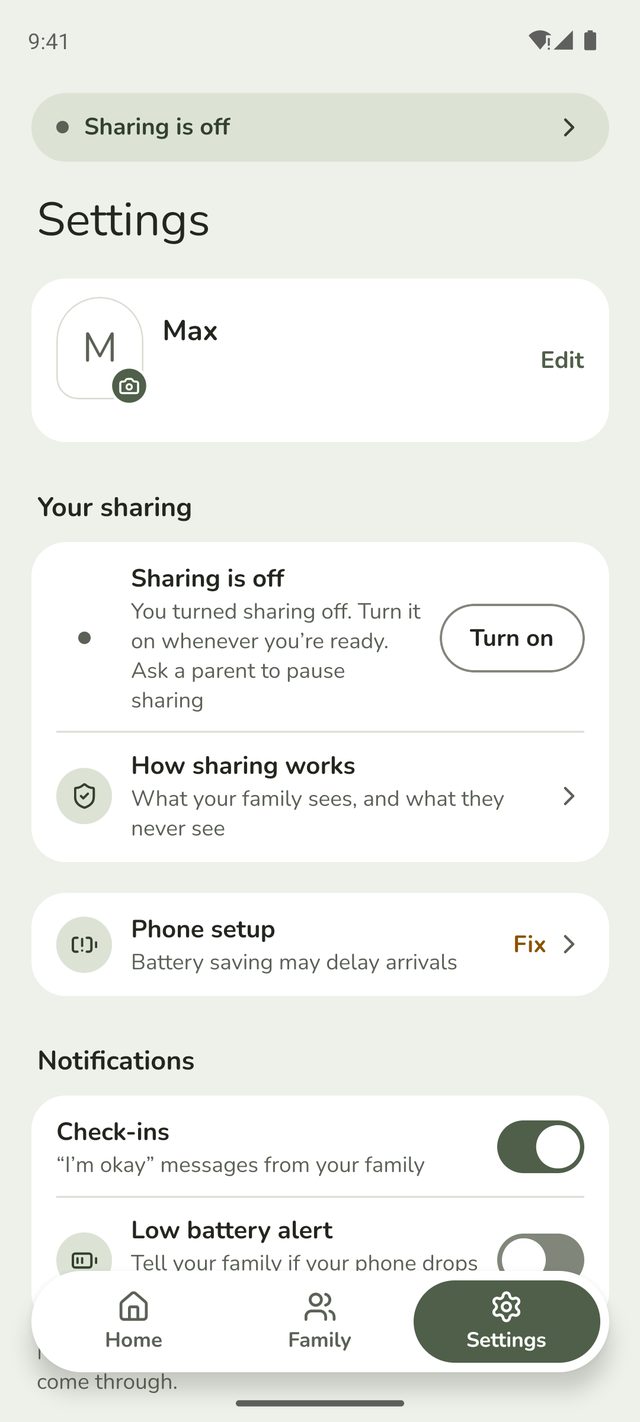
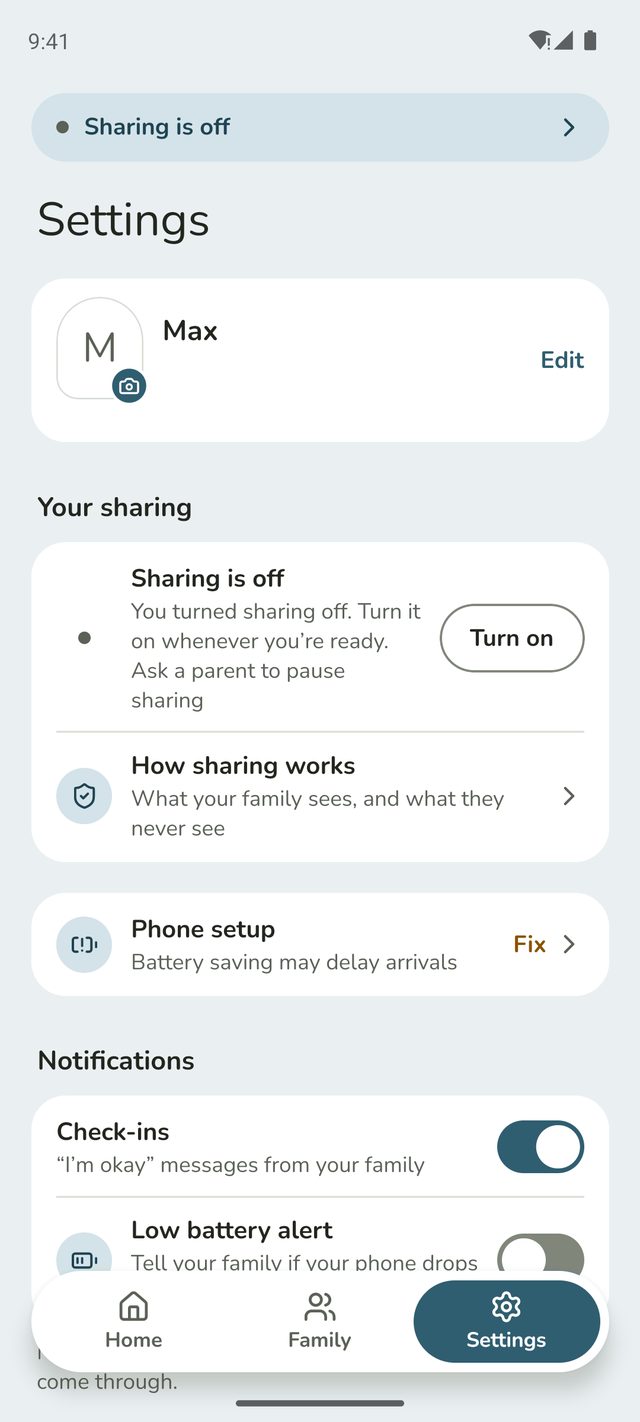
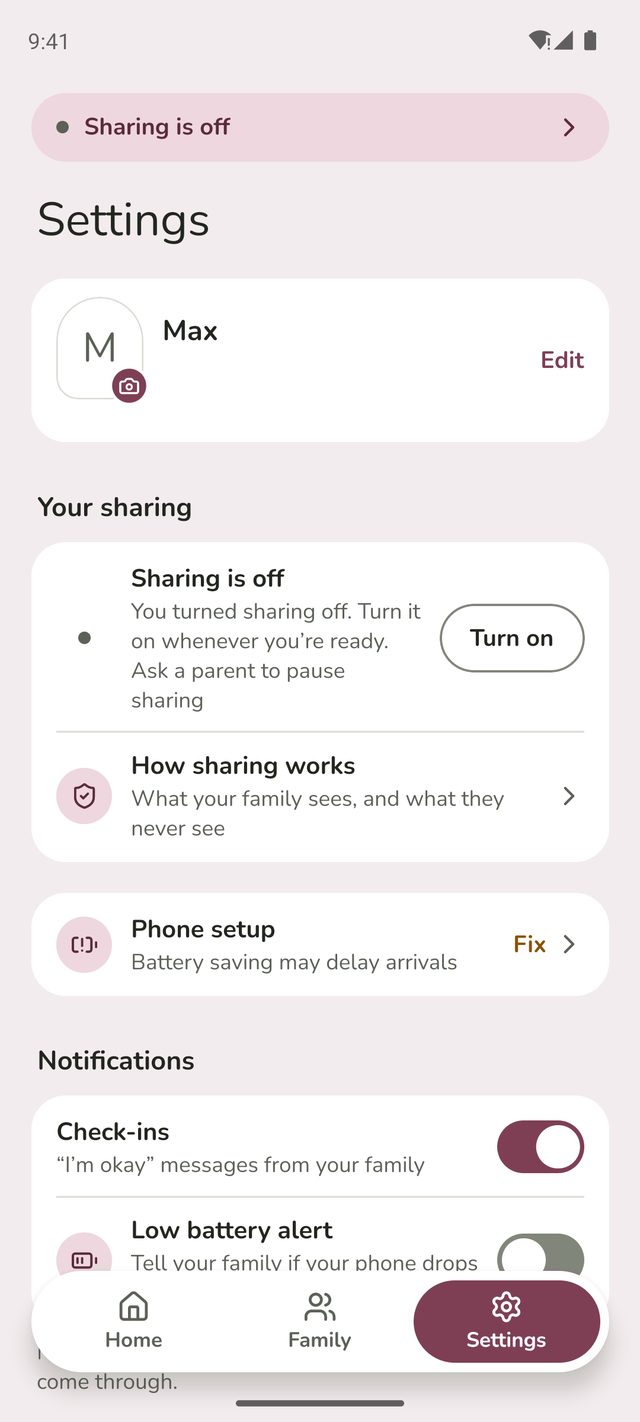
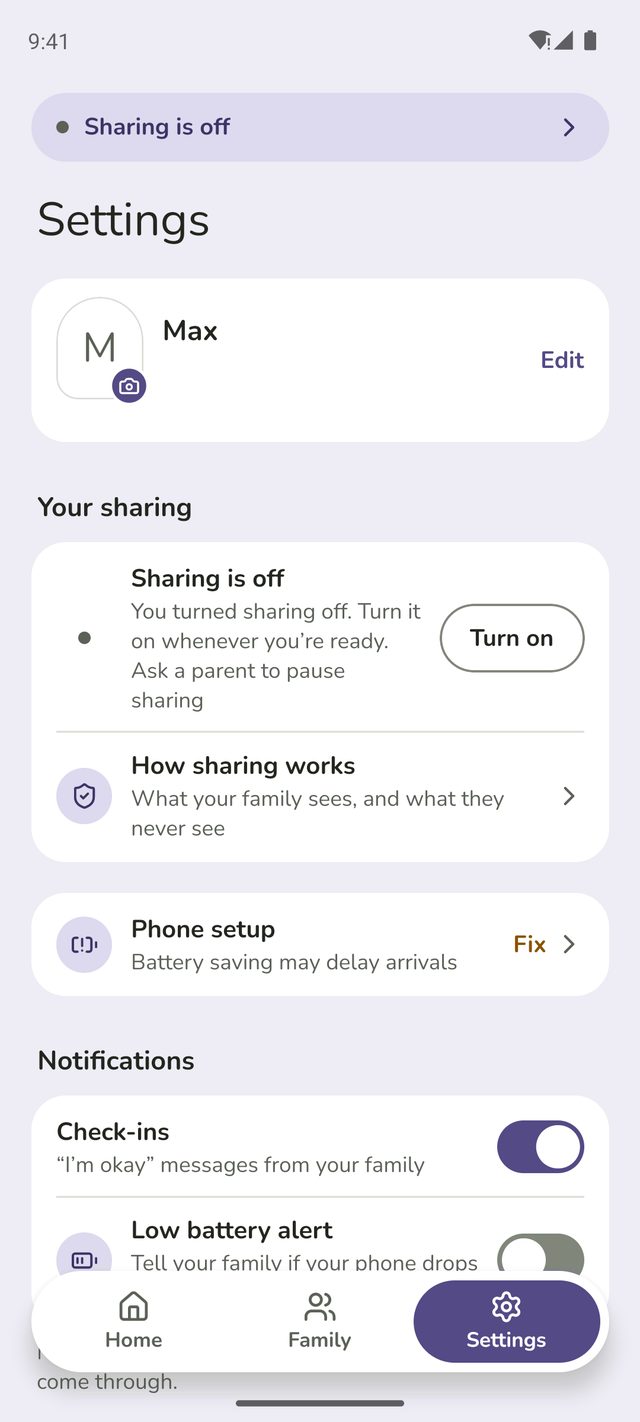
You'll see Sharing is off. Your sharing now says you turned it off, with a Turn on button, and your Home screen says the same.
Step 5:Turn it back on
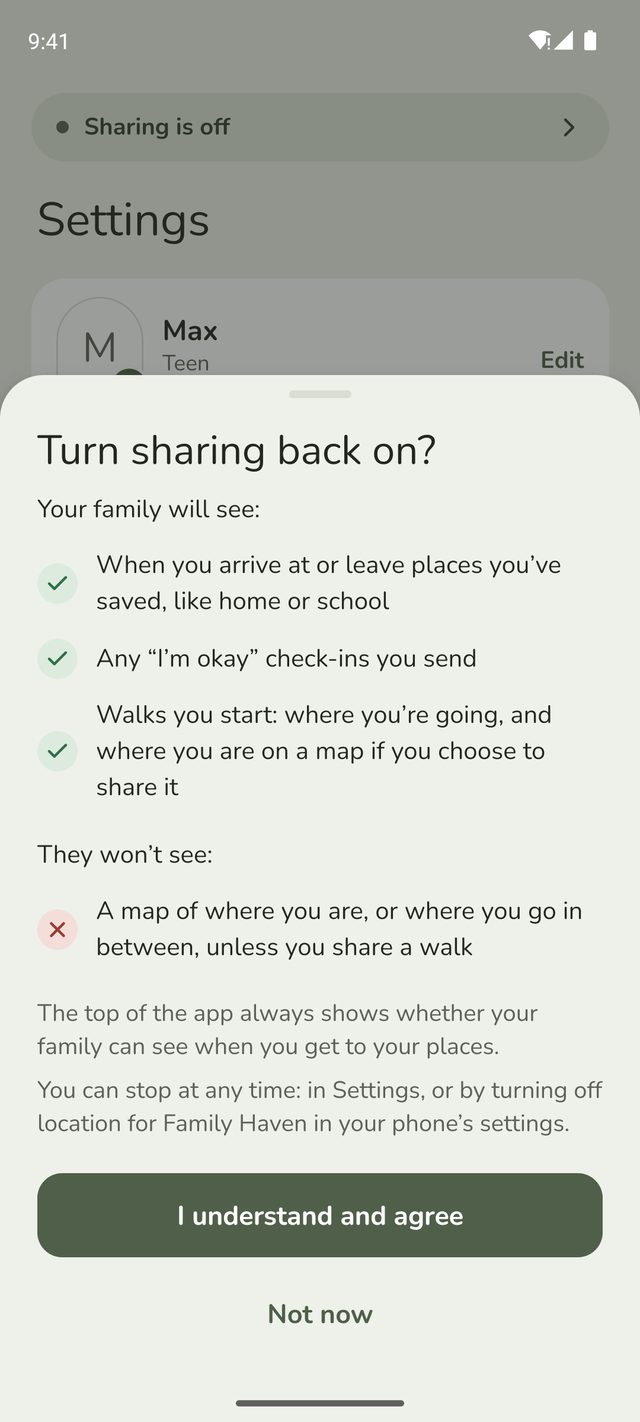
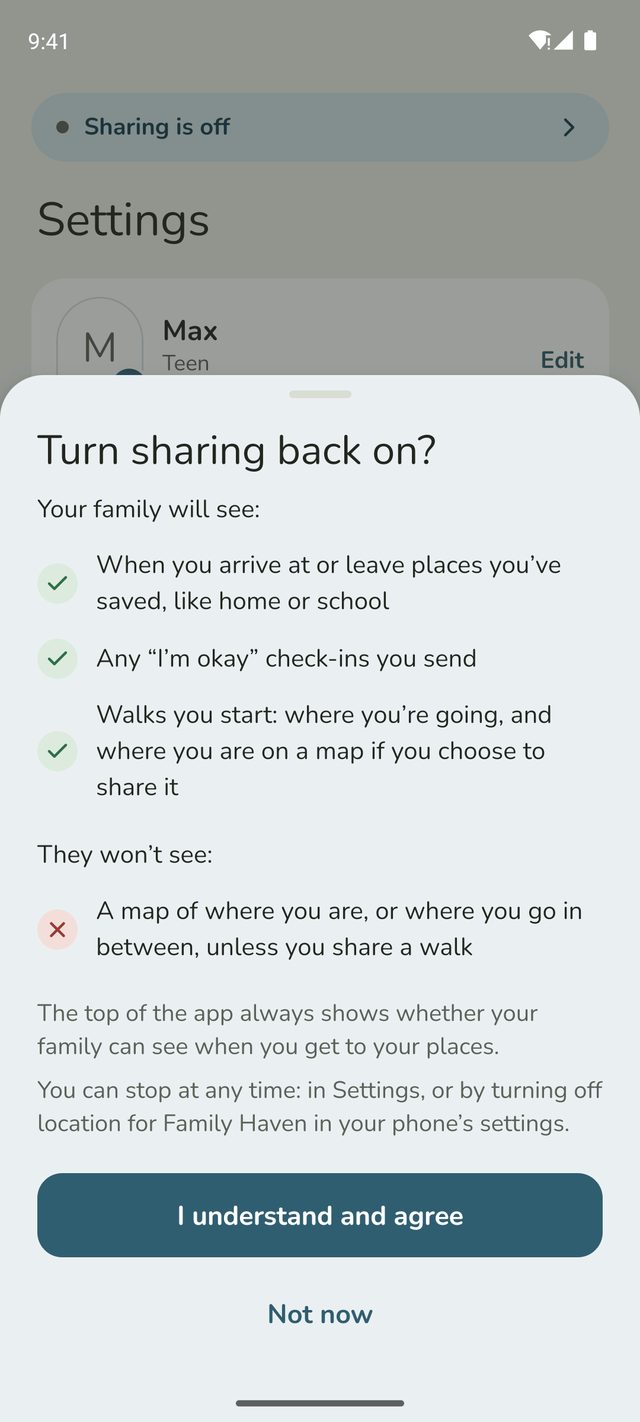
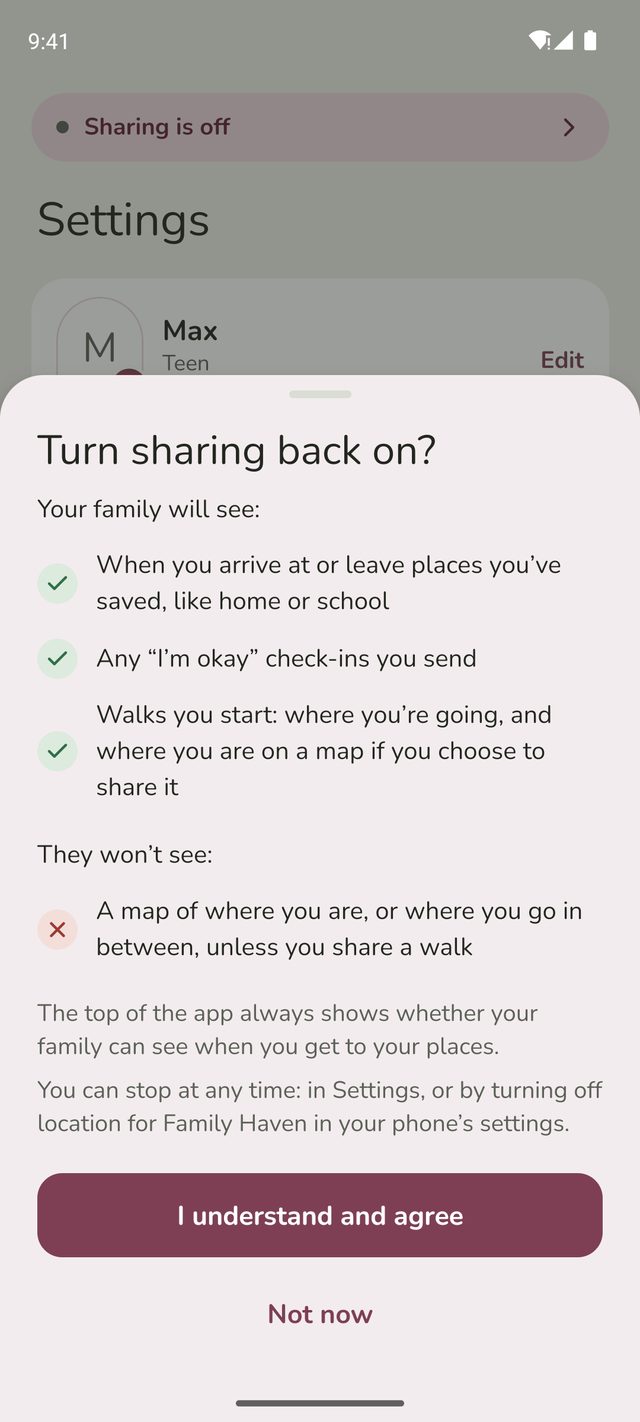
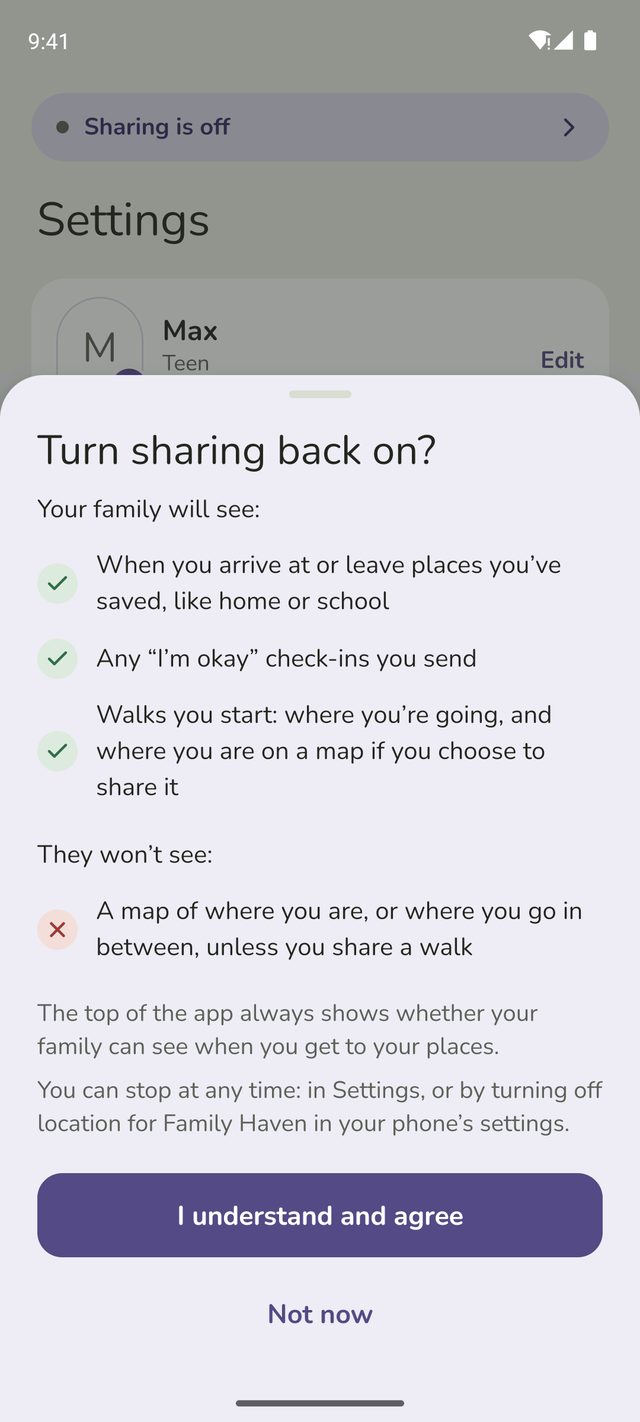
Whenever you're ready, tap Turn on. Turn sharing back on? shows what your family will and won't see. Tap I understand and agree, and your family hears about your arrivals again from then on.
Good to know
- Just turned 13? Family Haven asks you to agree before your arrivals are shared again, and your parent is told.
- Stopping isn't the same as pausing. If your parent lets you pause, a pause ends by itself. Stopping lasts until you turn sharing back on.
- Talk to your family first if you can. They'll see that you stopped sharing, and they may worry.
- Your parent can't turn it back on for you. Only you can agree to share.
- You can delete your account. In Settings, tap Account and privacy, then Leave or delete, then Delete my account. It's turned off straight away and deleted 24 hours later, with your location history. Your parents are told. To leave the family instead, ask a parent.
Still stuck?
Send us a message and a person will reply by email.