In this guide
A trip is a place your family hears about for a while, like a sleepover, a tournament or a few days at your grandparents'. You choose how long you're away, from 12 hours to a week, and it ends by itself, so it doesn't stay in your places.
Before you start
- Your parent needs to have turned on Manage places for you. If you can't see Share a trip, ask them, or use Ask for changes in your Settings.
- Know where you're going. An address, postcode or the name of the place is enough.
Step 1:Tap Share a trip
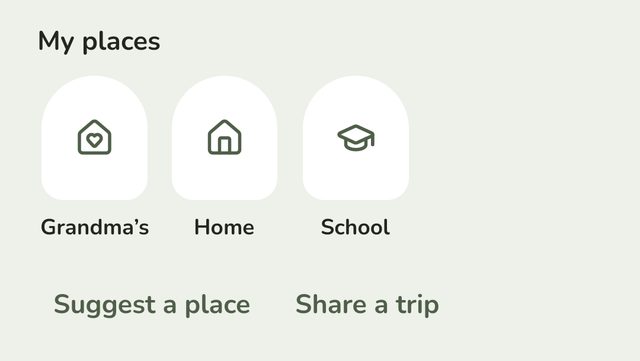
On your Home screen, under My places, tap Share a trip.
Step 2:Name it and choose how long you're away
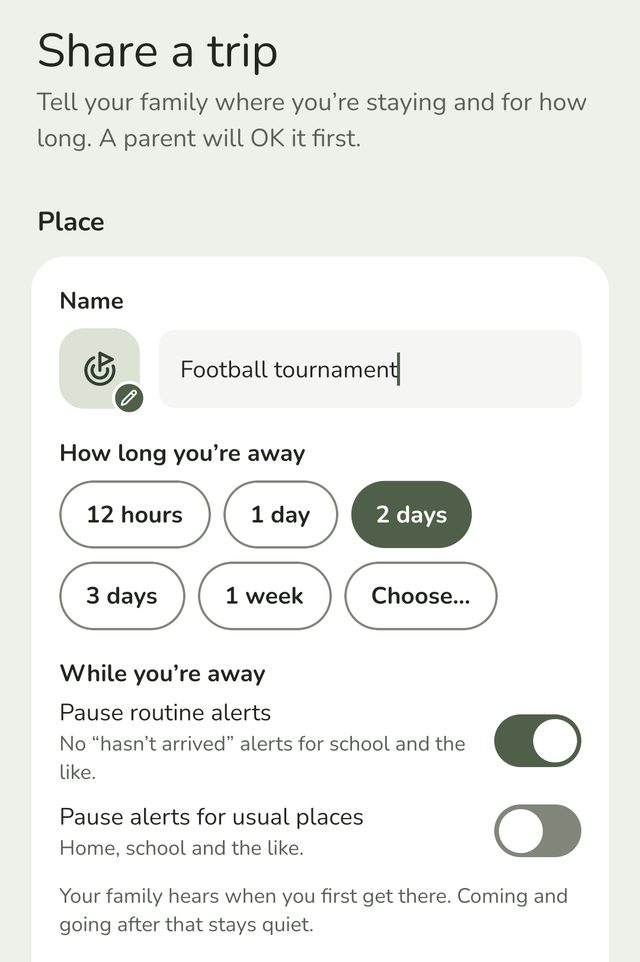
Type a name your family will recognise, like Grans or Football tournament. Then under How long you're away, choose 12 hours, 1 day, 2 days, 3 days or 1 week. It starts on 1 day.
To pick an exact end, tap Choose… and set a date and time, up to a week ahead. The end shows underneath, like Until tomorrow 7pm, with Change if you want to move it.
Step 3:Find where it is
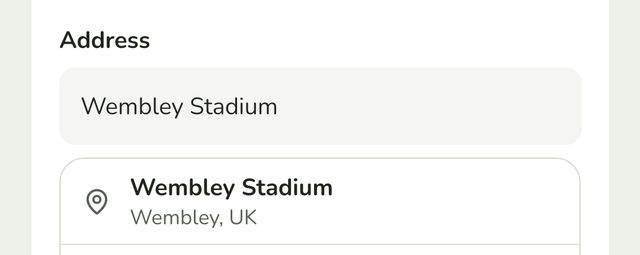
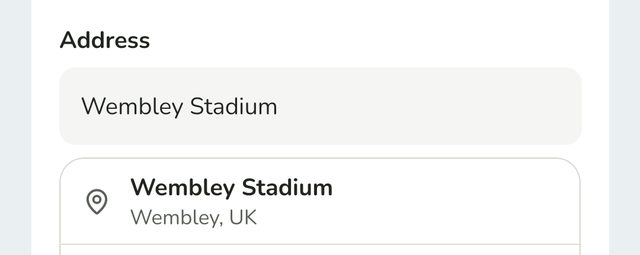
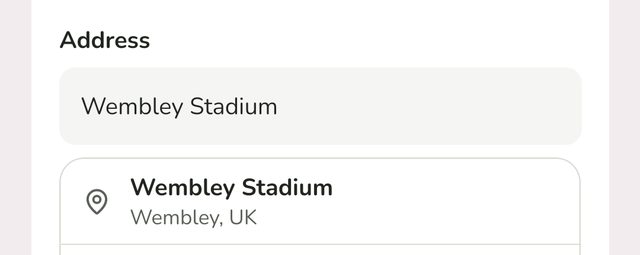
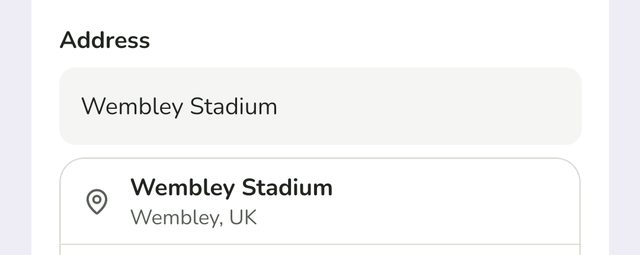
Type the address, postcode or name of the place in Address, then tap the right result. You can also tap Use my current location if you're already there.
Step 4:Choose what to pause while you're away
Under While you're away:
- Pause routine alerts is on to start with. Your family won't get "hasn't arrived" alerts for school and the like while you're away.
- Pause alerts for usual places is off to start with. Turn it on to stop alerts for home, school and the like too.
Your family hears when you first get to the trip's place. Coming and going after that stays quiet, so popping out and back to a hotel doesn't send an alert each time.
Step 5:Send it to your parent
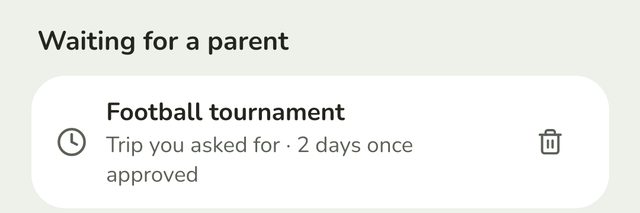
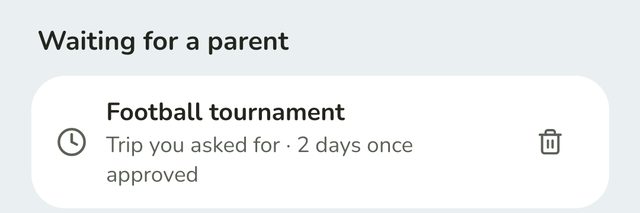
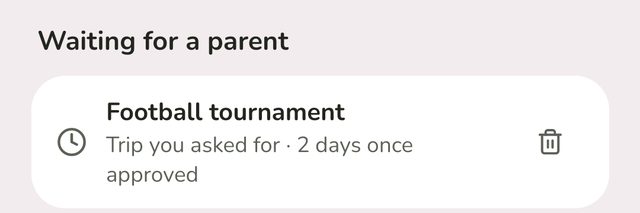
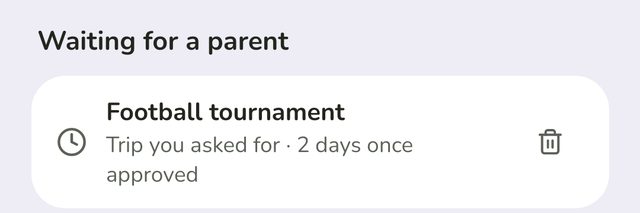
Scroll down and tap Share trip. A parent says OK first. Until they do, it shows under Waiting for a parent on your Home screen, like Trip you asked for · 2 days once approved.
If you chose a length, the trip's time starts when they say OK, not when you sent it. If you chose an exact end time, it ends then.
While you're away
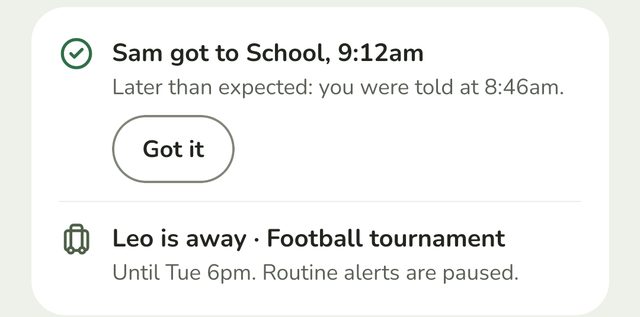
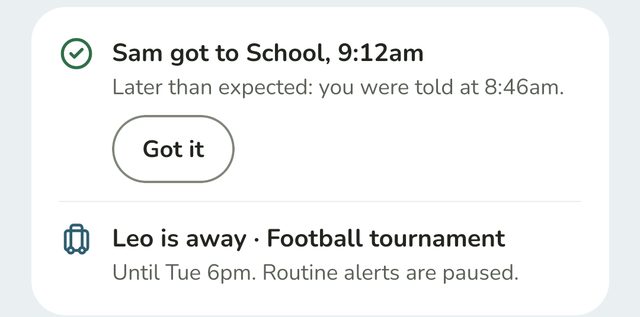
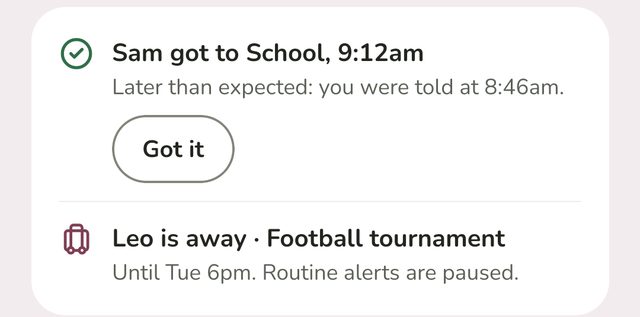
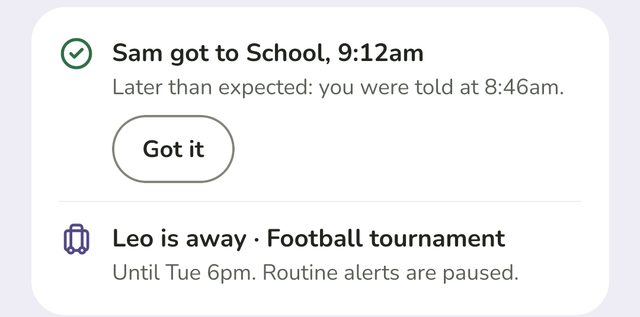
Your Home screen shows You're away, with where and until when, like Until tomorrow 7pm. Routine alerts are paused. Your parents see the same on theirs, under Updates.
Good to know
- Changed your mind? Tap the bin next to the trip under Waiting for a parent, then confirm Cancel trip request?
- If a parent says no, you'll get a notification, and the trip shows a parent said no.
- Adults don't need anyone's OK. A grandparent or carer's trip starts straight away. Parents don't share trips.
- Trips are free, and don't count towards the free plan's places.
- Trips are deleted once they end.
- Your family never sees where you are in between. Only when you get there, just like your other places.
Still stuck?
Send us a message and a person will reply by email.