Privacy
Your privacy comes first
Family Haven shares when someone gets to a place you’ve saved. Here’s exactly what that means, and how you stay in charge of it.
Privacy
Family Haven shares when someone gets to a place you’ve saved. Here’s exactly what that means, and how you stay in charge of it.
Location access
To notice that you’ve arrived somewhere, the app needs to be able to check in the background. If it’s set to “While using”, arrivals get missed whenever the app is closed.
On Android, battery saving can sometimes get in the way too. We’ll only ask you to change it if it’s actually causing problems.
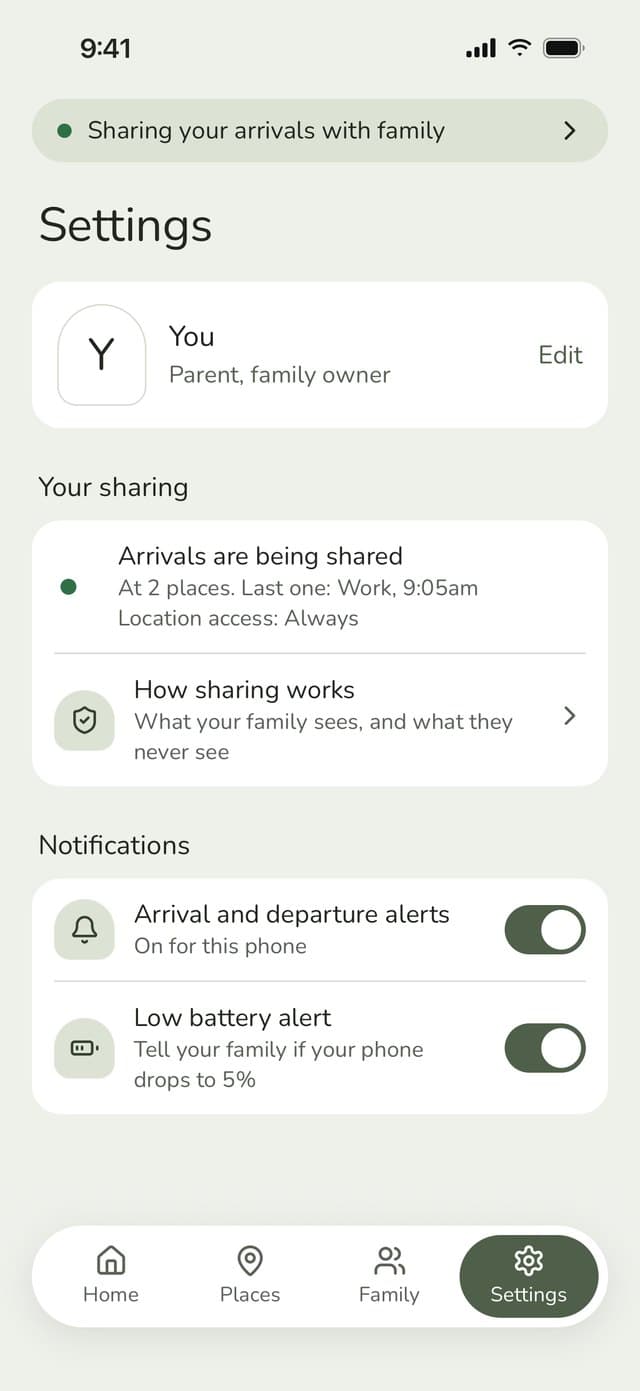
We explain all of this in the app before we ask. And once you’re set up, a status bar always shows whether you’re sharing: “Your family sees when you get to your places”.
Working out that you’ve arrived happens on your phone. All that reaches us is which saved place it was and when. Your phone’s coordinates, and your movements between places, are never sent to us or stored. The only exception is if you add a place using “Use my current location”, which saves where you are as that place.
Your controls
Take a break for 2 hours or until tomorrow. Your family will see that you’ve paused, but not why or where you are.
Low-battery alerts are off unless you switch them on, and they only go to the people you pick.
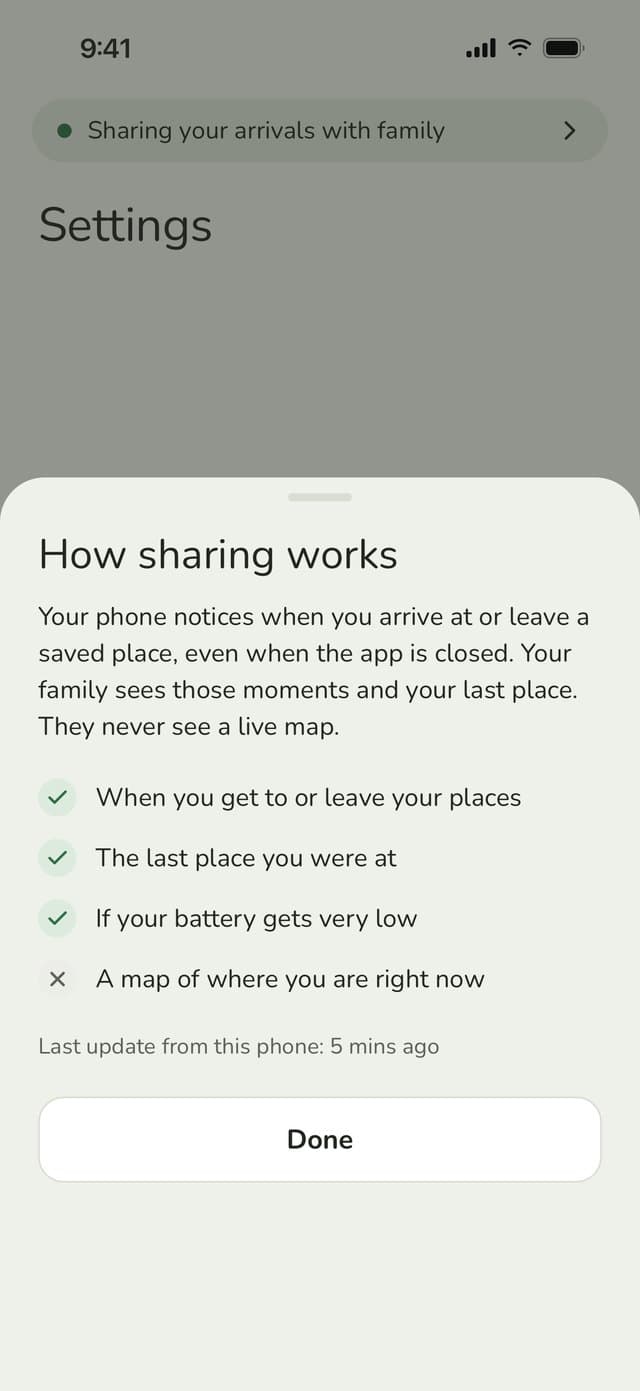
Head to “How sharing works” in Settings to see exactly what your family can see about you. Kids get it as a simple checklist on their Home screen.
See every phone signed in to your account, and remove any that are no longer needed.
You can hand the family over to someone else, leave, or delete your account, all from Settings. Deleting happens 24 hours after you ask, and your arrival records are erased.
Your data
The name, address and map position of each place your family saves, like home or school, and the routines set for them.
Kept: until the place is deleted. If you delete your account, places you saved stay with the family, with your name removed.
Arrivals at and departures from your saved places, check-ins and routine alerts. Never where you are in between.
Kept: 30 days. Erased when you delete your account.
Your name, email address, age range and how you sign in. Your date of birth is only used to work out your age range, and is never stored.
Kept: until you delete your account. It’s permanently deleted 24 hours after you ask.
Everyone goes through an age check when they sign up. To add a child, a parent or guardian signs a consent declaration. Kids sign in with a code their parent makes, so they never need an email address. Teens aged 13 to 17 also agree to sharing themselves, and can turn it off at any time in Settings.
Parents can export a child’s data at any time, and the family owner can delete a child’s account.
Read how we look after children’s information in our privacy policy, or share our short guide for kids and teens with your children.
Setting up your family takes a few minutes.