Helping children walk to school on their own
Walking alone, often around Year 6 and Year 7, is a big step. Family Haven helps families take it, while respecting children’s privacy. This page is for schools, parent associations and clubs.
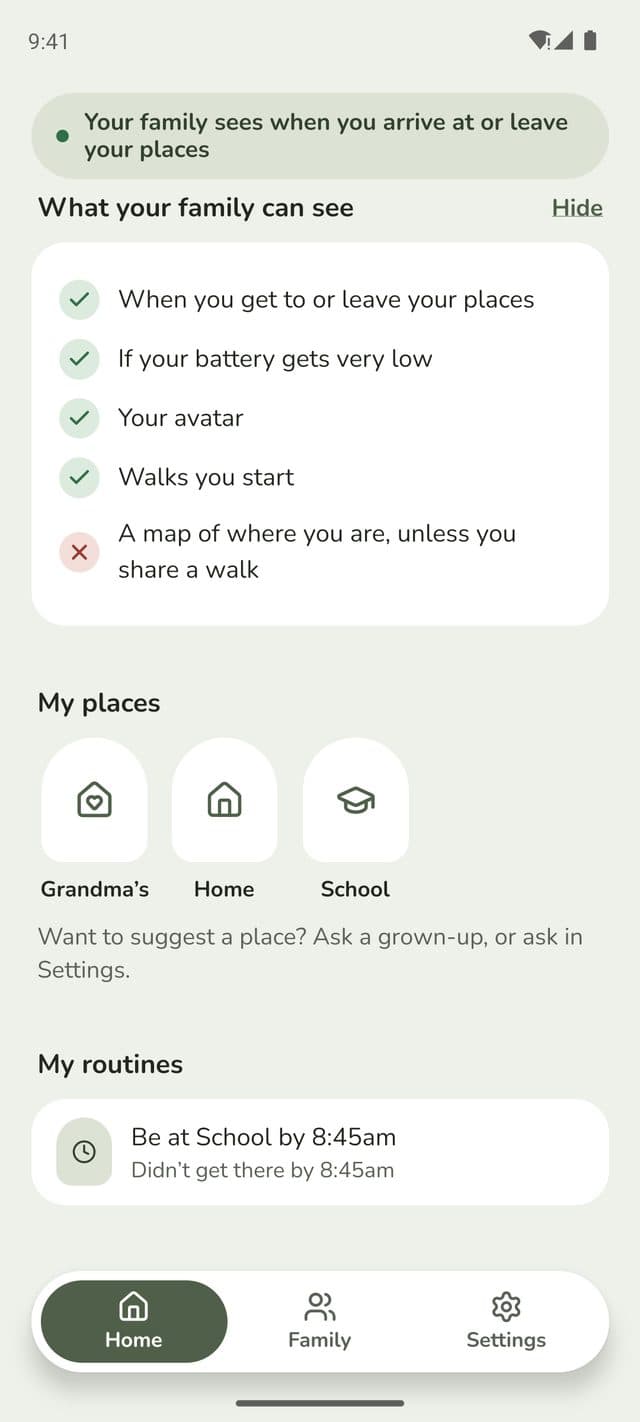
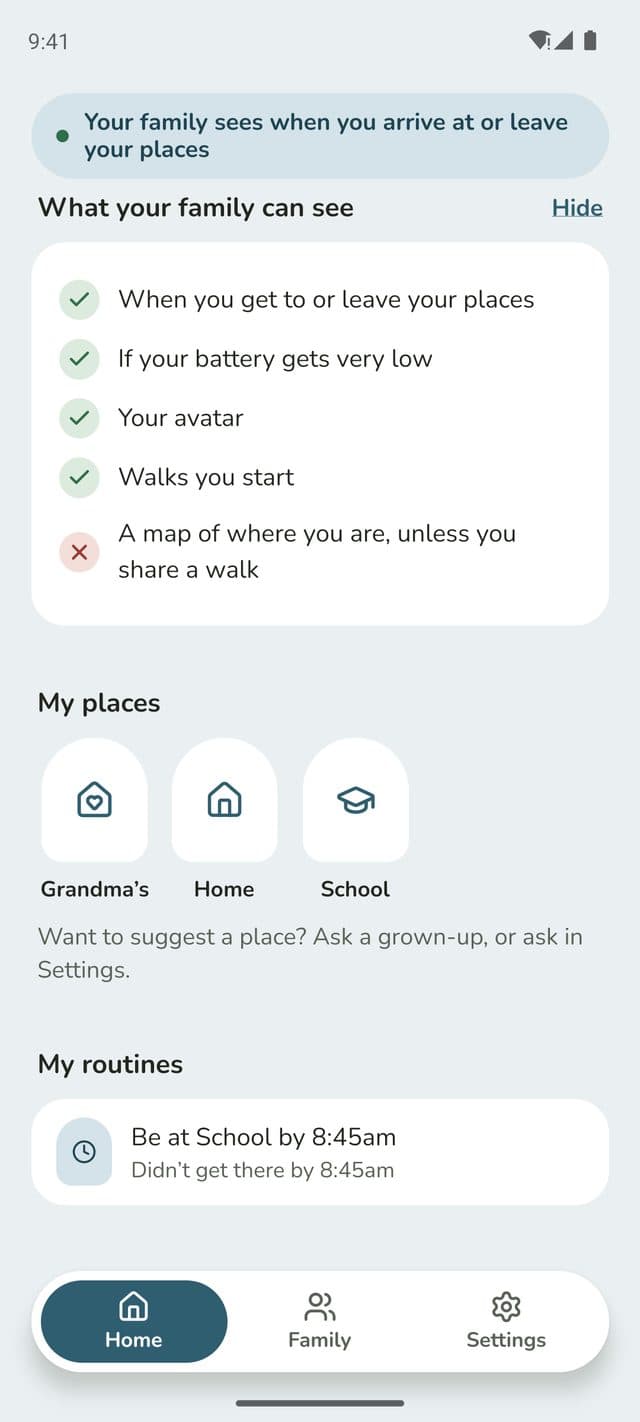
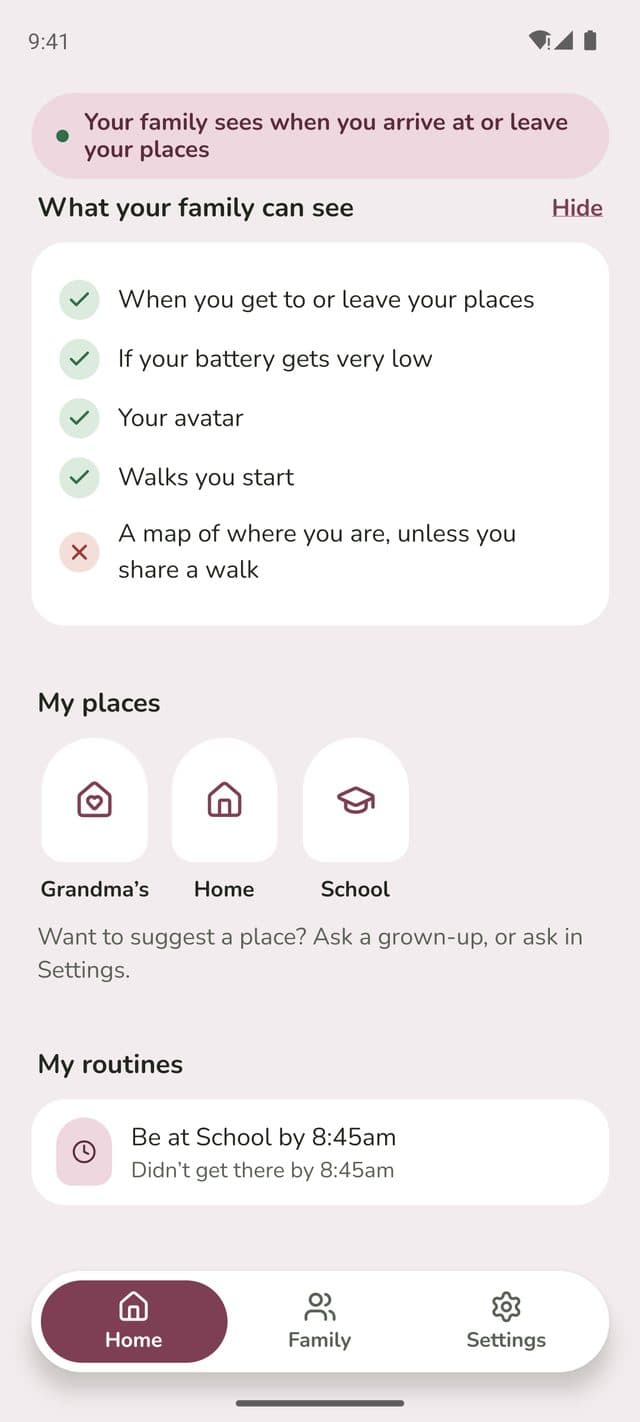
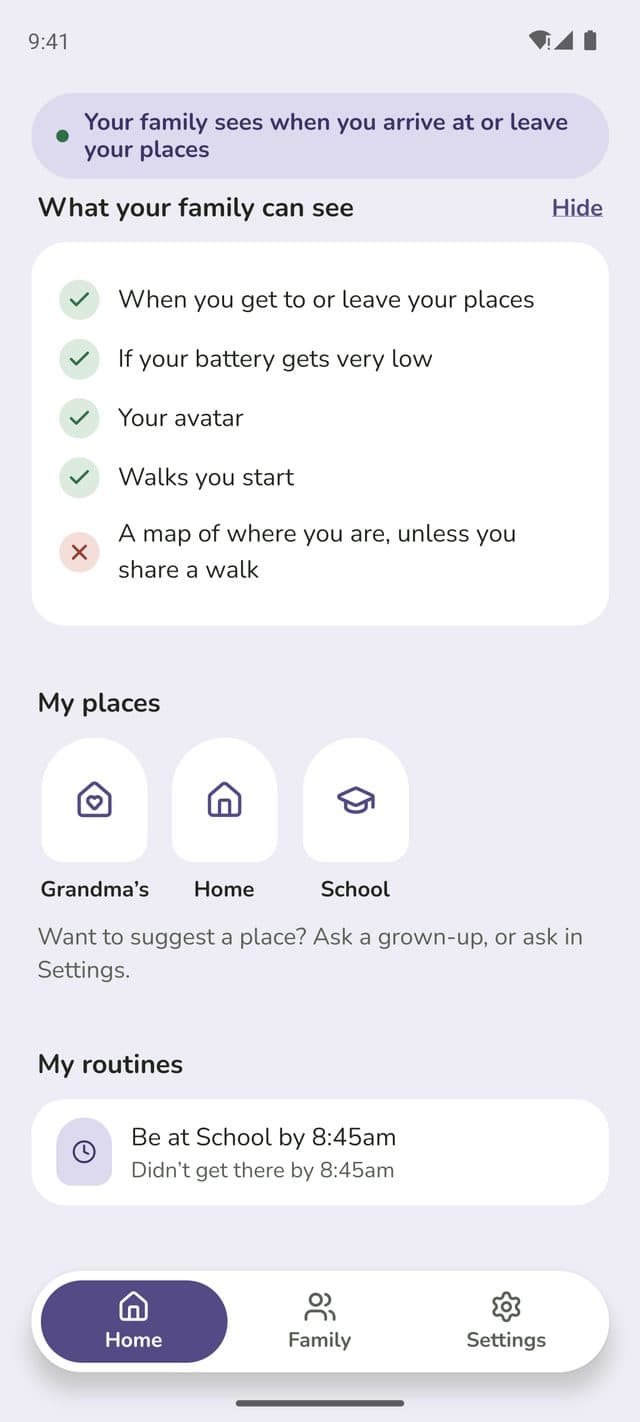
What families get
How it worksArrival alerts
When their child gets to school, and when they leave. Phones can stay in bags, and nobody needs to open the app at school.Routines with a check-in
“At school by 8:45am, weekdays” asks the child to check in if they’re late, before a parent is told.Walk with mePlus
For the first walks alone, a child can start a walk and choose to share a map until they arrive.Free to start
Free for every family, with 3 saved places and 1 routine. Plus is £6.99 a month or £49.99 a year, for the whole family. Schools never pay anything.
For safeguarding leads
Children’s CodeDesigned around children’s privacy
- No all-day map: only arrivals and departures at places the family saves
- Location is worked out on the phone. Where children go in between is never sent to us
- Every screen tells the child what their family can see
- Teenagers agree to sharing themselves, and can turn it off
- Children under 13 sign in with a code from a parent, with no email address
- It can’t run hidden: it’s an ordinary app the child can see and open
What schools should know
- Schools don’t sign up, and can’t see anything. Family Haven is just for families
- It doesn’t replace your attendance or safeguarding procedures
- It isn’t an emergency service. If a child is in danger, call 999
- It’s for families who choose it. Please share it as information, not a recommendation, and never make it a requirement
- We’ll never use your school’s name or logo, or say you recommend us, without your written permission
Questions schools ask
Does the school need to sign up, or do anything?
No. Family Haven is used by families, on their own phones. Schools don’t create accounts, don’t see any information, and aren’t told anything. Sharing the kit on this page is all there is to it.
Our pupils hand in phones, or switch them off. Does it still work?
The phone notices the arrival in the background as the child reaches school, which can take a few minutes. If the phone is switched off before then, there’s no arrival alert. If a parent has set a routine, they’re told there’s “no update” from the phone and that it may be off, not that their child is missing. Families can set the routine’s time with that in mind.
Will parents start ringing the office when an alert doesn’t come?
Routines ask the child to check in first, before a parent is told, so a few minutes’ delay doesn’t become a worry. Alerts can be late for reasons like a phone’s battery or settings, and we tell families not to rely on Family Haven alone. It doesn’t replace your attendance procedures, and parents should still contact you in the usual way if they’re worried.
What about separated parents, or concerns about who can see a child?
Only people invited into a family can see anything, and the family’s owner can remove people. Children always see, on their own screen, that their family can see their arrivals. Using Family Haven to monitor someone against their wishes breaks our terms, and we can close accounts. If you have a safeguarding concern about how it’s being used, tell us through our support page.
What if a child doesn’t want to share?
Teenagers aged 13 to 17 decide for themselves, and can turn sharing off at any time. Their family sees that they have. Younger children are set up by a parent, and can see exactly what’s shared. We encourage families to talk about it together.
Does it use much data or battery?
Arrival detection is built to save battery, and works without signal: arrivals are sent when the phone is back online. A walk with a shared map uses more battery while it lasts.
Is the school endorsing Family Haven by sharing this?
Sharing information about an app isn’t the same as requiring it, and families should choose for themselves. We suggest presenting it as one option for families thinking about walking to school alone, and never as a requirement.
Is it suitable for children with additional needs?
Knowing a journey has gone to plan can help families of children with additional needs, and routines give gentle structure. Status is always written out, not shown by colour alone, and the app works with screen readers and larger text. See our accessibility page for what we know isn’t right yet.
For your data protection officer
Because the school doesn’t use Family Haven or receive any data from it, sharing information about it doesn’t make the school responsible for that data. Your data protection officer can confirm what’s right for your setting.
- Who’s responsible for the dataDoccrs Digital Ltd., trading as Family Haven, registered with the Information Commissioner’s Office (ZC270907). Not the school.
- What’s collectedNames, the places a family saves, arrivals and departures at those places, routines, and check-ins. A map only during a walk, if the walker chooses to share it or asks for help.
- What isn’tWhere children go between saved places. Dates of birth (only an age range is kept). Contacts, messages or browsing.
- Where it’s storedIn the United Kingdom (London). Some service providers, such as Google and Apple, may process data elsewhere under recognised safeguards.
- How long it’s keptArrivals and departures for 30 days. A walk’s map is deleted when the walk ends.
- Lawful basisConsent. A parent or guardian consents for a child under 13. Children aged 13 to 17 give their own consent in the app, and are asked for it within about a month of turning 13.
- Children’s CodeDesigned with the ICO’s Age Appropriate Design Code in mind.
- Advertising and profilingNone. No adverts, no advertising trackers, no data selling, no profiles of children.
- RightsFamilies can download or delete their data in the app. Children aged 13 and over can contact us directly.
The kit
For your newsletter, email, parent app or a Year 6 transition evening. You’re welcome to edit them.
To print
Ready-made wording
Newsletter article
Walking to school on their own?
If you’re thinking about your child walking to school on their own, one option some families use is Family Haven. It’s a UK family app that lets parents know when their child gets to school, home or a club, without tracking them on a map all day. Families save the places that matter, and get an alert when their child arrives or leaves. A routine, like “at school by 8:45am”, gently asks the child to check in if they’re running late, before a parent is told.
Children can see exactly what their family can see, and teenagers agree to sharing themselves. Location stays on the phone: only the moment of arrival is shared, and records are deleted after 30 days.
Family Haven is free to download on iPhone and Android, with an optional Family Haven Plus subscription. Find out more at ourfamilyhaven.com.
Family Haven is one option for families to consider. The school doesn’t receive any information from it, and it doesn’t replace our usual attendance procedures.
Email to Year 6 parents
Subject: Getting ready to walk to school on their own
Dear parents and carers,
As our Year 6 pupils get ready for the move to secondary school, many of you will be thinking about your child walking to school on their own.
Practising the route together, starting with shorter walks, and agreeing what to do if they’re running late all help. Some families also use an app to know their child has arrived safely. One option is Family Haven (ourfamilyhaven.com), a UK app that sends an alert when a child gets to school or home, without tracking them on a map all day. It’s free to download, with an optional paid subscription.
Using any app is entirely your choice. The school doesn’t receive any information from it, and our attendance procedures stay the same.
With best wishes,
Talking points for a transition evening
• Walking alone is a big step. Practise the route together first, at the time they’ll really go.
• Agree what happens if they’re late, so it isn’t a worry for anyone.
• Phones away while walking, especially when crossing roads.
• If you’d like to know they’ve arrived, apps like Family Haven send an alert when they get to school, without tracking them all day.
• Whatever you choose, keep talking about it, and let their independence grow step by step.
Short post for social media or a parent app
Walking to school alone this year? One option for families: Family Haven tells you when they get there, without tracking them all day. Free on iPhone and Android: ourfamilyhaven.com