In this guide
Family Haven lets your family know when you get to places you've saved together, like home or school, and when you leave them. Here's how your app works. If anything's confusing, ask your parent, or the grown-up who set it up with you.
Before you start
- You're already in your family. If not, a parent can help, using Set up your child's phone.
Step 1:Check what your family can see
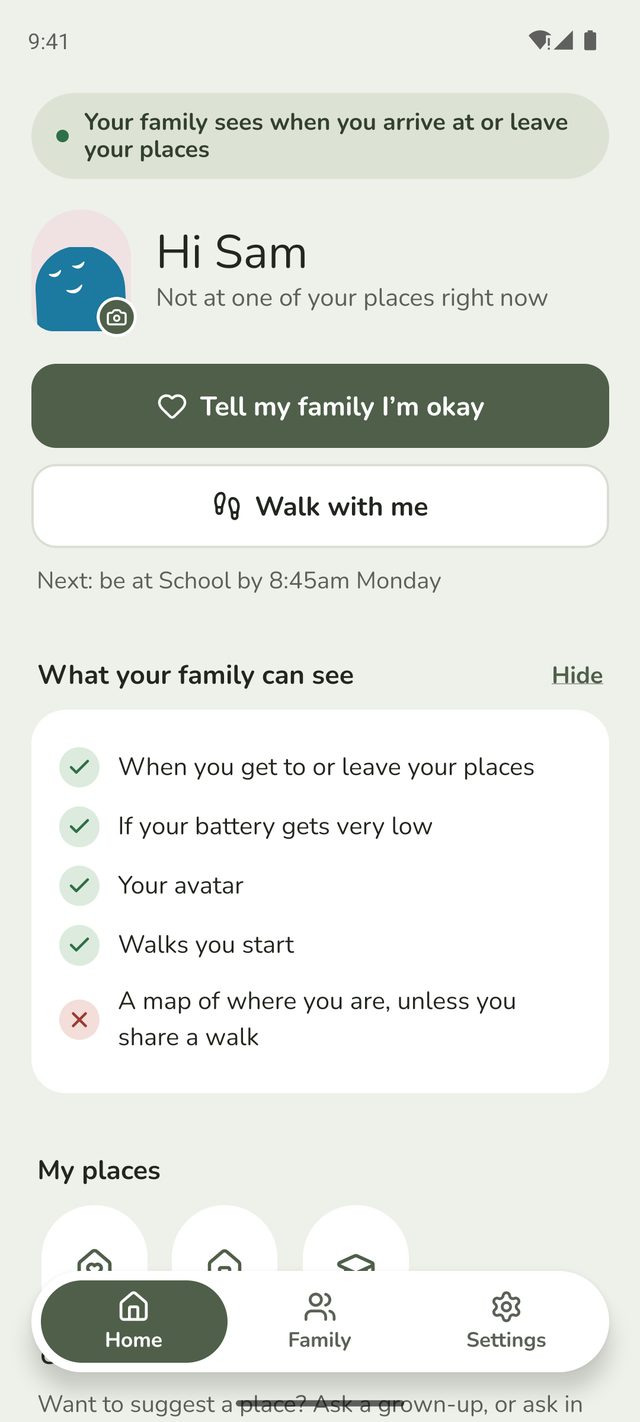
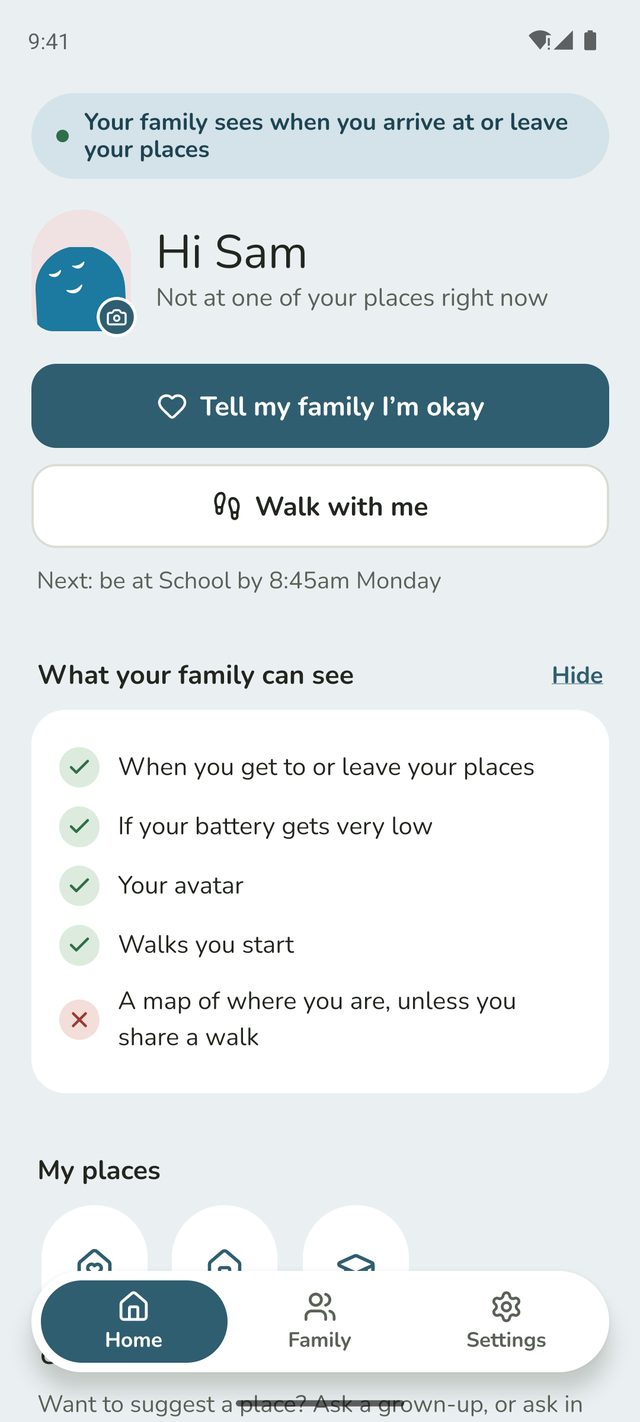
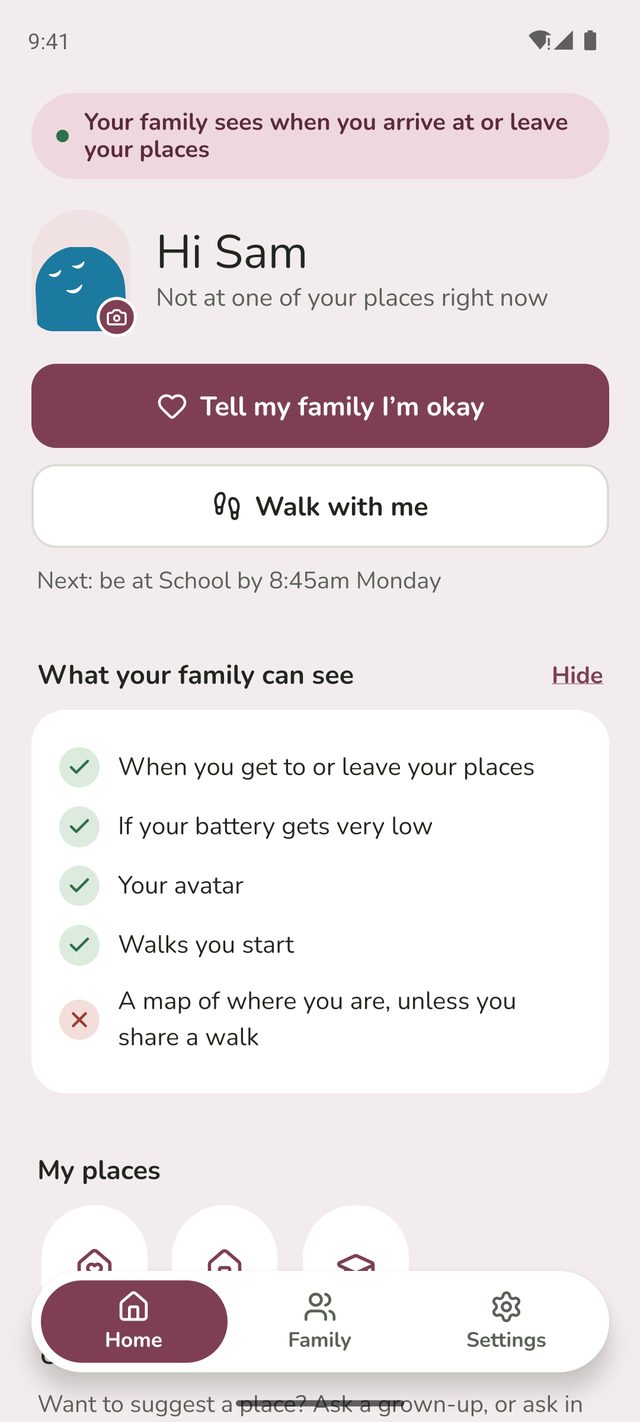
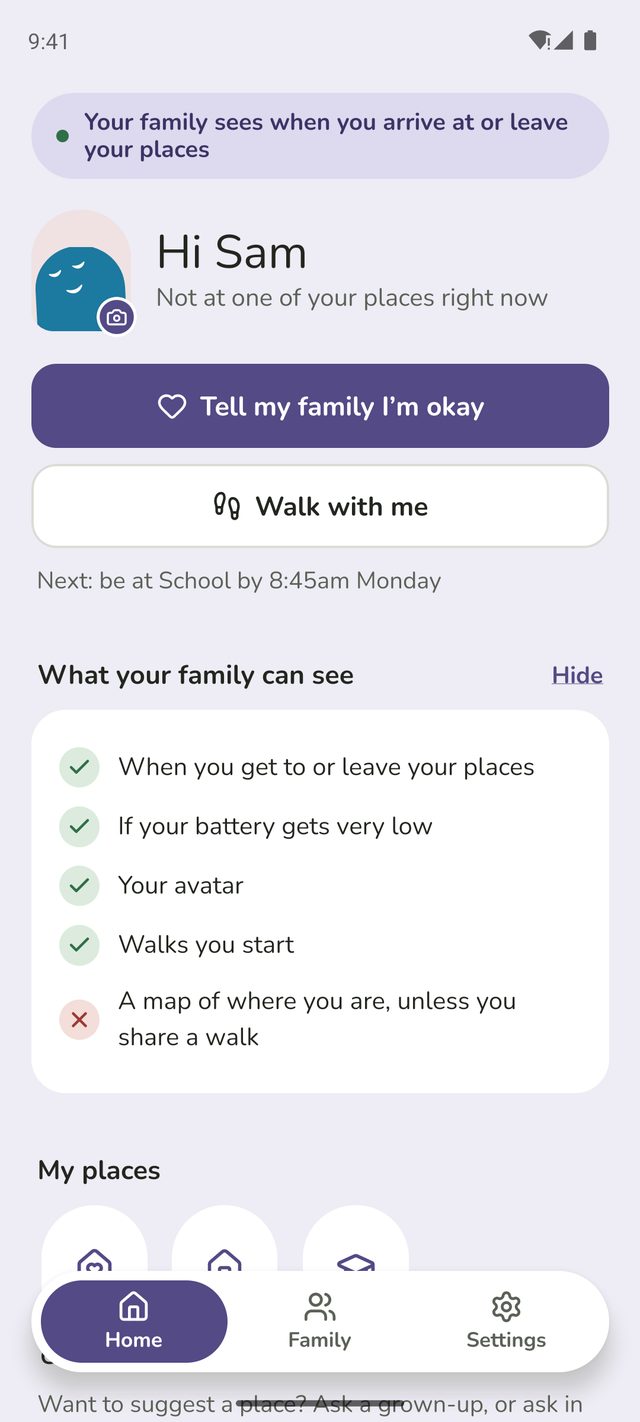
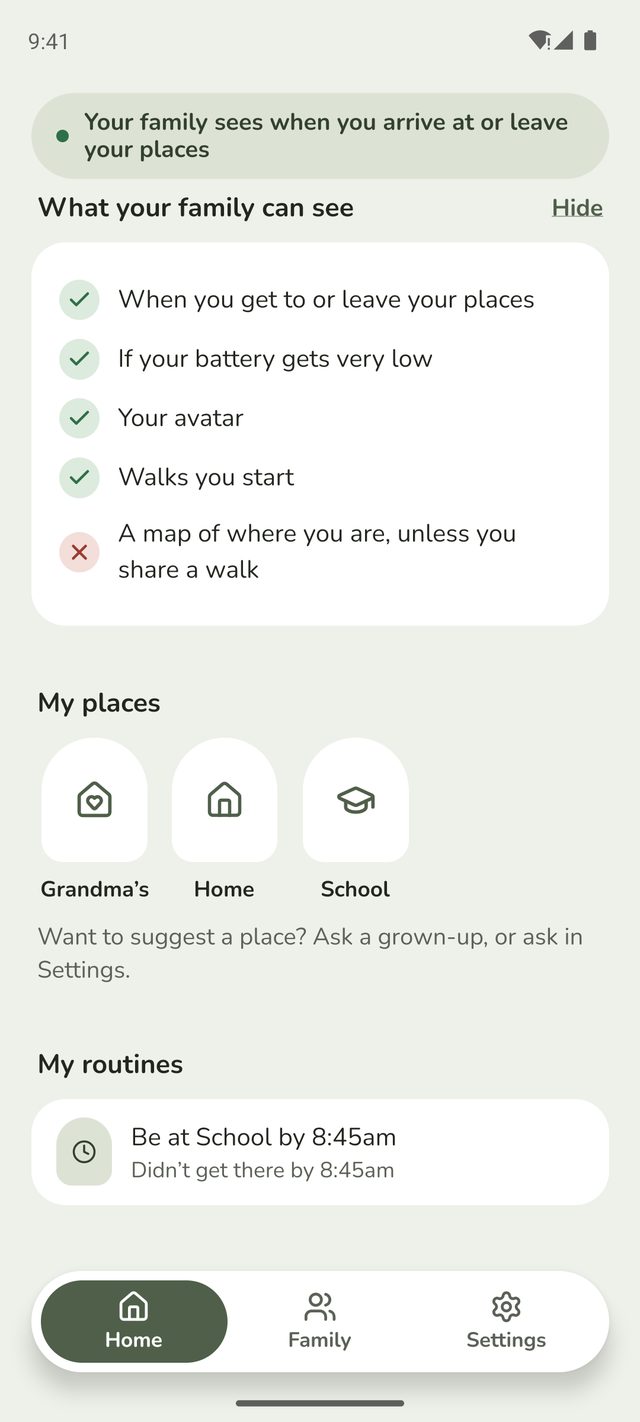
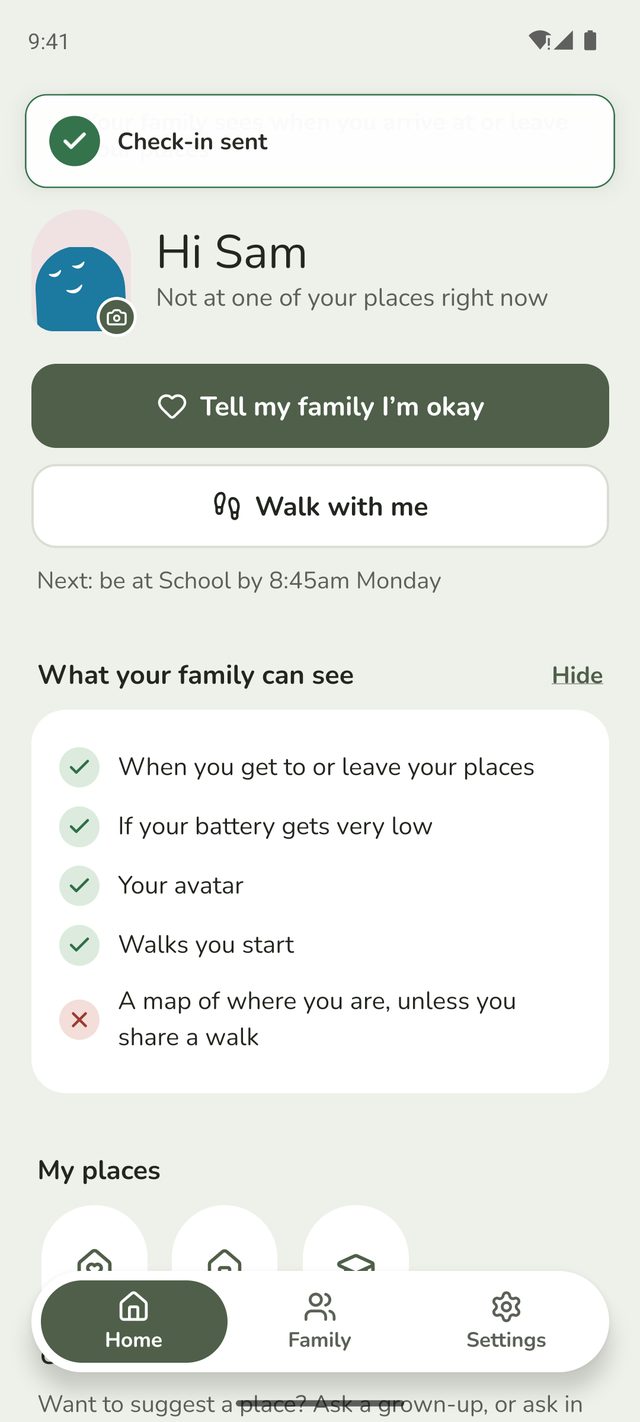
At the top of every screen there's a message saying whether your family can see when you arrive and leave. Under your name, What your family can see shows exactly what's shared, with a tick, and what isn't, with a cross.
Your family doesn't see a map of where you are, unless you start a walk and choose to share it, or tap I need help on it.
Once you know what's shared, you can tap Hide to tidy it away. It's always in Settings, under How sharing works.
Step 2:Find your places and routines
Further down your Home screen are My places, the places your family has saved for you, and My routines, like being at school by 8:45am.
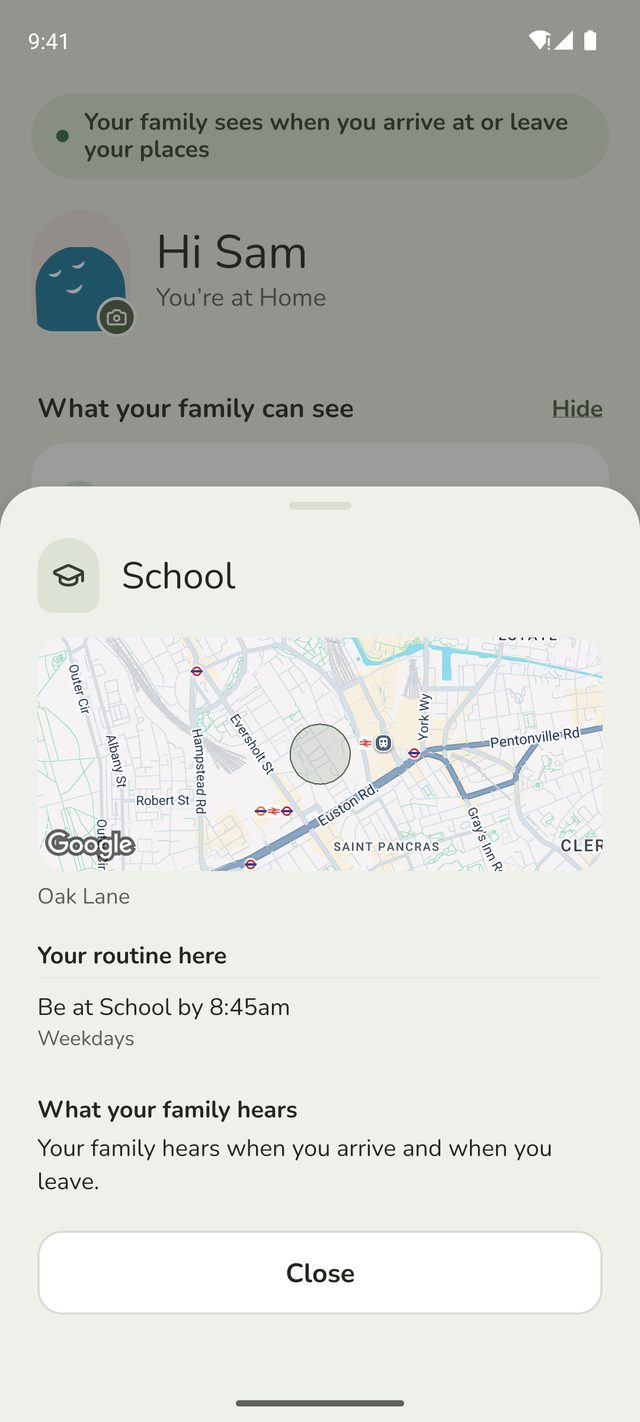
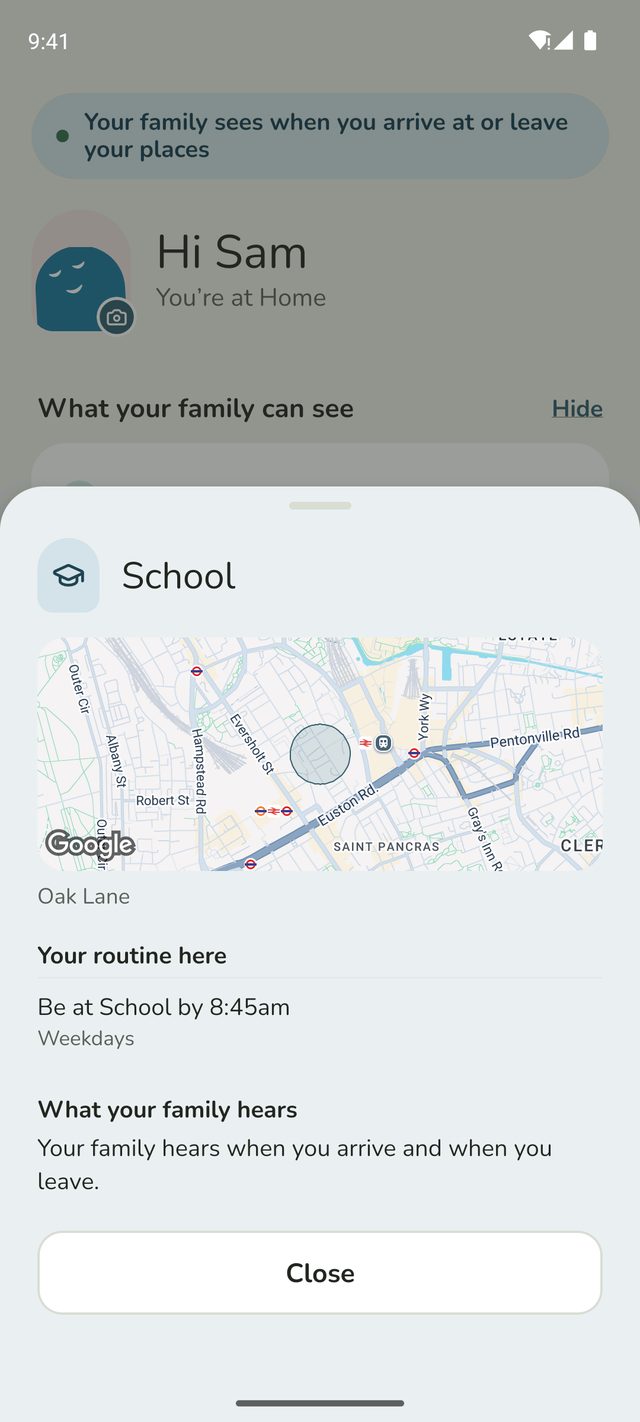
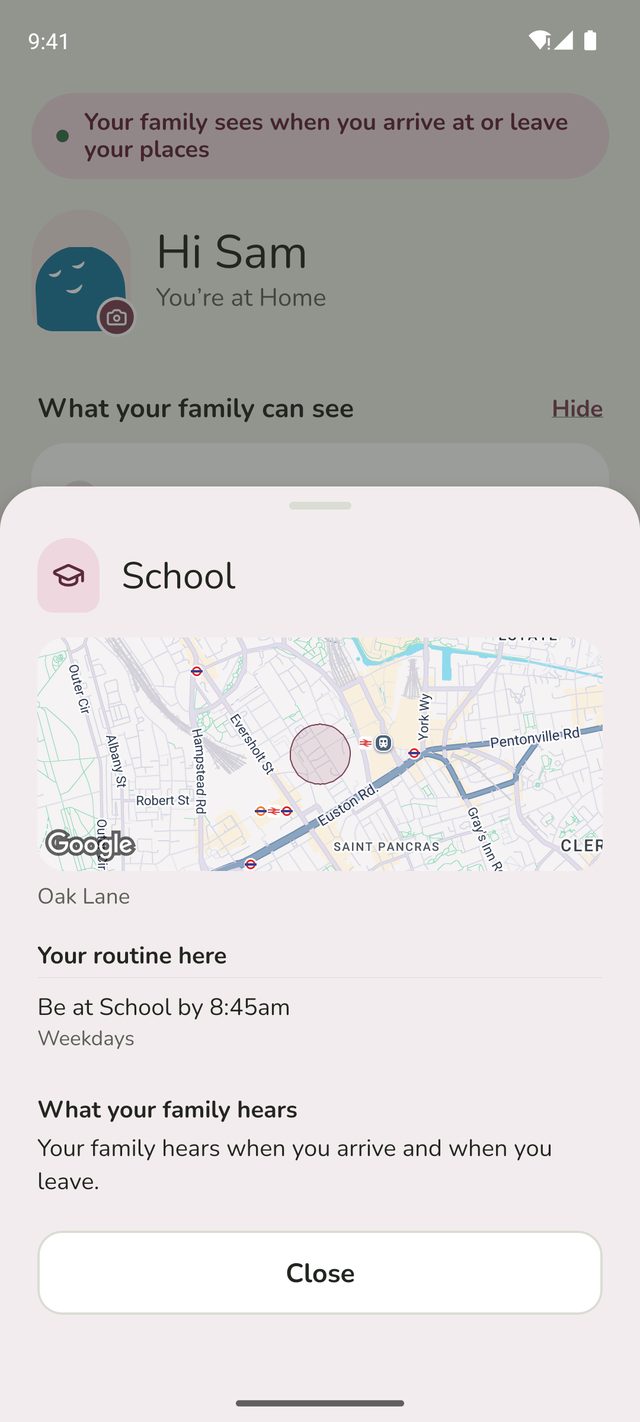
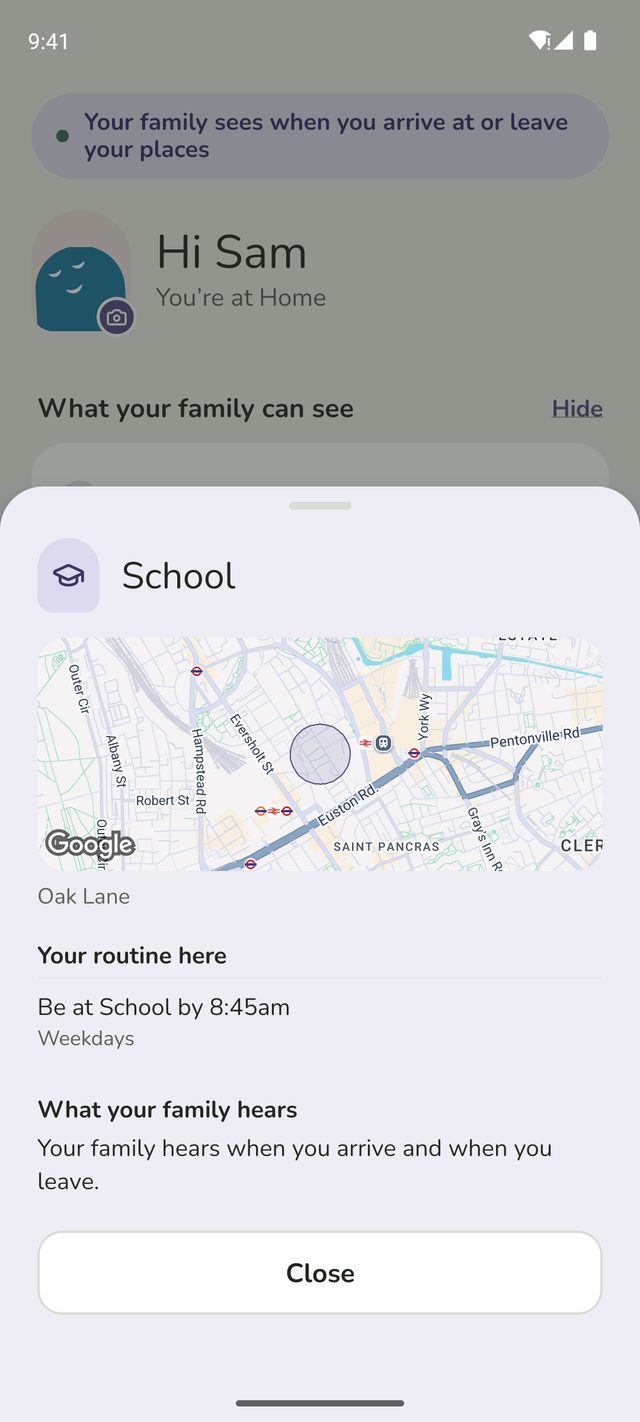
Tap a place to see more about it: where it is on a map, any routines there, and under What your family hears, whether they're told when you arrive and leave. Tap Close when you're done.
Step 3:Tell your family you're okay
Tap Tell my family I'm okay, near the top of your Home screen. Your family gets a message straight away, and you'll see Check-in sent. It doesn't share where you are.
It's handy if you're running late, or if Family Haven asks you to check in because you're not where a routine says you should be.
Step 4:Ask your parent for a change
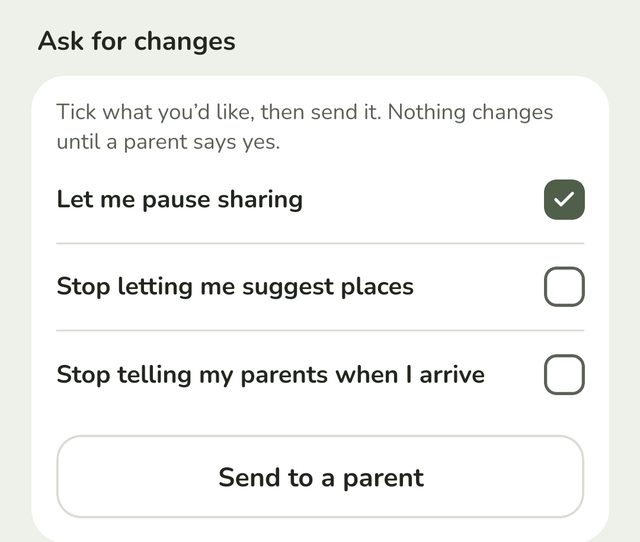
Want to be able to pause sharing, or suggest places? Open Settings and find Ask for changes. Choose what you'd like, such as Let me pause sharing, then tap Send to a parent.
Your parent can say yes or no. If they say no, you'll see that too.
Good to know
- If your parent lets you, you'll also see Suggest a place and Share a trip under My places. When you suggest a place, choose under Tell your family whether they hear When you arrive and When you leave. See Share a trip.
- Your picture: tap the picture next to your name to choose an avatar.
- Worried about anything? Talk to your parent or a grown-up you trust. You can also email us at support@ourfamilyhaven.com.
Still stuck?
Send us a message and a person will reply by email.