In this guide
Family Haven Plus adds Walk with me, up to 20 places for each person in your family, and unlimited routines. One subscription covers everyone in your family. Only parents can subscribe, and you do it in the app.
Before you start
- You need to be a parent in the family. Other adults who reach a limit are asked to talk to a parent.
- Know which store you'll pay through: the App Store on iPhone, or Google Play on Android.
Step 1:Open Family Haven Plus
Tap Settings, then Family Haven Plus, near the top. It says Free plan · See what Plus adds, or Plus is on with the date it renews.
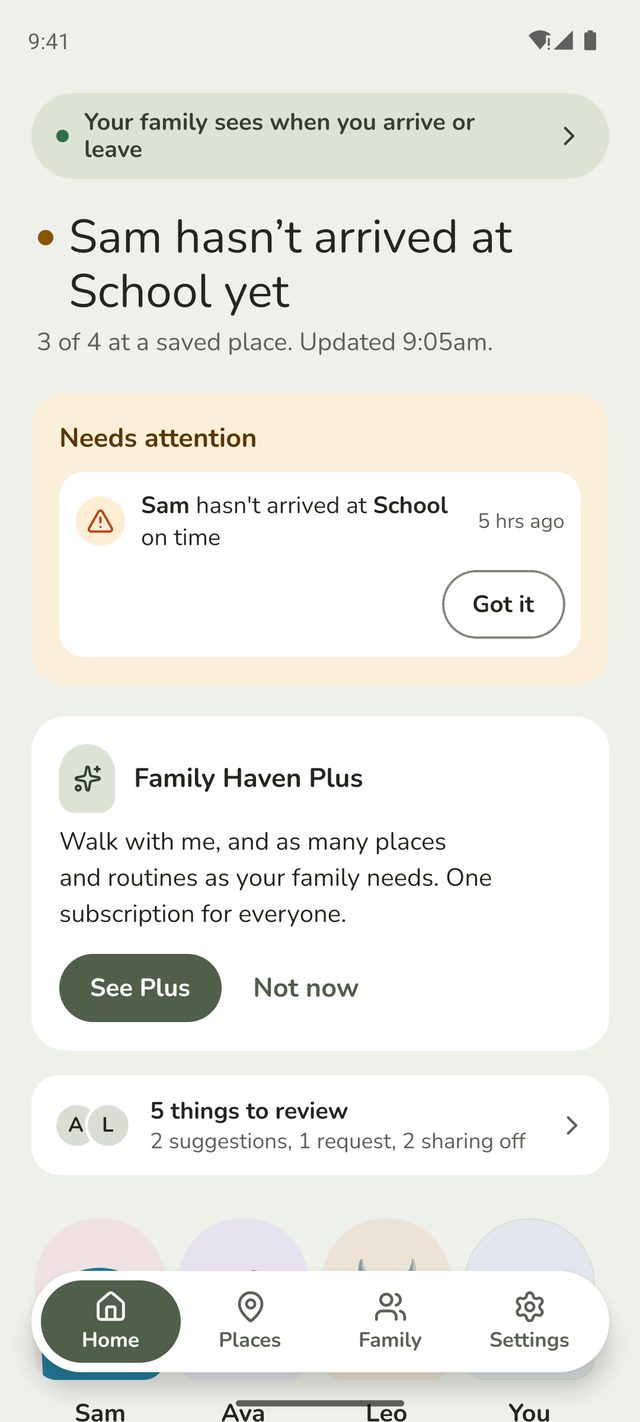
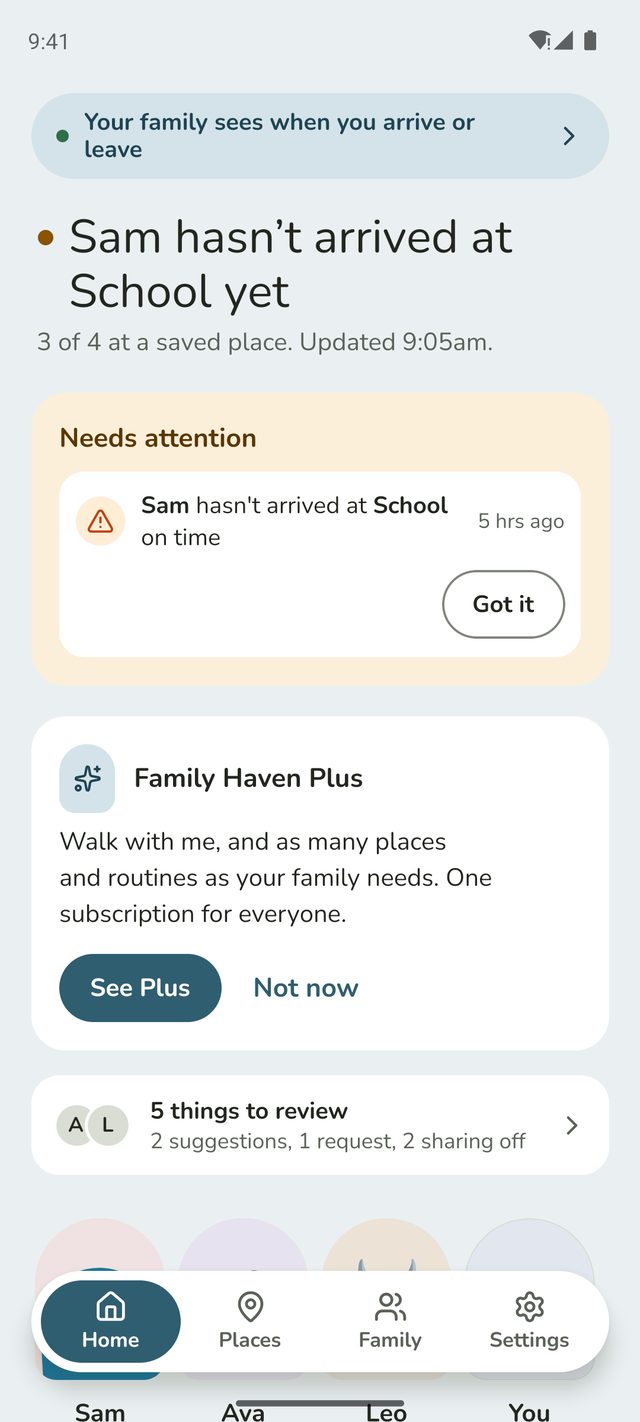
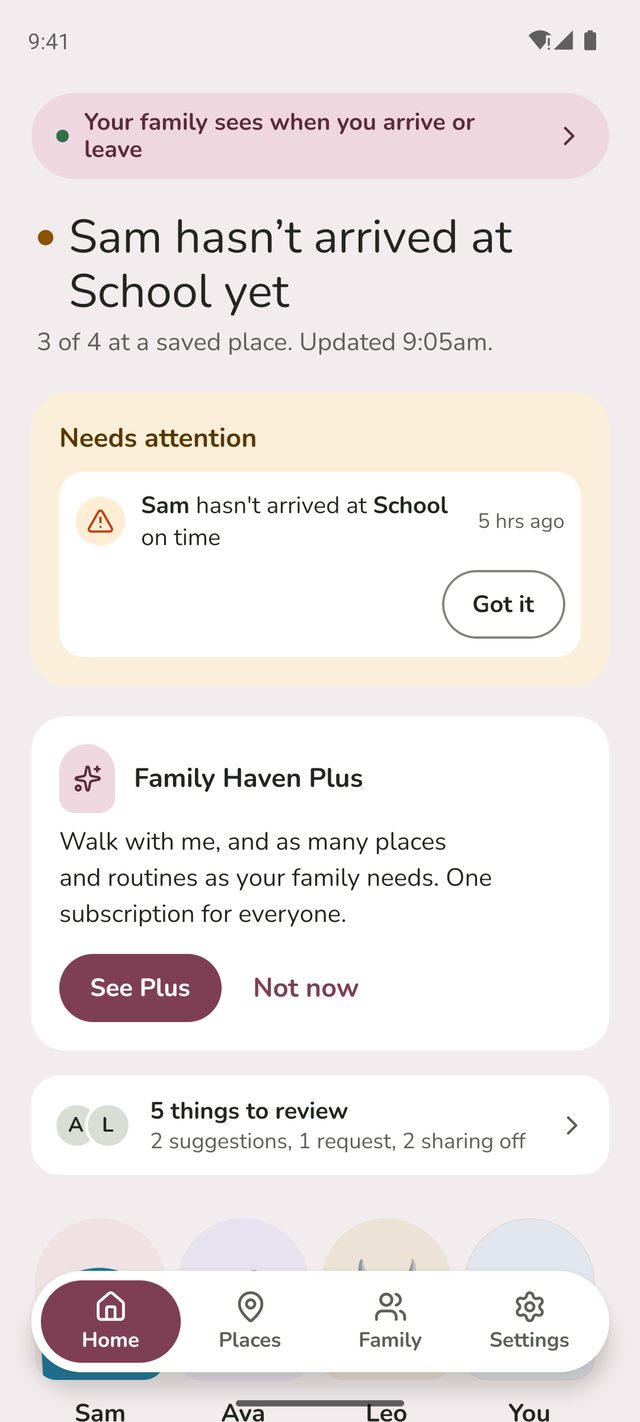
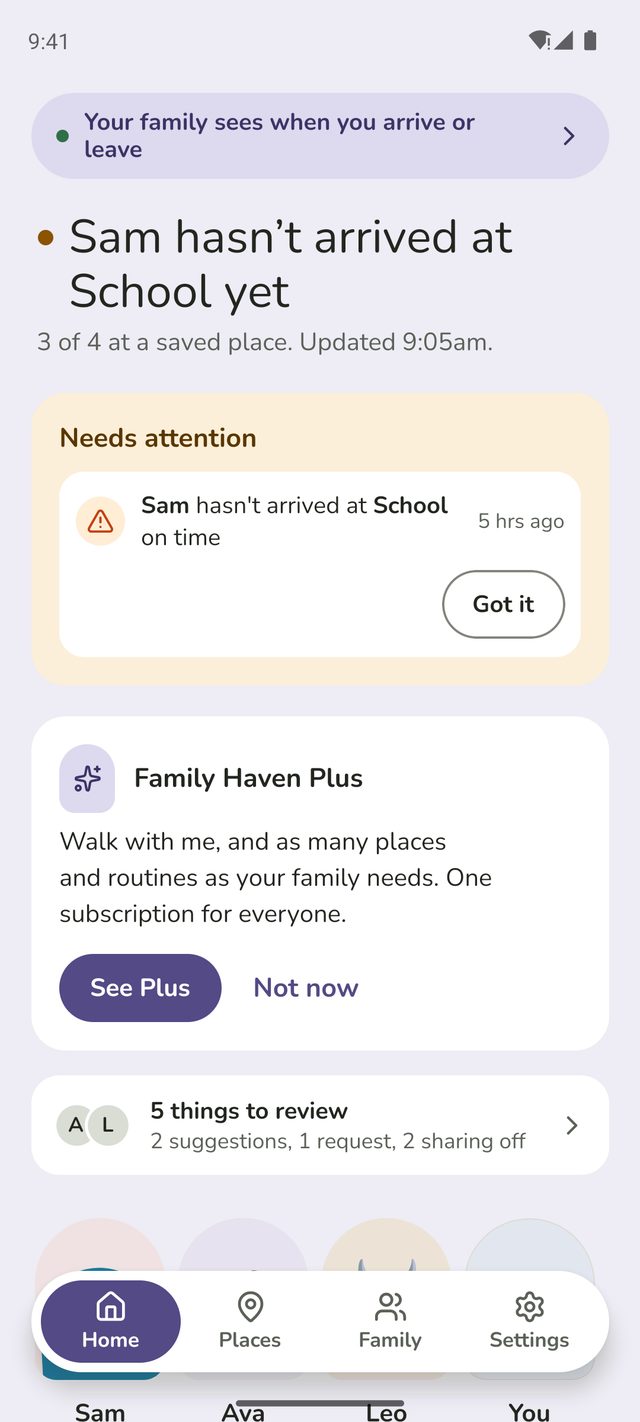
You'll also see Plus when your family reaches a limit, for example when you add a fourth place, and on a card on your Home screen. Not now hides the card for a month. Places and Routines also show how much of the free plan you've used, with Get more with Plus.




Step 2:Tap See Plus
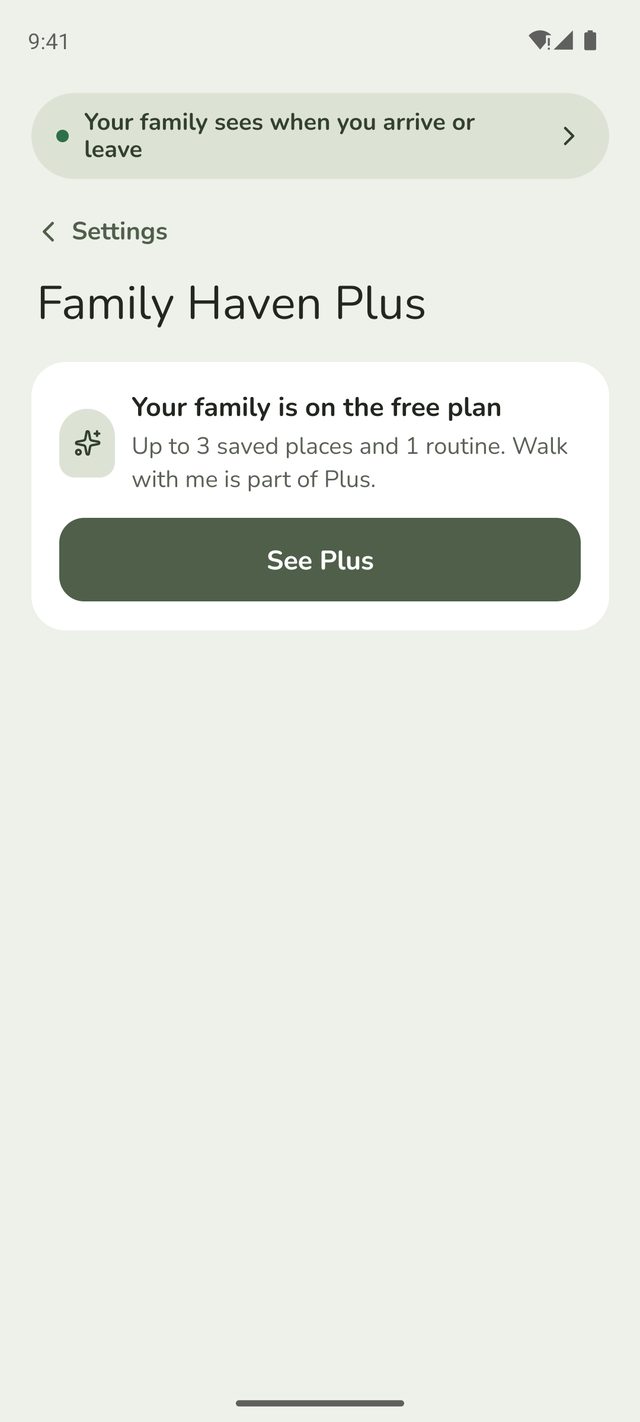
The screen says which plan your family is on. On the free plan that's Up to 3 saved places and 1 routine. Walk with me is part of Plus. Tap See Plus.
Step 3:Choose yearly or monthly
Plus includes:
- Walk with me, with an optional live map
- Up to 20 places for each person in your family
- As many routines as you need
- Priority support
Choose Yearly, £49.99 a year, or Monthly, £6.99 a month. Yearly shows what it works out at each month, and how much you save.
Step 4:Tap Subscribe
Your phone's store asks you to confirm. Plus starts straight away, for everyone in your family. It renews automatically unless you cancel at least 24 hours before the end of the period.
Got a new phone?
Sign in to Family Haven, tap Settings, then Family Haven Plus, and tap Restore purchases. Use this too if you bought Plus on another phone.
Change plan or cancel
On the Family Haven Plus screen, tap Manage subscription. It opens your phone's store, where you can switch between monthly and yearly, or cancel. You keep Plus until the end of the period you've paid for. Deleting the app or your account doesn't cancel it.
If your family goes back to the free plan
The free plan runs 3 saved places and 1 routine. The rest are paused, not deleted: nobody's phone watches them and there are no alerts. You'll get a notification saying Some places and routines are paused, and a card on Home with a Choose button.
Step 5:Choose what keeps running
Tap Choose on the Home card, or go to Settings, then Family Haven Plus. Under Choose what keeps running, tick the places and routines you want, then tap Save.
A paused place shows Paused: not on the free plan in your list. A routine at a paused place is paused too. Add Plus again and they all come back.
Good to know
- Trips don't count towards the free plan, and nor do places made just for a routine. Only places and routines a parent has approved count, not a child's suggestions.
- Children never see prices. On the free plan, children and other adults don't see Walk with me at all. Parents see Walk with me · Plus, which opens Plus.
- Refunds are handled by Apple or Google, through the App Store or Google Play.
- Need help? Contact support from the app and we'll know you have Plus.
Still stuck?
Send us a message and a person will reply by email.