In this guide
Places are what Family Haven watches. Once you've saved one, you'll hear when the people you choose arrive there or leave. This guide is for parents and other adults in the family. Children can suggest a place for a parent to approve.
Family Haven asks one question per screen, then shows you the place to check before you save it.
Before you start
- You need to be a parent or another adult in the family. A parent can stop other adults changing places.
- Know where the place is. An address, postcode or school name is enough. You can also stand there and use where you are now.
Step 1:Open Places and tap Add a place
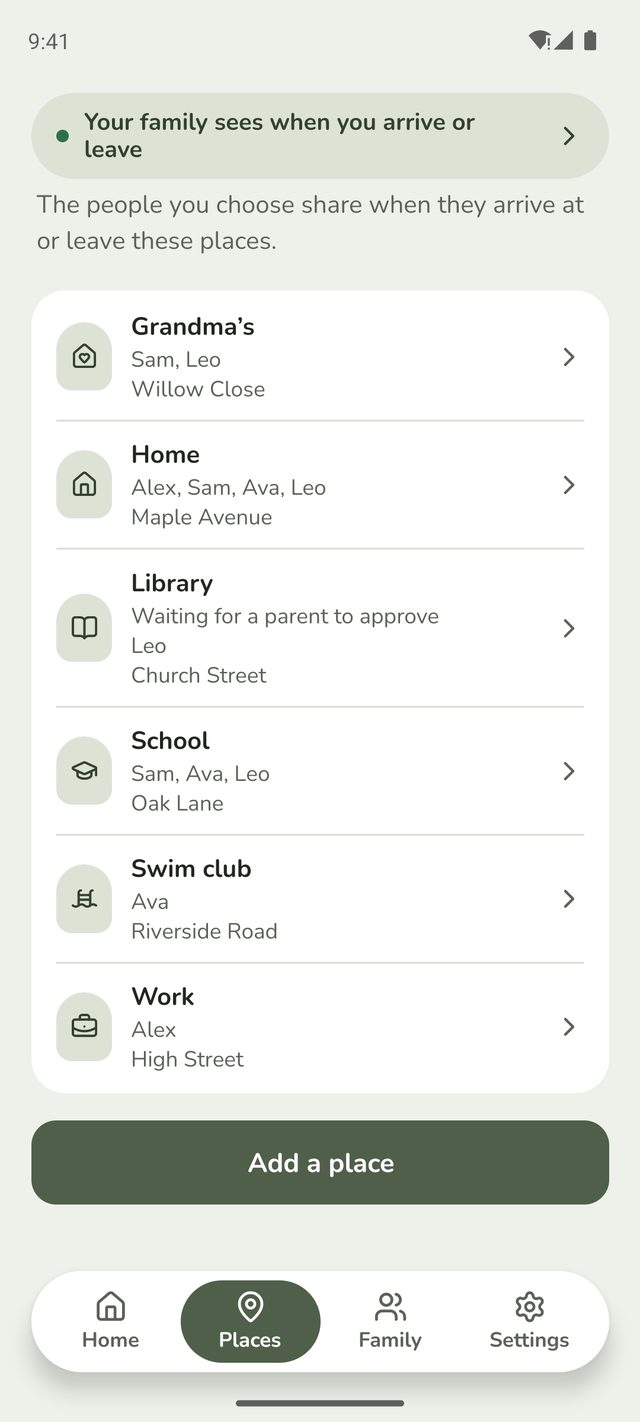
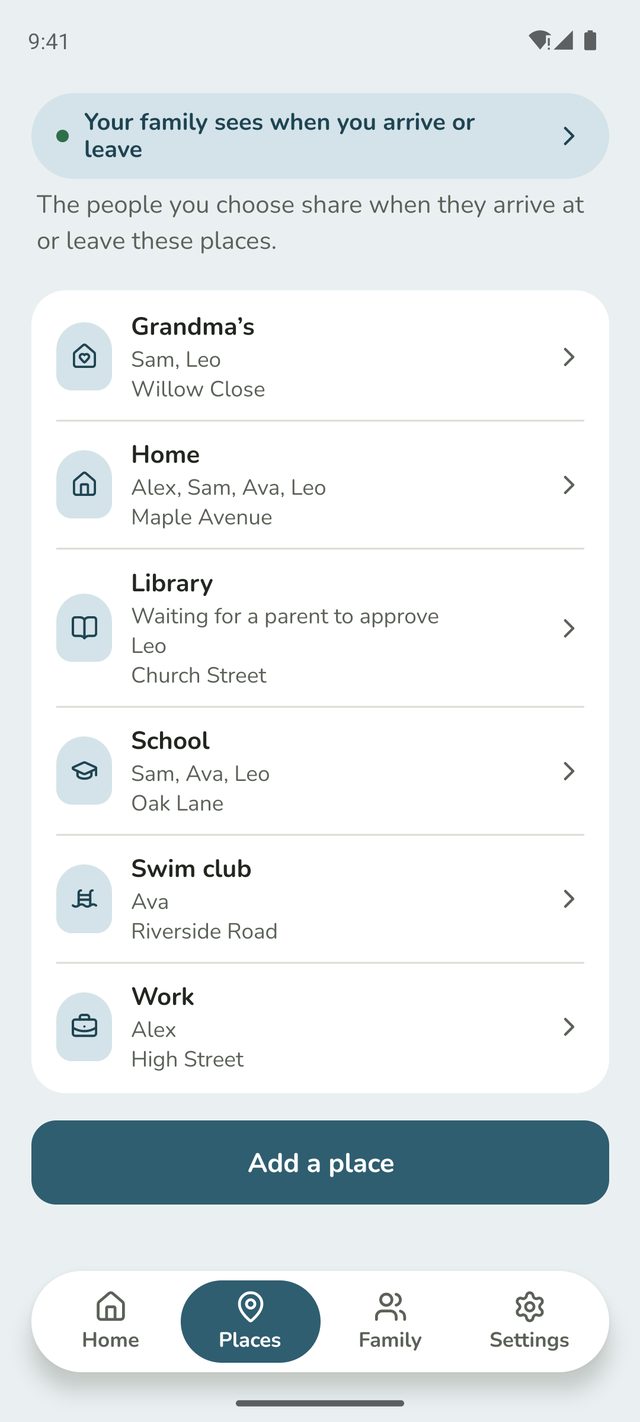
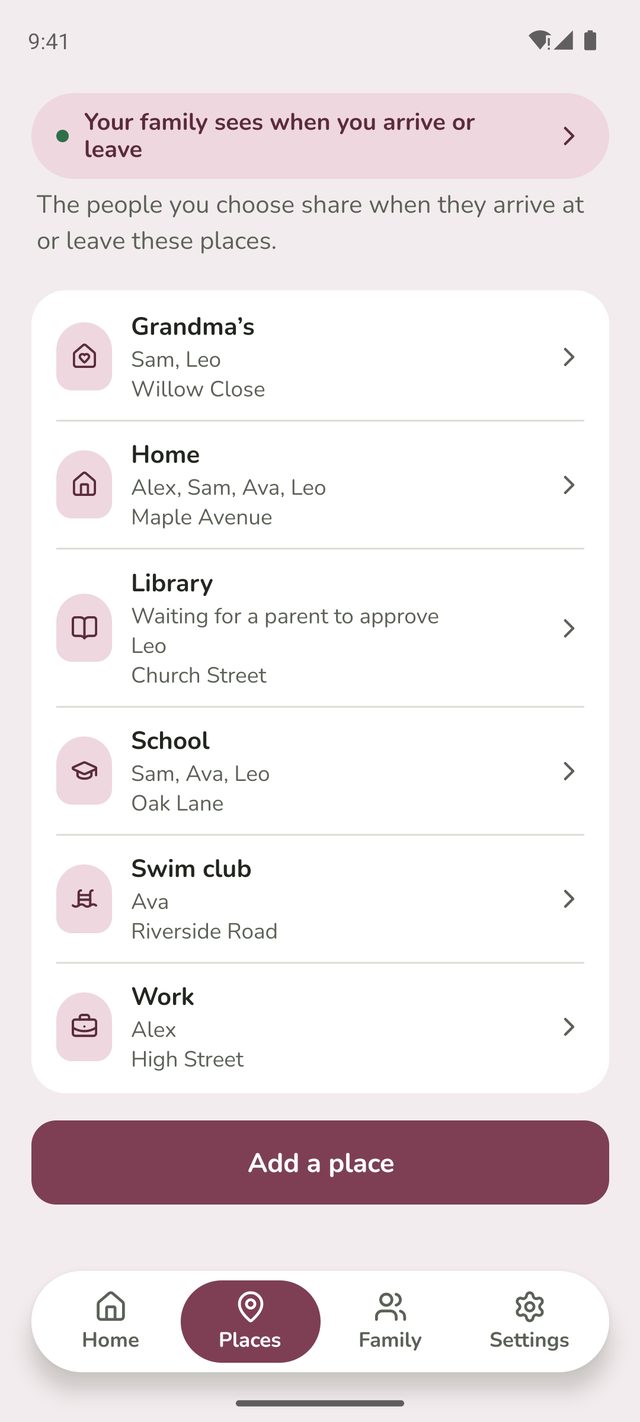
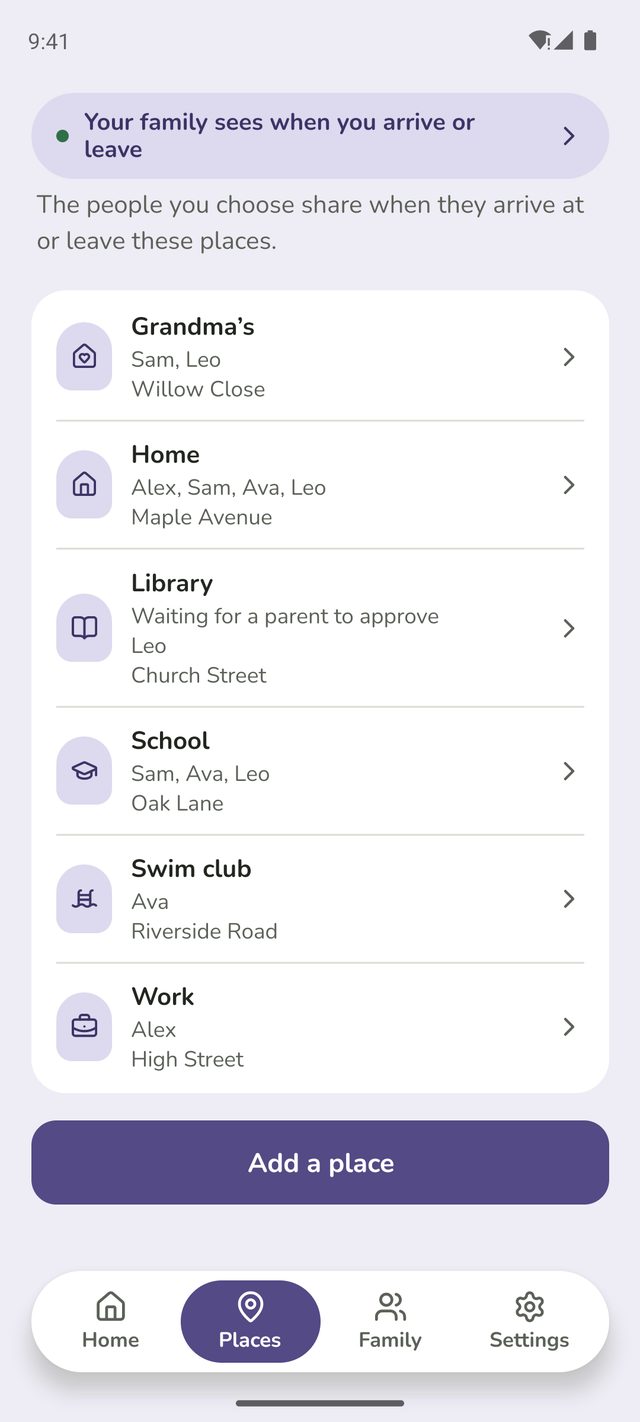
Tap Places at the bottom of the screen, then Add a place under your list of places.
Just set up your family? You can also tap Add a place in the Get set up list on Home.
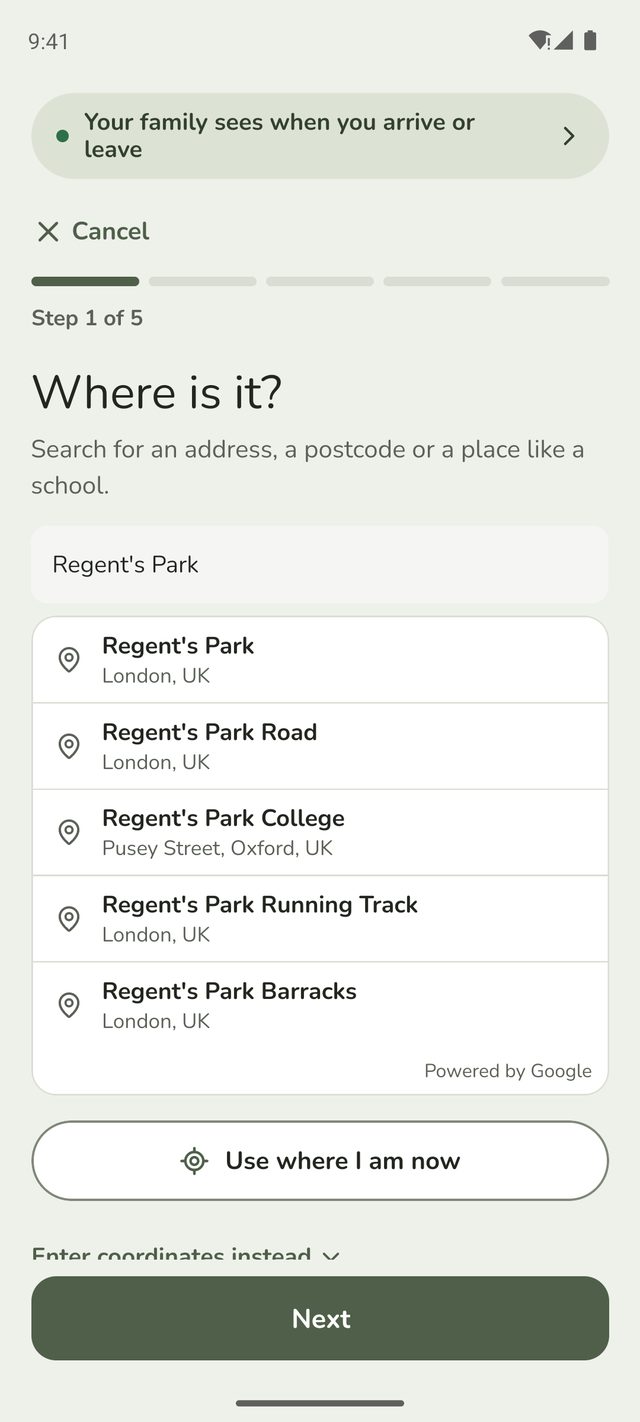
Step 2:Where is it?
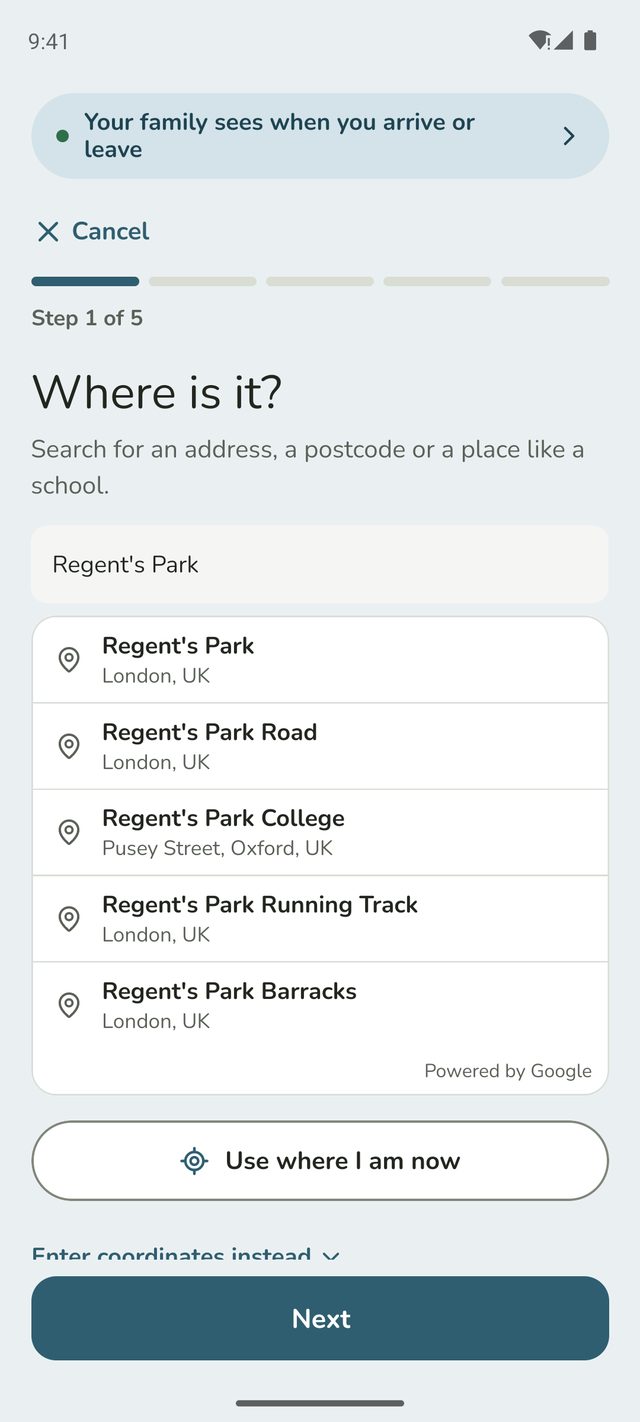
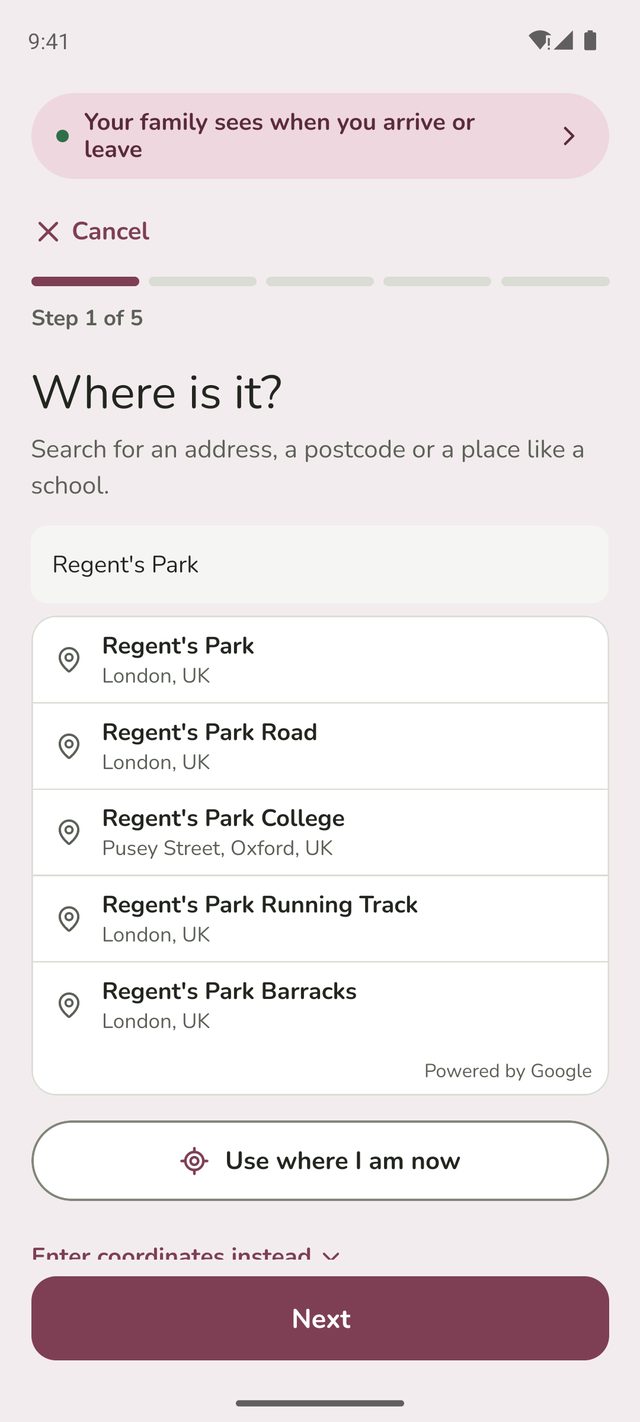
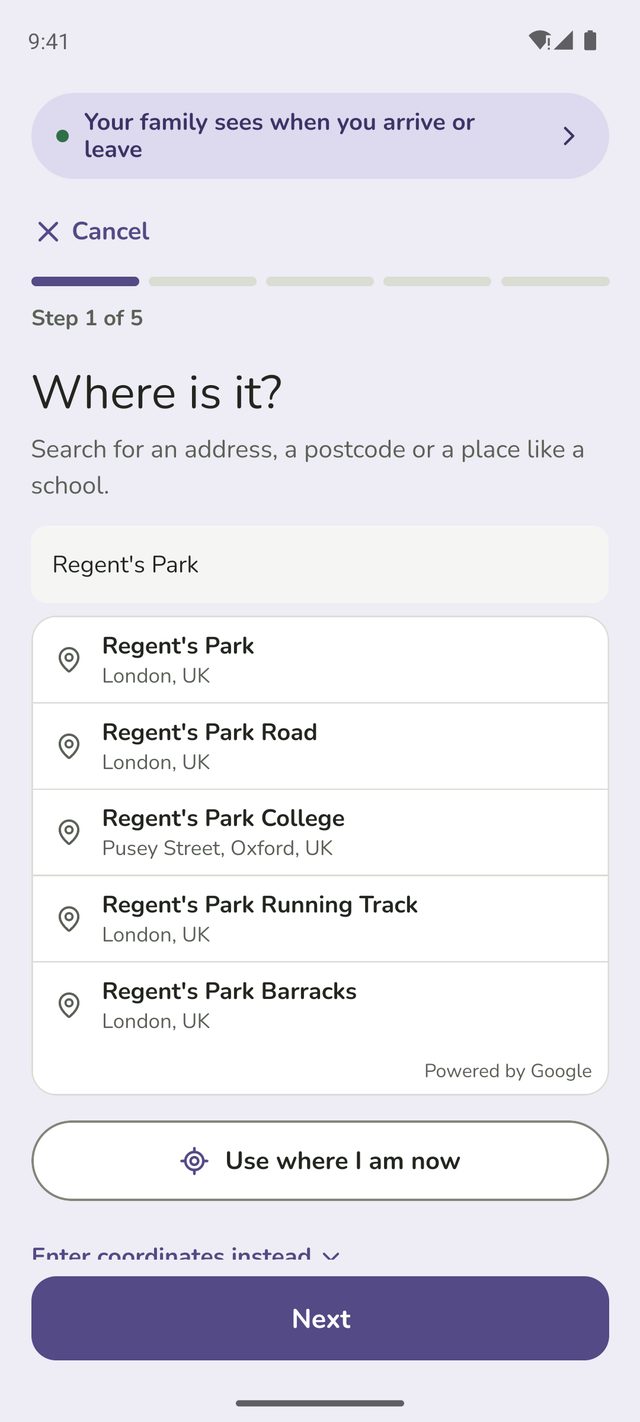
Start typing an address, a postcode or a place like a school, then tap the right result. Search covers UK addresses. Then tap Next.
You can also:
- Tap Use where I am now if you're standing there.
- Tap Enter coordinates instead to type a latitude and longitude.
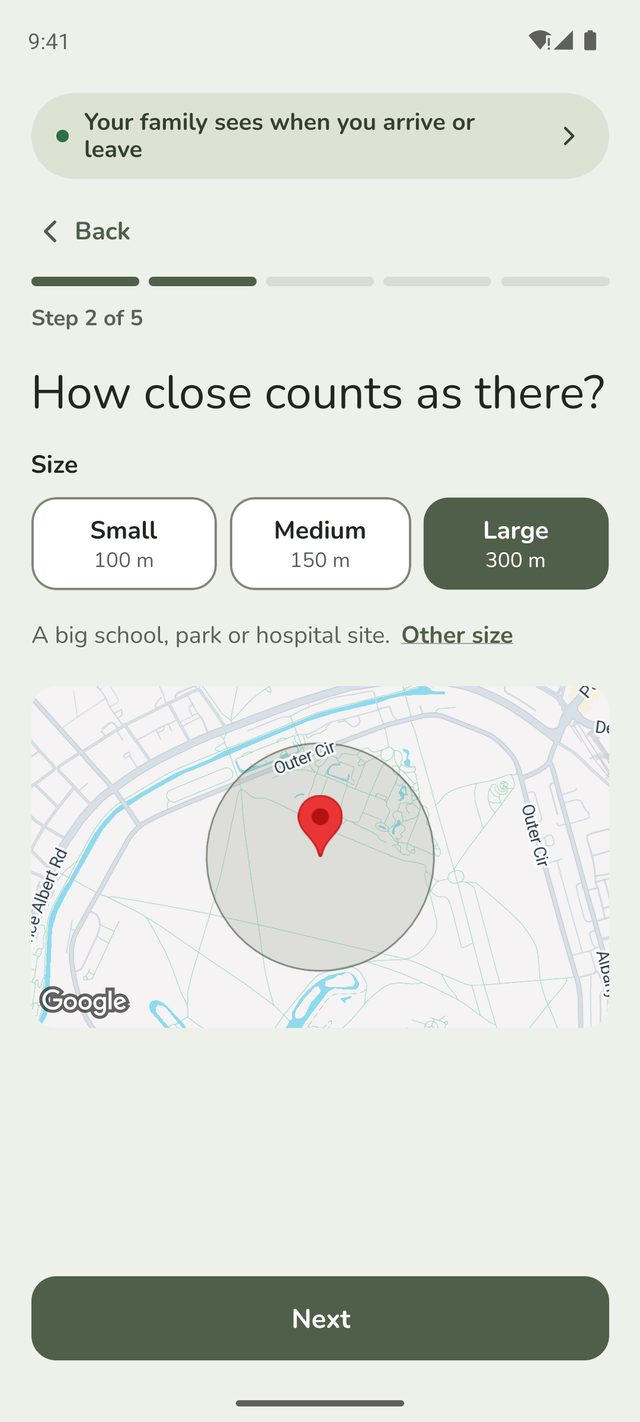
Step 3:How close counts as there?
Someone counts as there when their phone is inside the circle on the map. Choose a size:
- Small, 100 m: a house or flat.
- Medium, 150 m: most homes and schools.
- Large, 300 m: a big school, park or hospital site.
For anything else, tap Other size and type a size from 50 to 1,000 metres.
Under 100 m can be less reliable indoors, where location drifts. If alerts come late or not at all, try a bigger size.
Step 4:What do you call it?
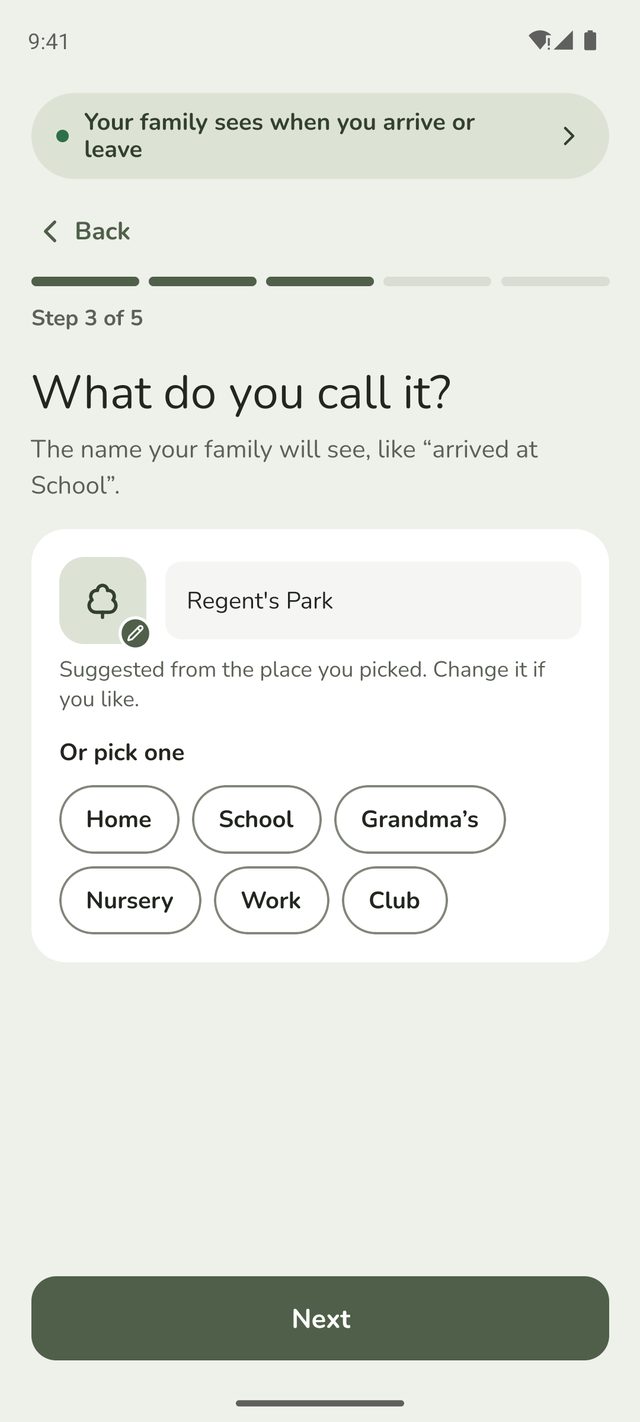
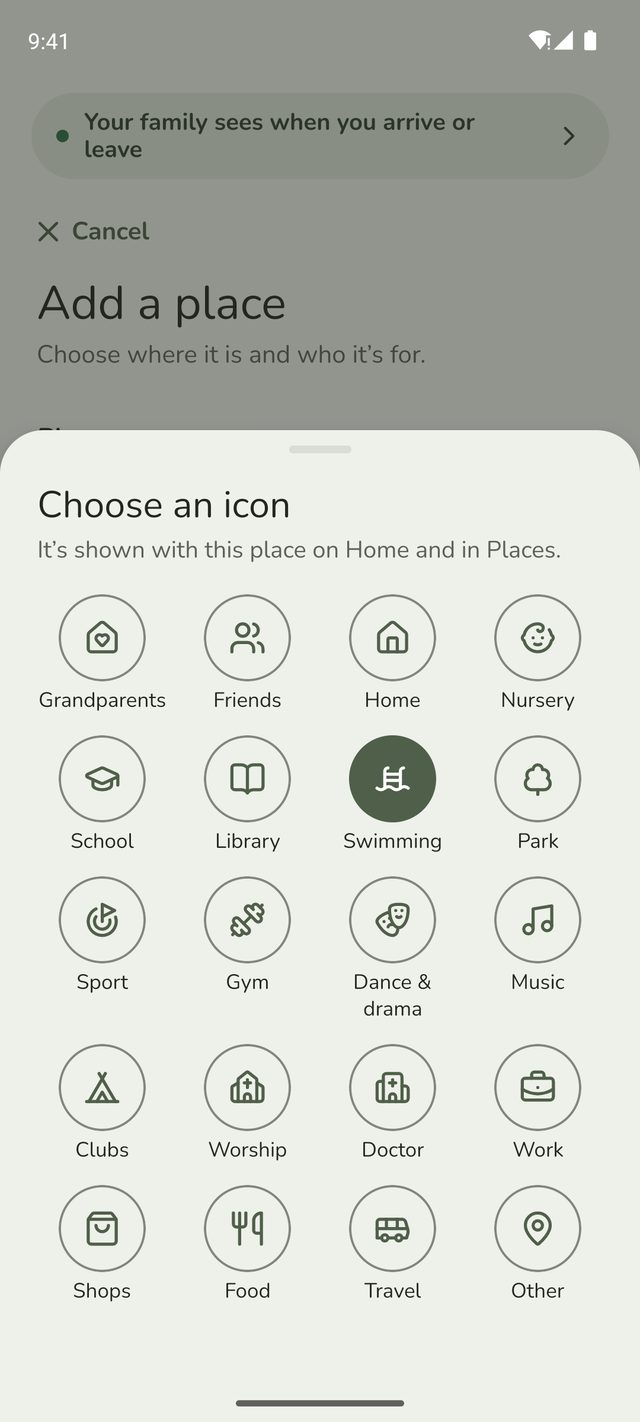
Family Haven fills in a name and an icon from the place you picked: School for a school, or the place's own name, like Regent's Park. Change the name if you like, or tap one under Or pick one, like Home, Grandma's or Club. It's the name your family will see in alerts, such as "Leo arrived at Football club".
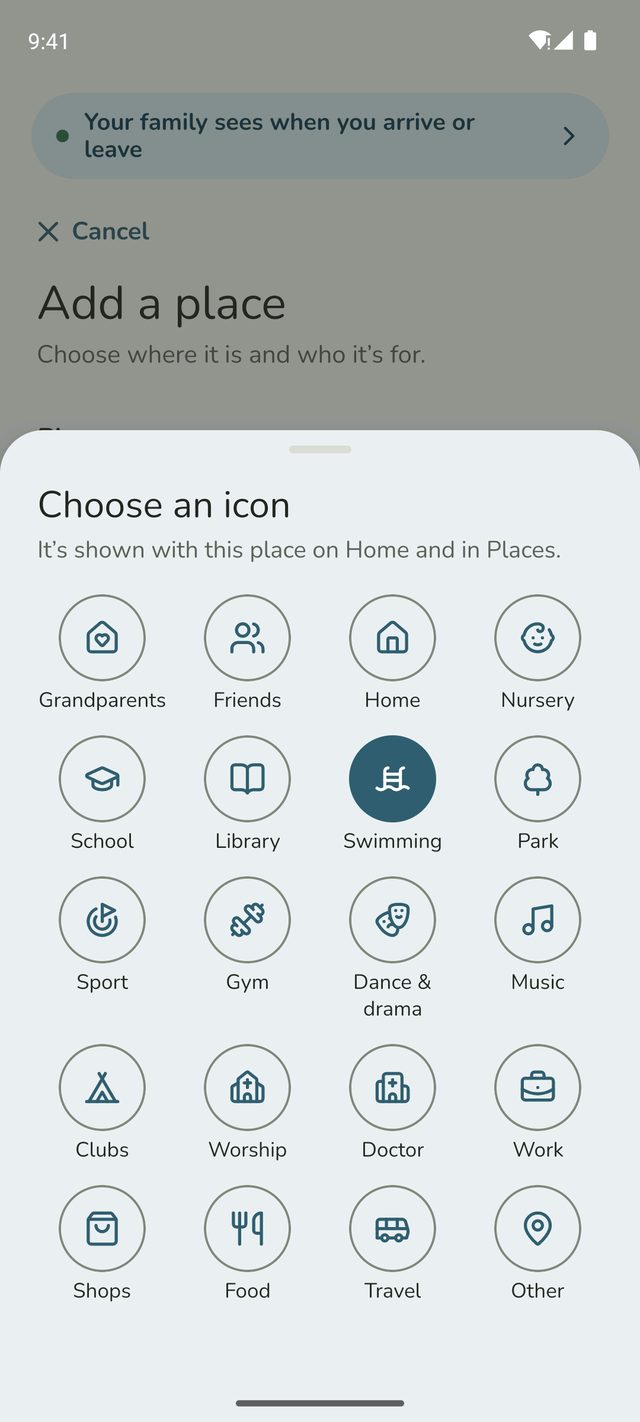
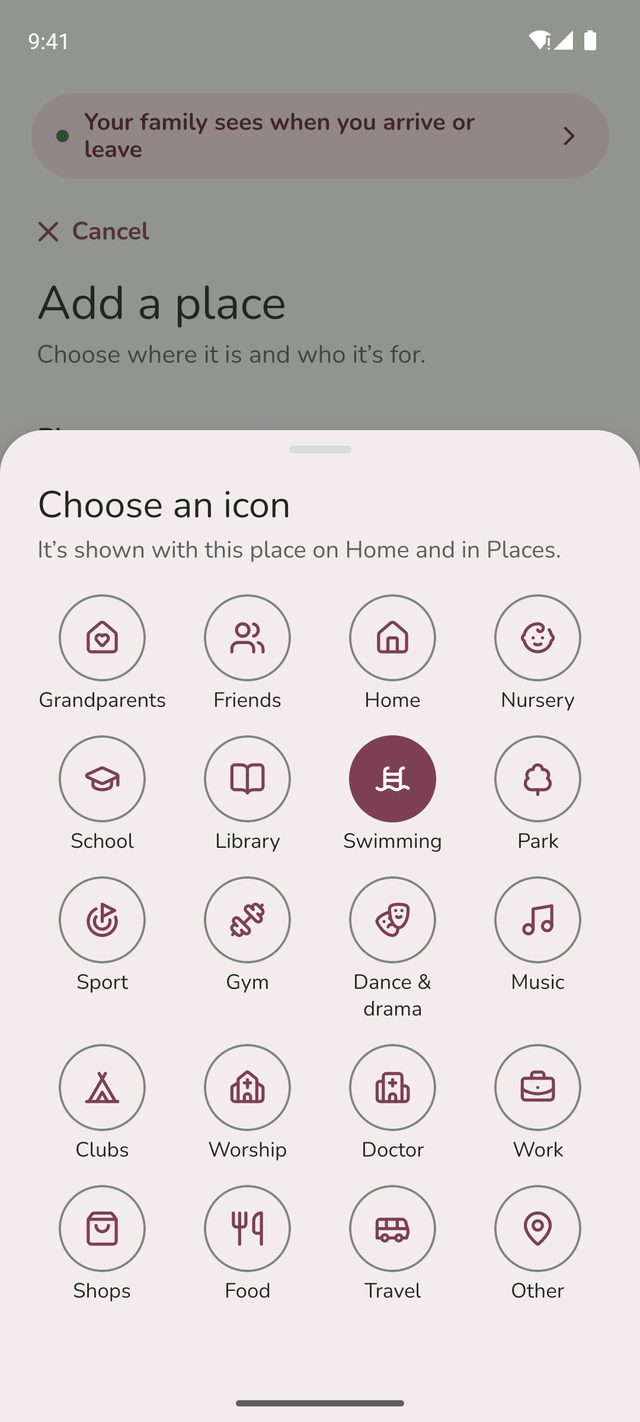
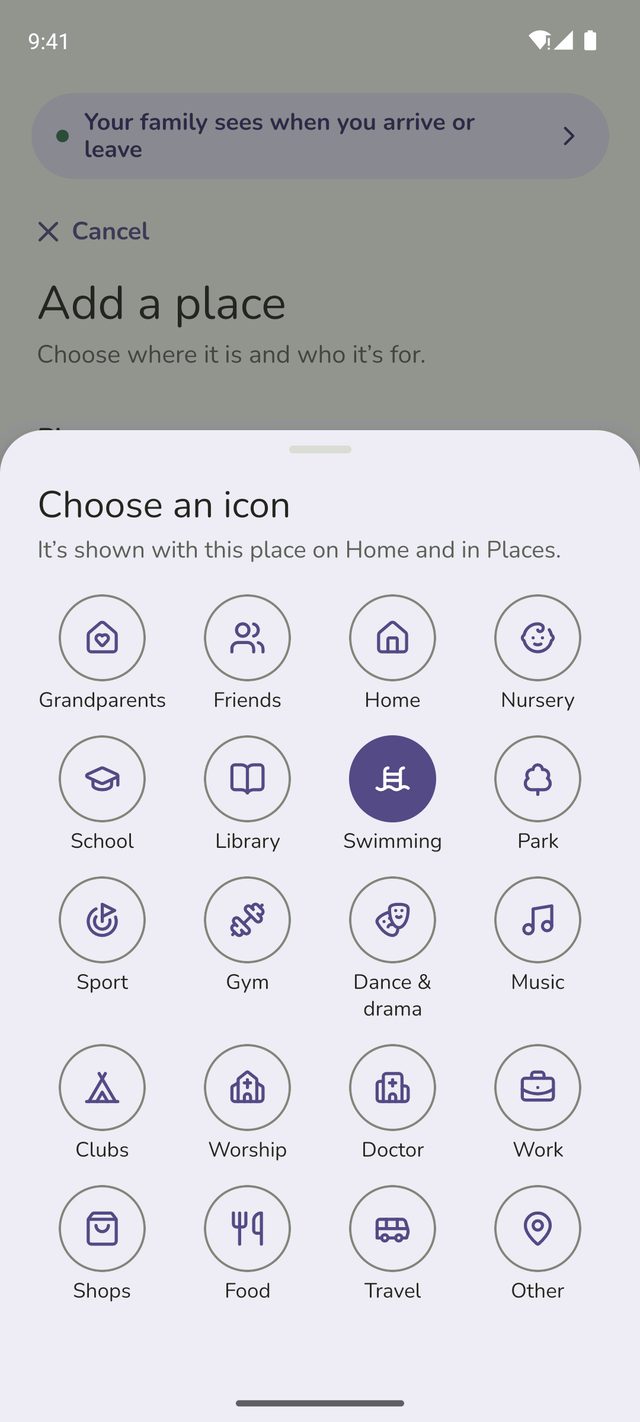
To change the icon, tap it and pick one under Choose an icon.
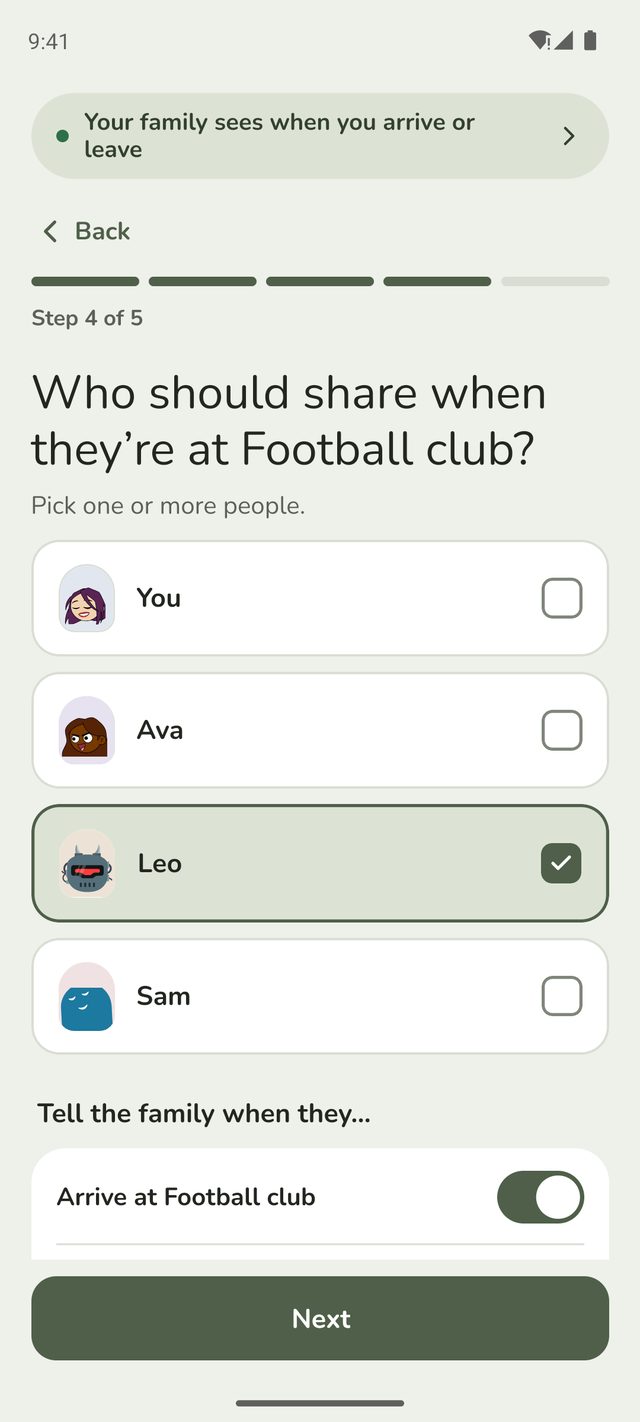
Step 5:Who should share when they're at the place?
Tap the people you want to hear about at this place. Only their arrivals and departures are shared, and only here.
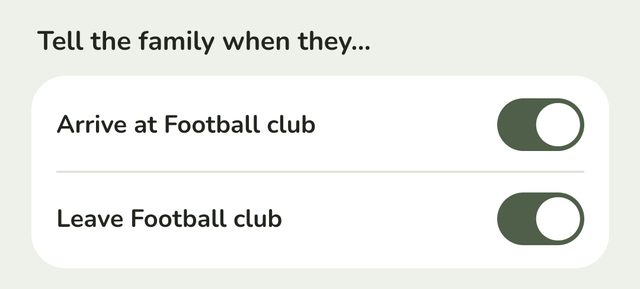
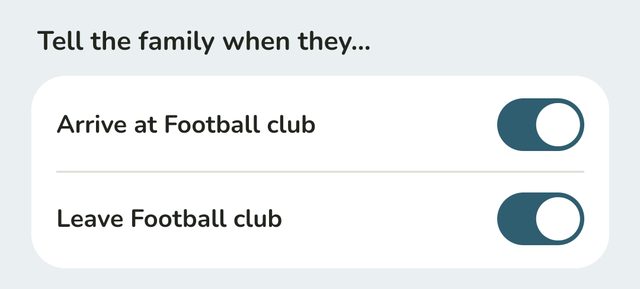
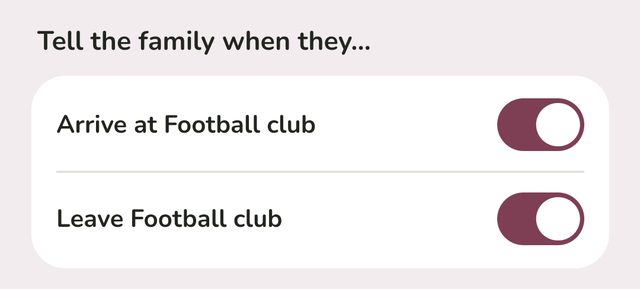
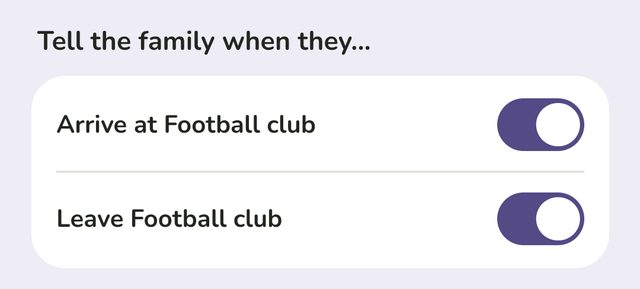
Under that, Arrive at and Leave the place are both on to start with. Turn either off if you don't need it, for example if you only want to know when someone gets to school.
Adults adding a place for themselves don't choose people. They're asked What should your family hear? instead, with the same two switches.
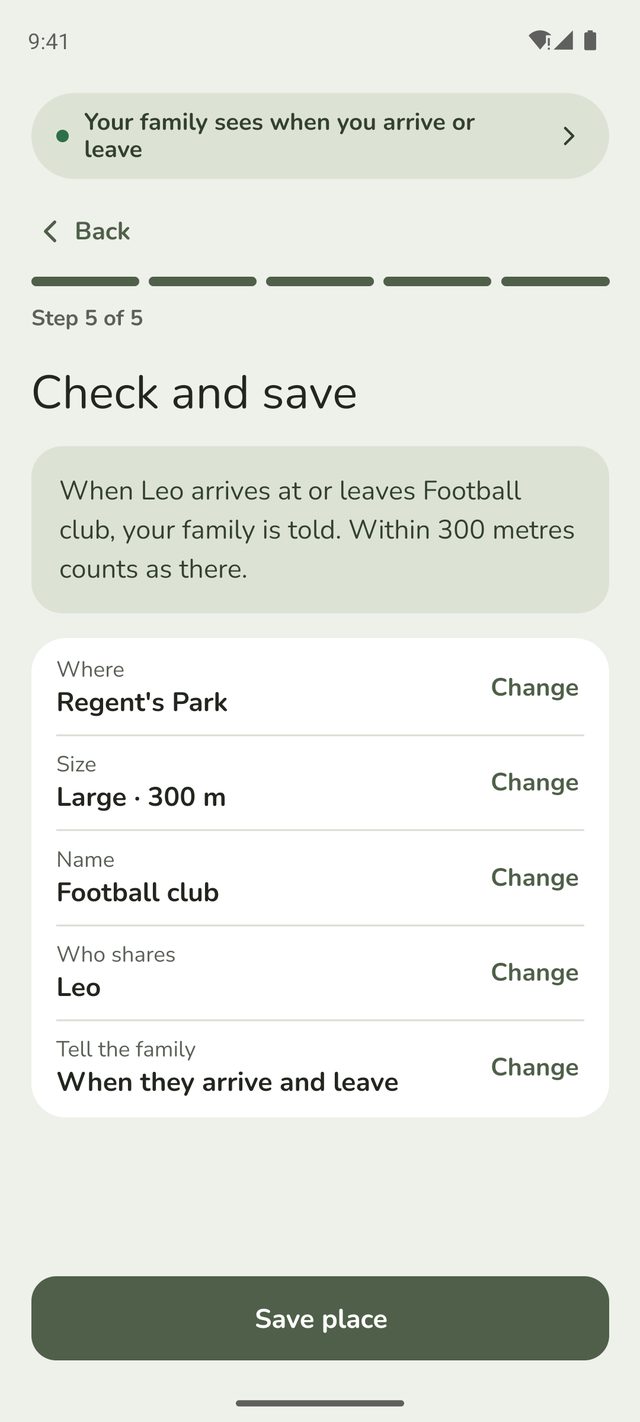
Step 6:Check and save
Family Haven sums up the place in a sentence, like "When Leo arrives at or leaves School, your family is told. Within 150 metres counts as there."
Something not right? Tap Change next to it, fix it, then tap Back to check. When it's right, tap Save place.
Step 7:Add a routine, if you like
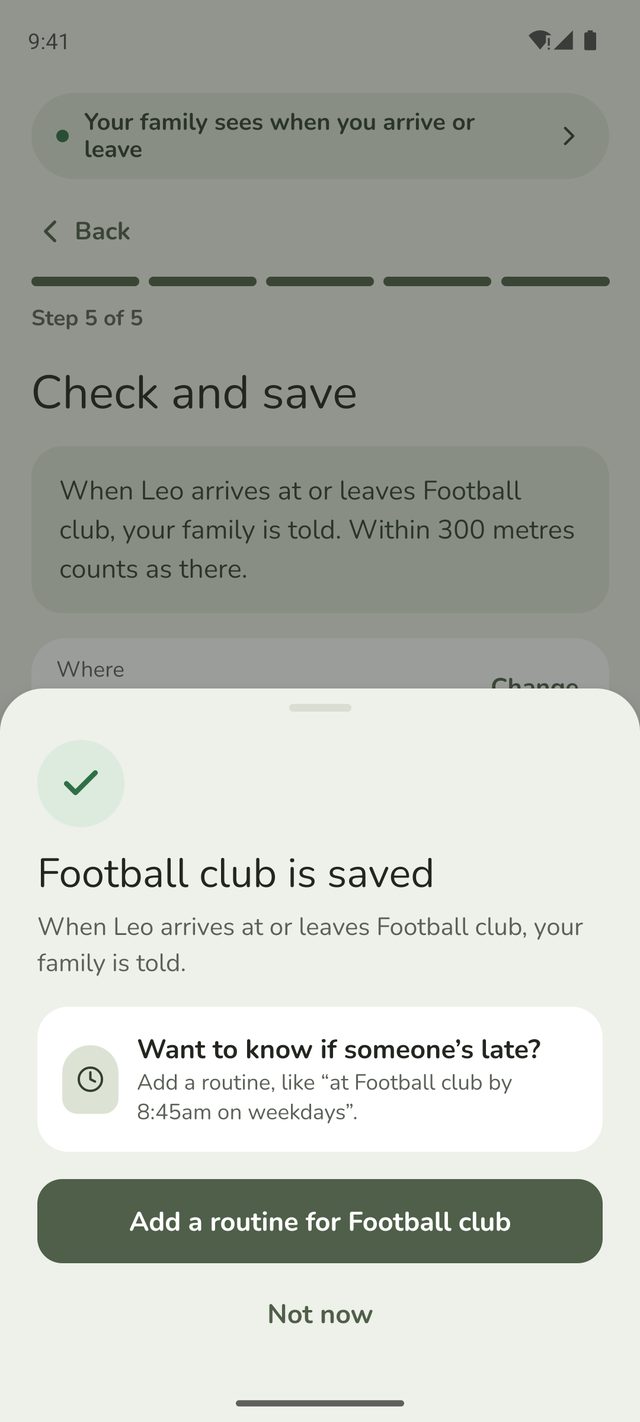
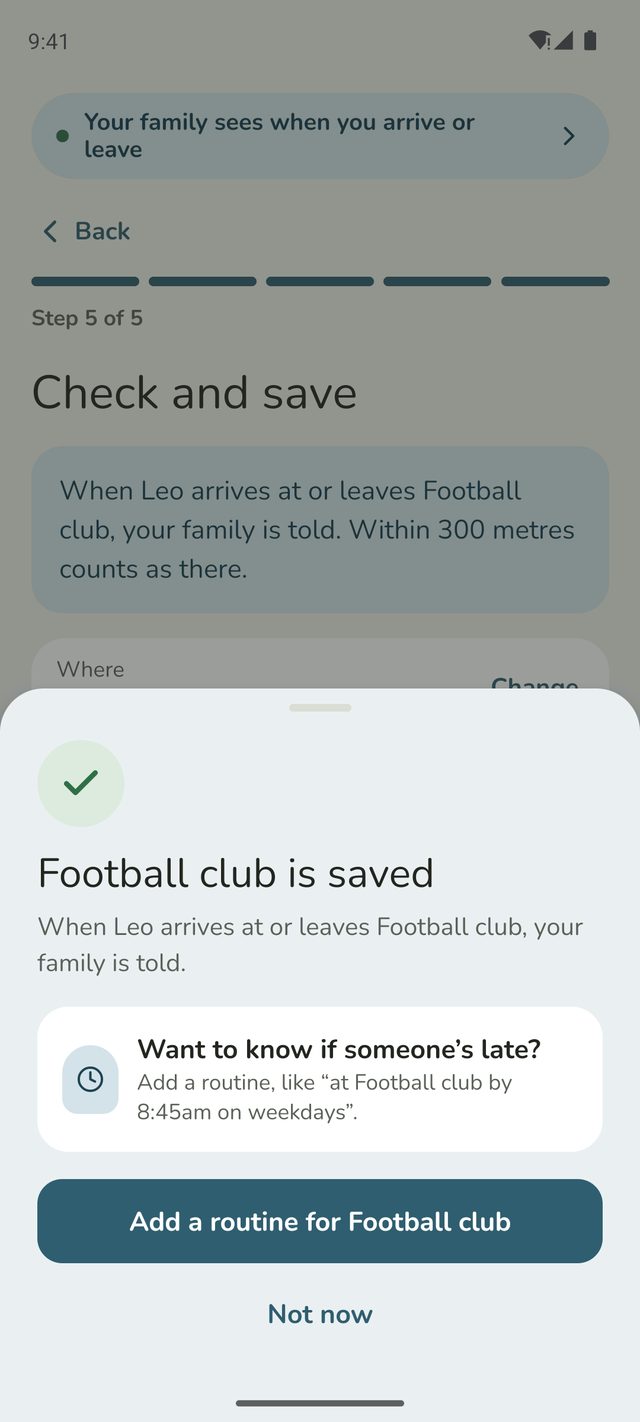
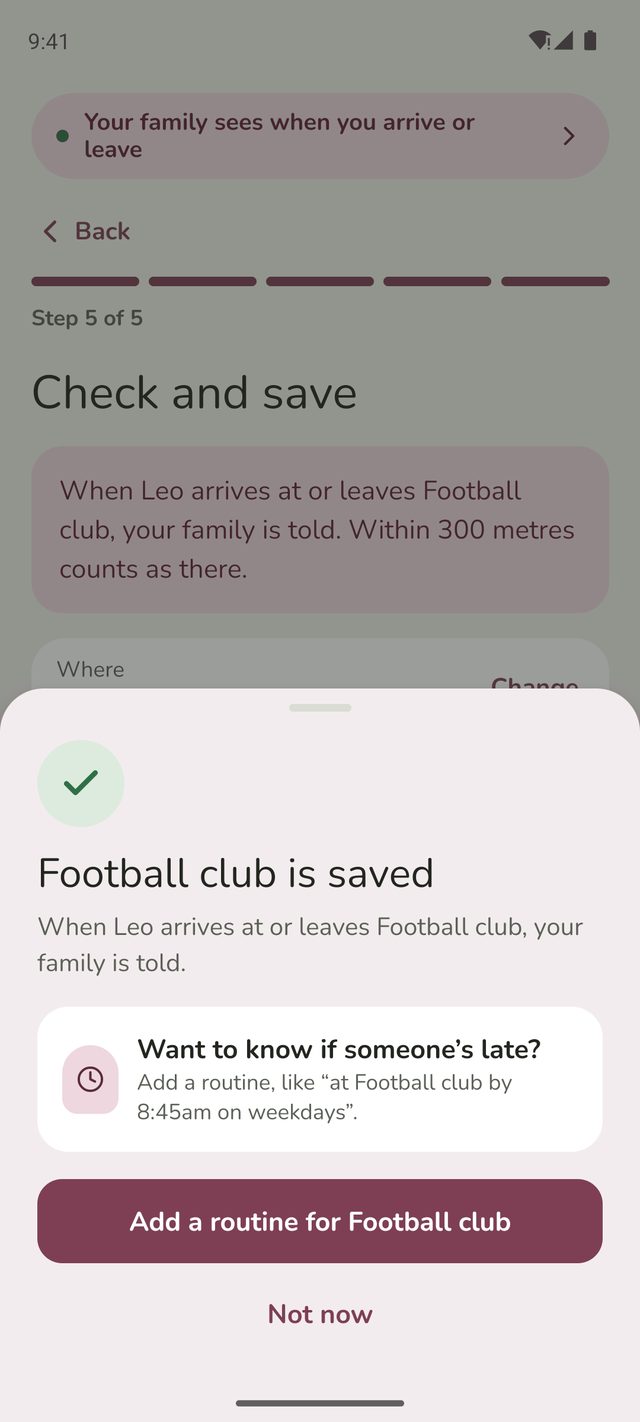
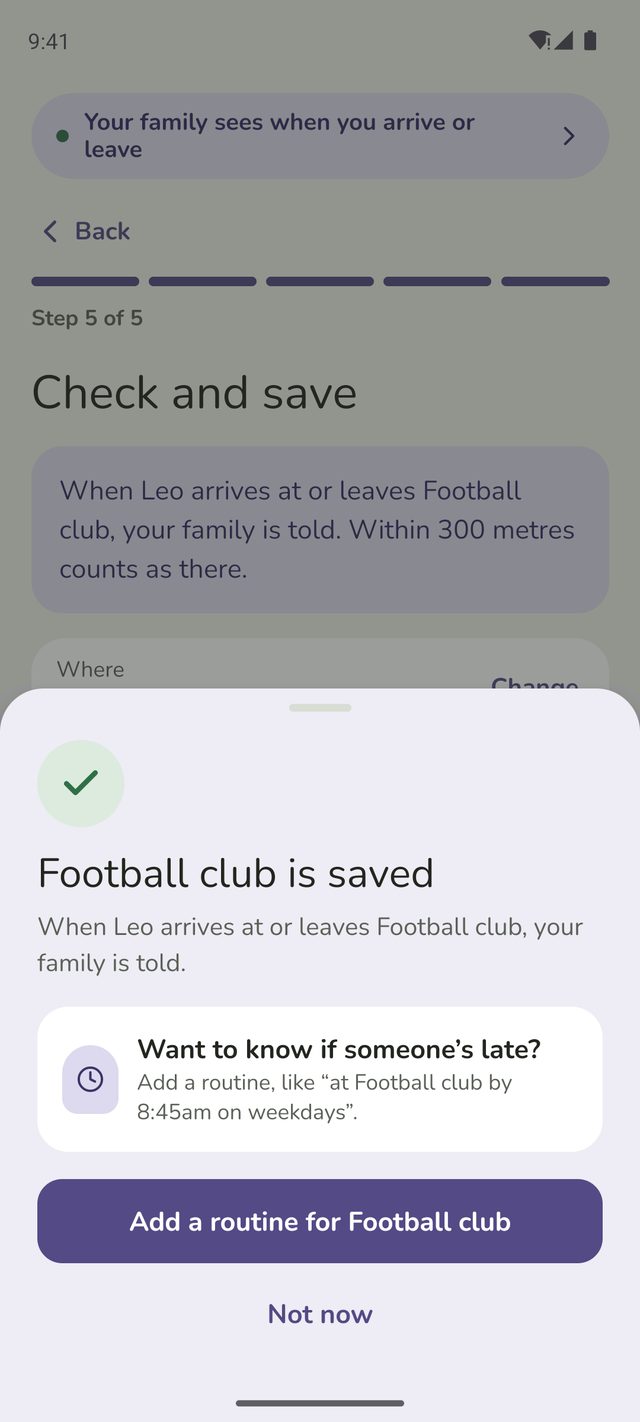
Once it's saved, parents are offered Add a routine for the place, so you can hear if someone isn't there on time. Tap Not now to skip it. See Set a routine.
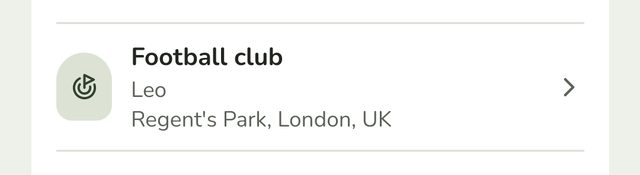
The place appears in your list straight away, with the people it's for. From now on you'll hear when they arrive and leave.
Changing or deleting a place
Tap the place in Places. Change what you need and tap Save changes. To remove it, scroll down and tap Delete place.
Good to know
- Alerts can take a few minutes. Phones check location in a way that saves battery. Departures also wait three minutes, in case someone has only stepped outside.
- Each person can have up to 20 places, on iPhone and Android. That's the most an iPhone can watch at once. If you try to add a 21st for someone, Family Haven tells you.
- On the free plan, your family can save up to 3 places. Places shows how many you've used, like 2 of 3 places on the free plan. Trips and places made just for a routine don't count. Family Haven Plus raises it to 20 for each person. See Family Haven Plus.
- Adults who reach the limit are asked to talk to a parent, who can add Plus.
Still stuck?
Send us a message and a person will reply by email.