In this guide
A routine is a time you expect someone to be somewhere. If it doesn't happen, they're asked to check in first, in case they're just running late. You only hear about it if they don't.
Family Haven asks one question per screen, then shows you the whole routine to check before you save it.
Before you start
- You need to be a parent, or an adult setting a routine for yourself.
- The place needs to be saved, or you can add it while you make the routine. See Add a place.
Step 1:Open Routines and tap Add a routine
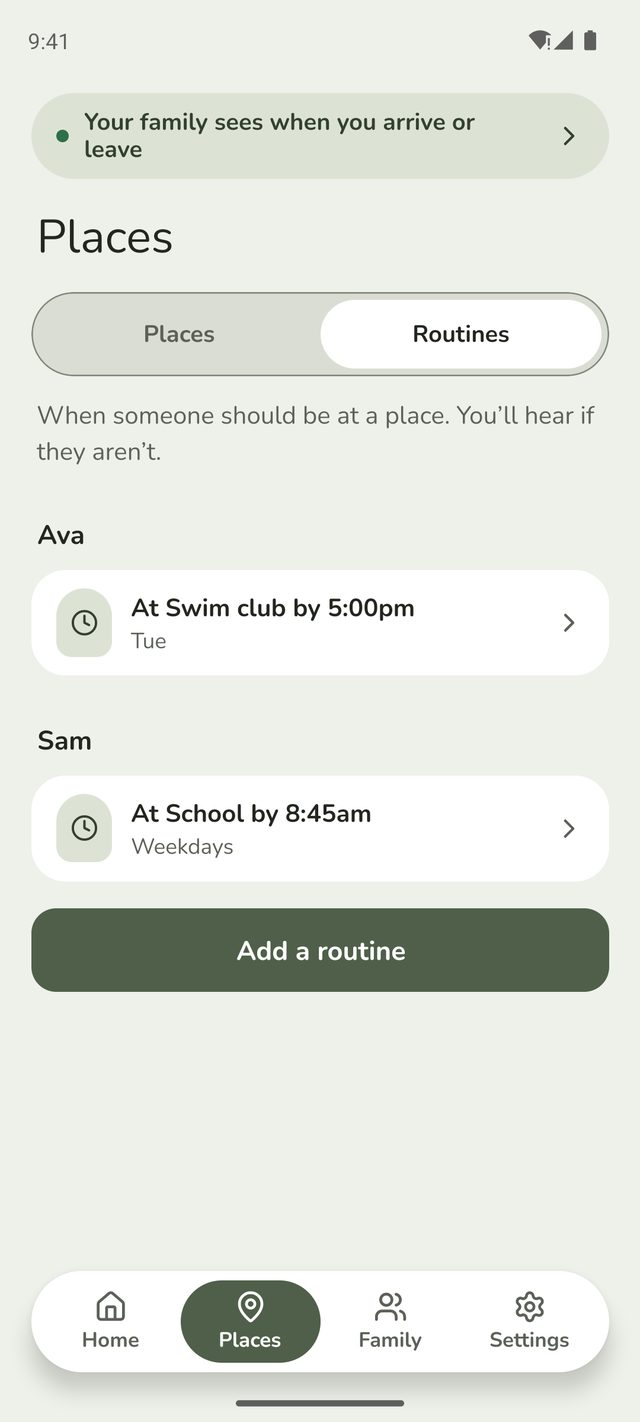
Tap Places at the bottom of the screen, then Routines at the top. Tap Add a routine.
Just set up your family? You can also tap Set a routine in the Get set up list on Home. And when you save a new place, Family Haven offers Add a routine for it straight away.
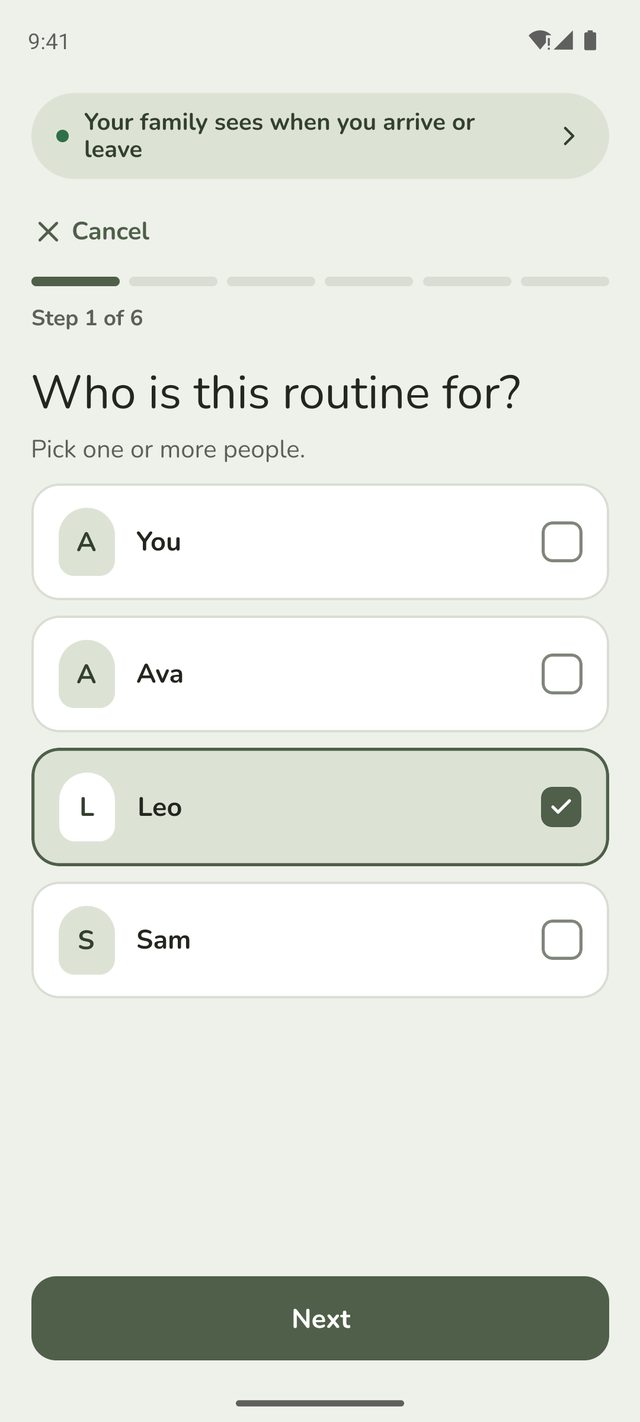
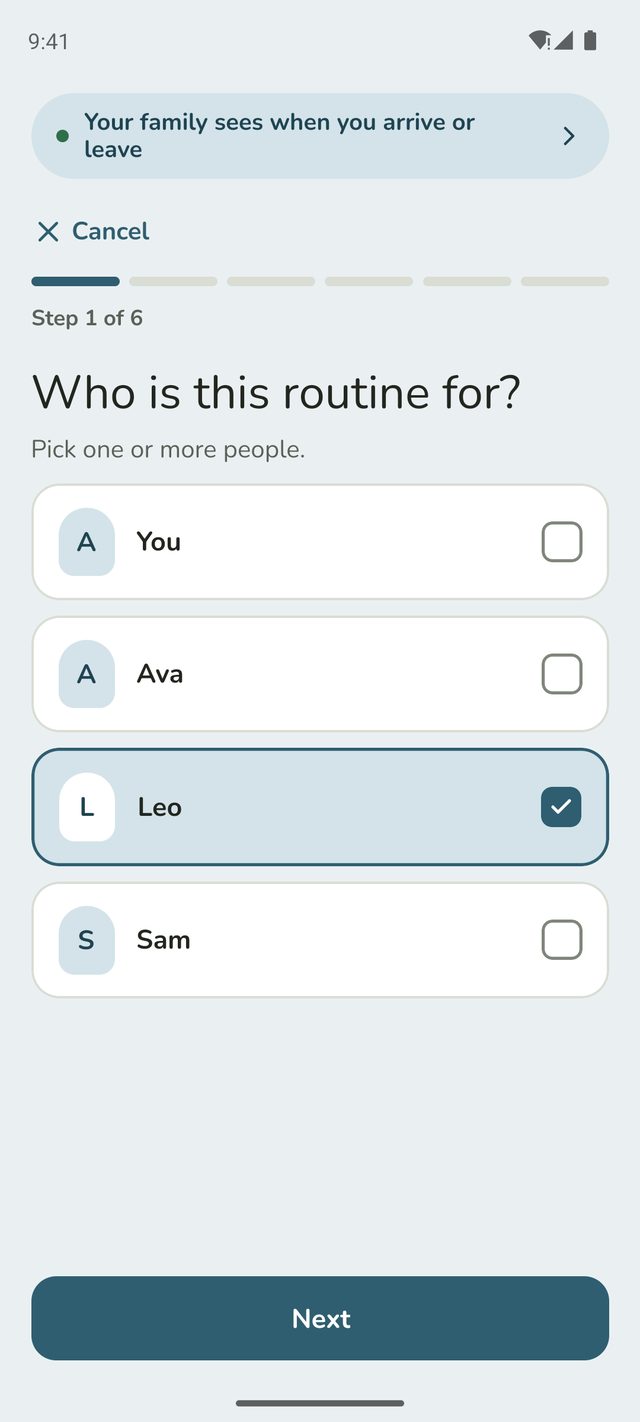
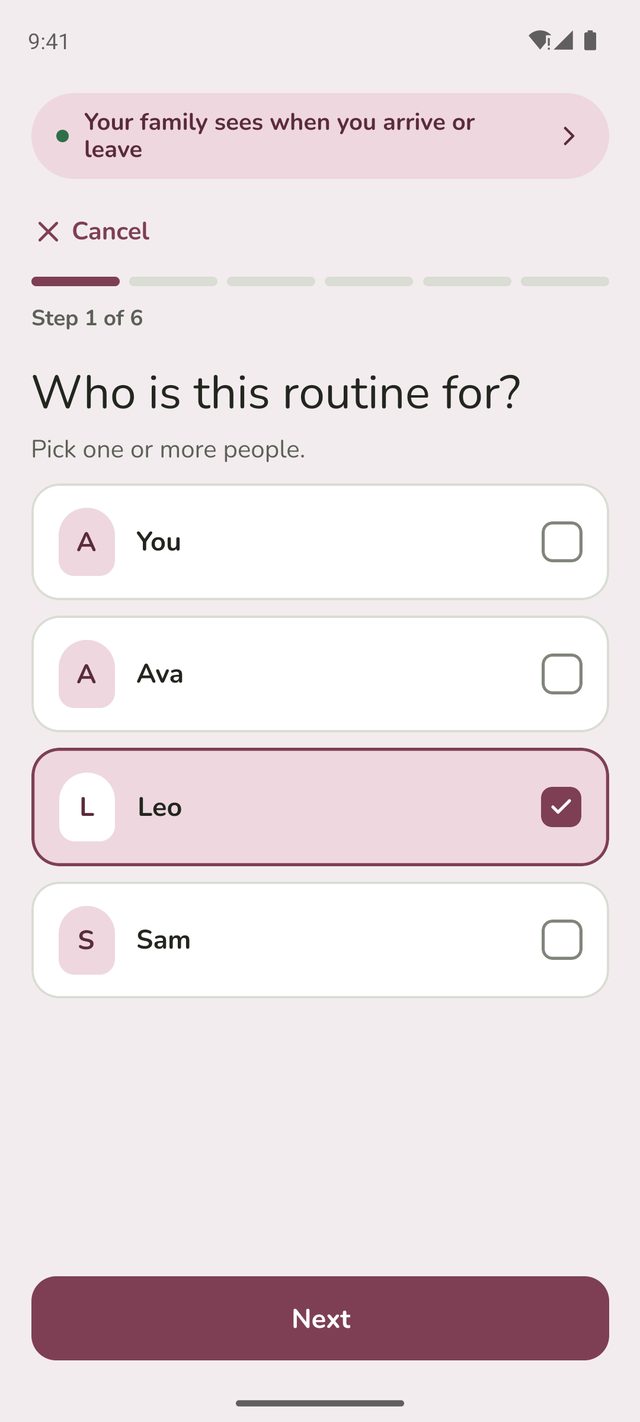
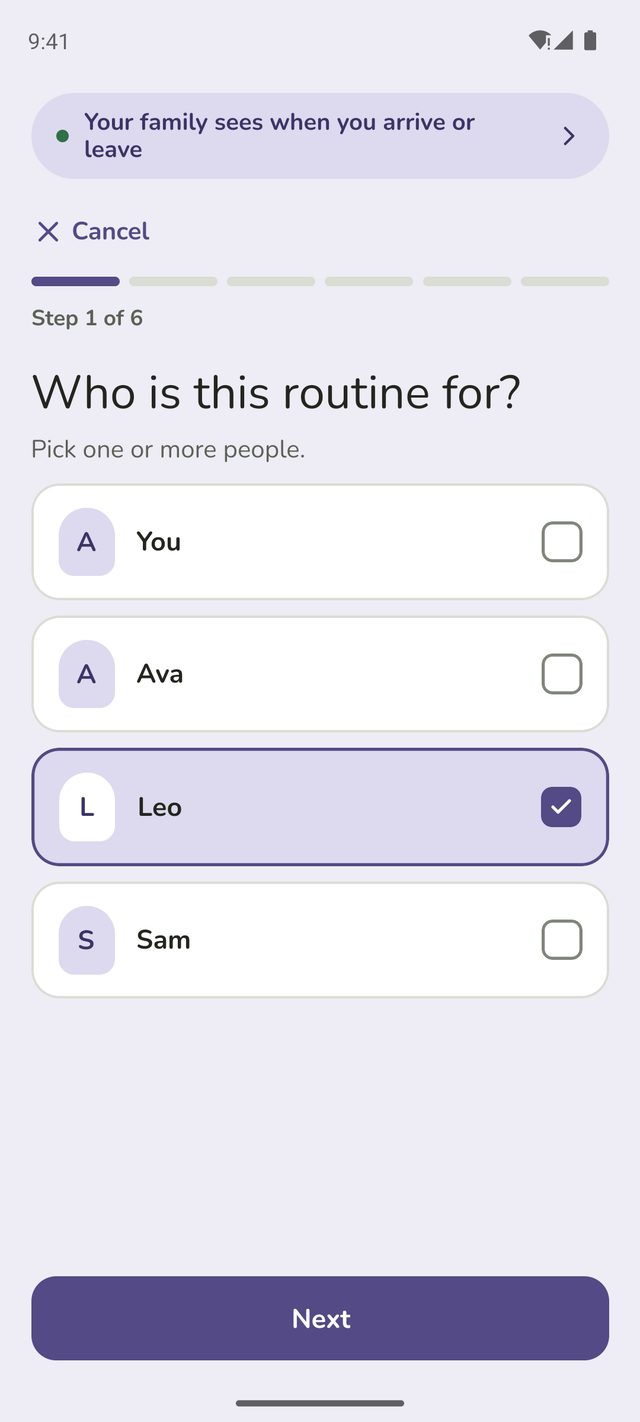
Step 2:Who is this routine for?
Tap the person, or several people if the routine is the same for each of them. Then tap Next.
Adults setting a routine for themselves skip this step.
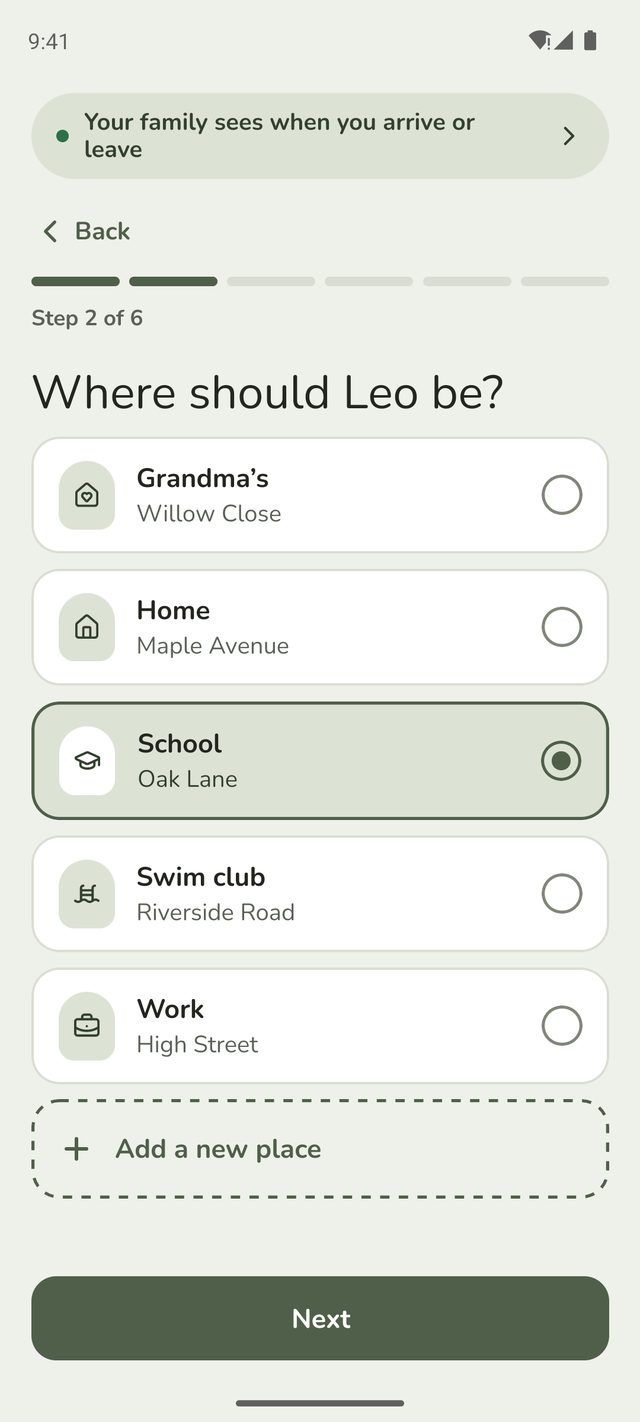
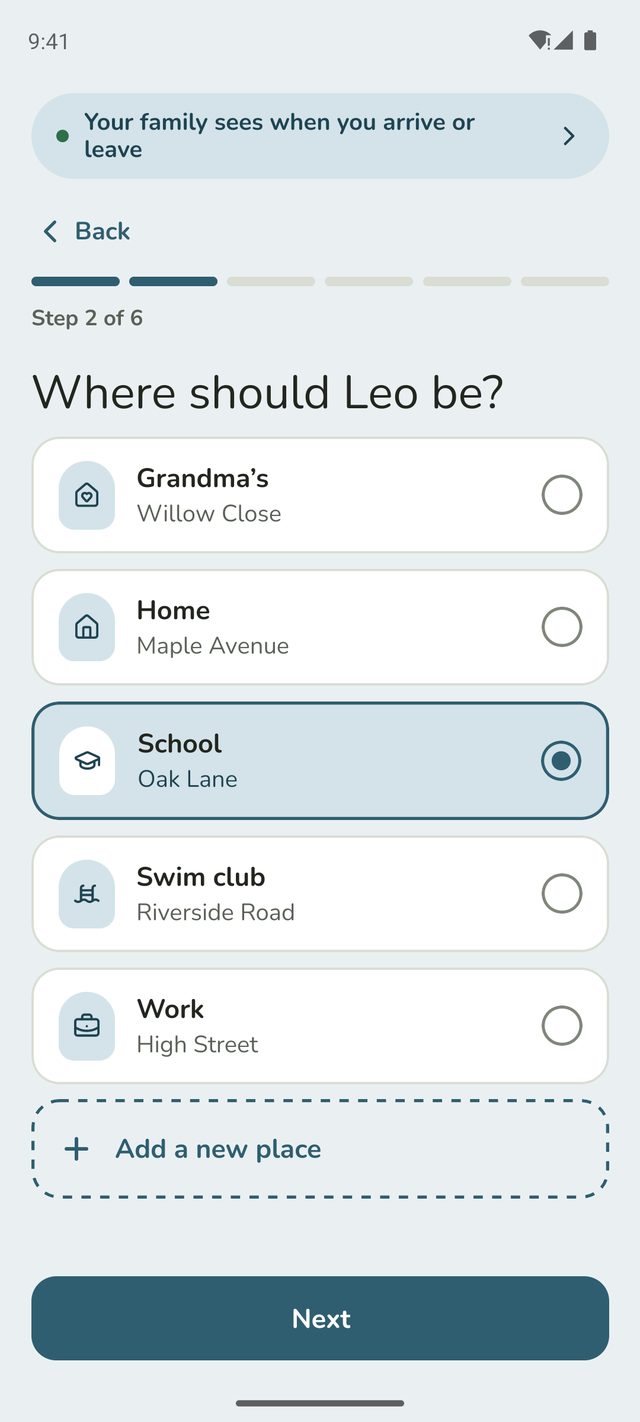
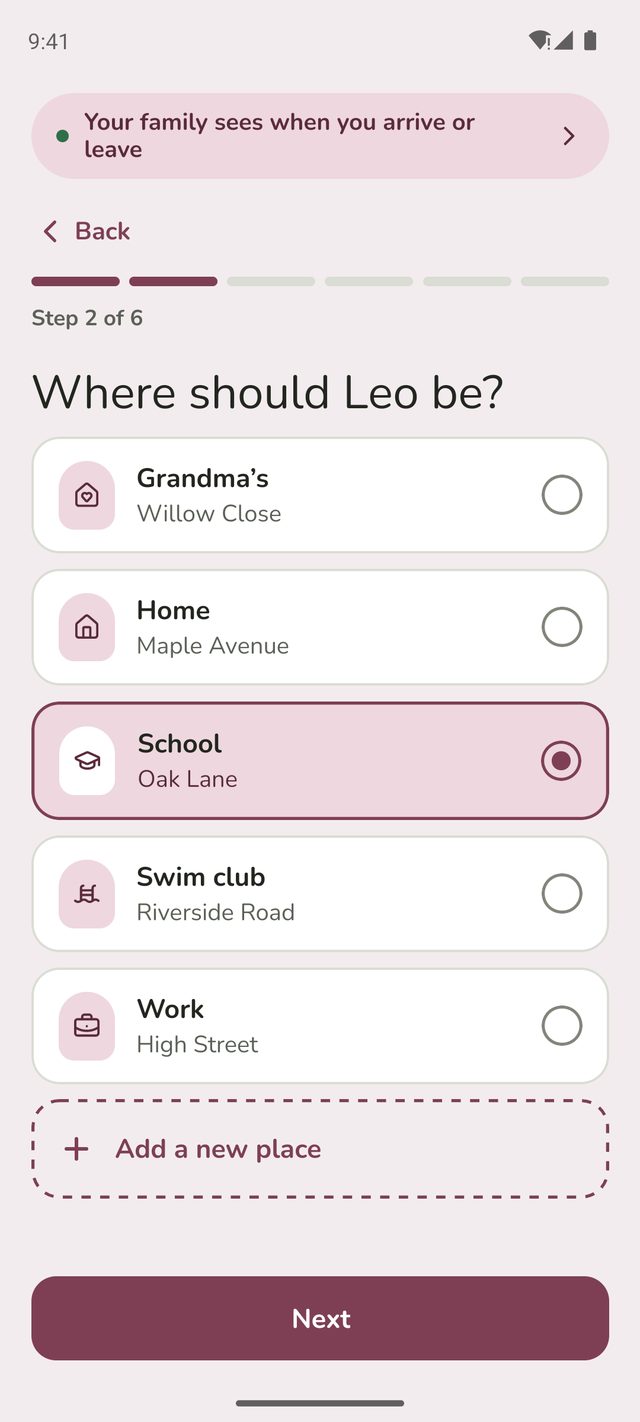
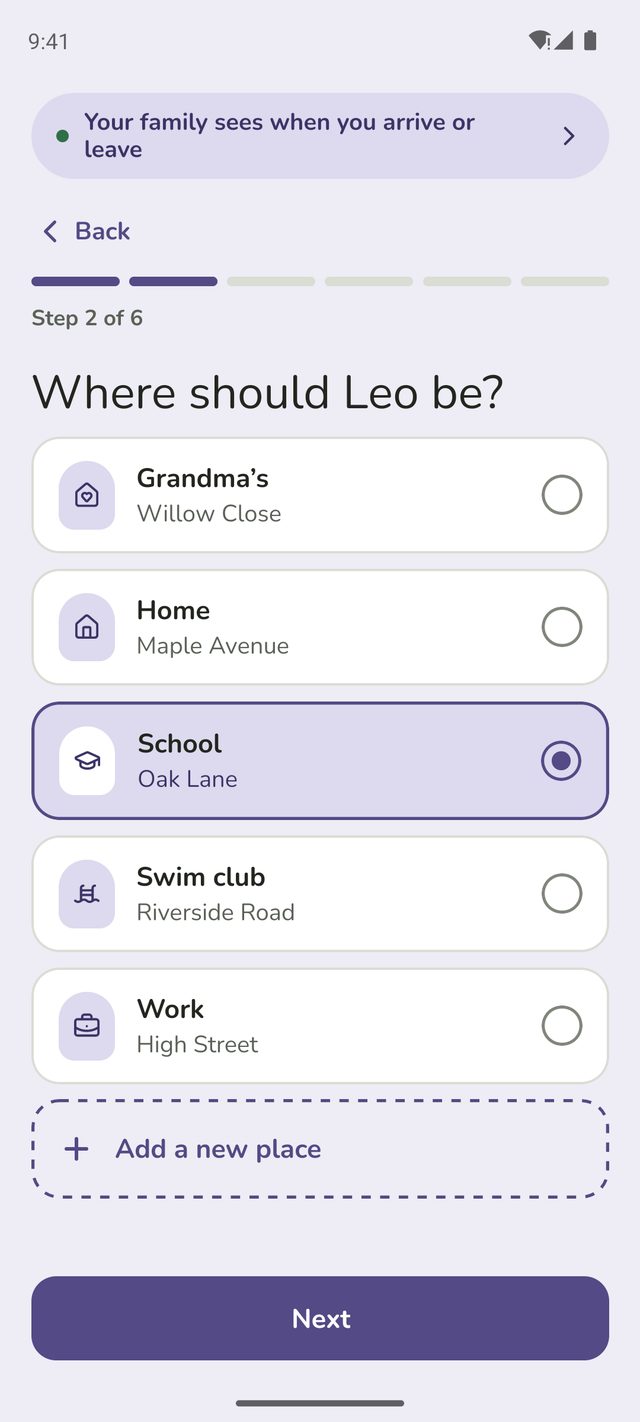
Step 3:Where should they be?
Tap the place. No place for it yet? Tap Add a new place. You answer a few quick questions about it, then come straight back to the routine with it chosen. A place made this way is just for the routine, so it doesn't show in Places or send arrival alerts of its own.
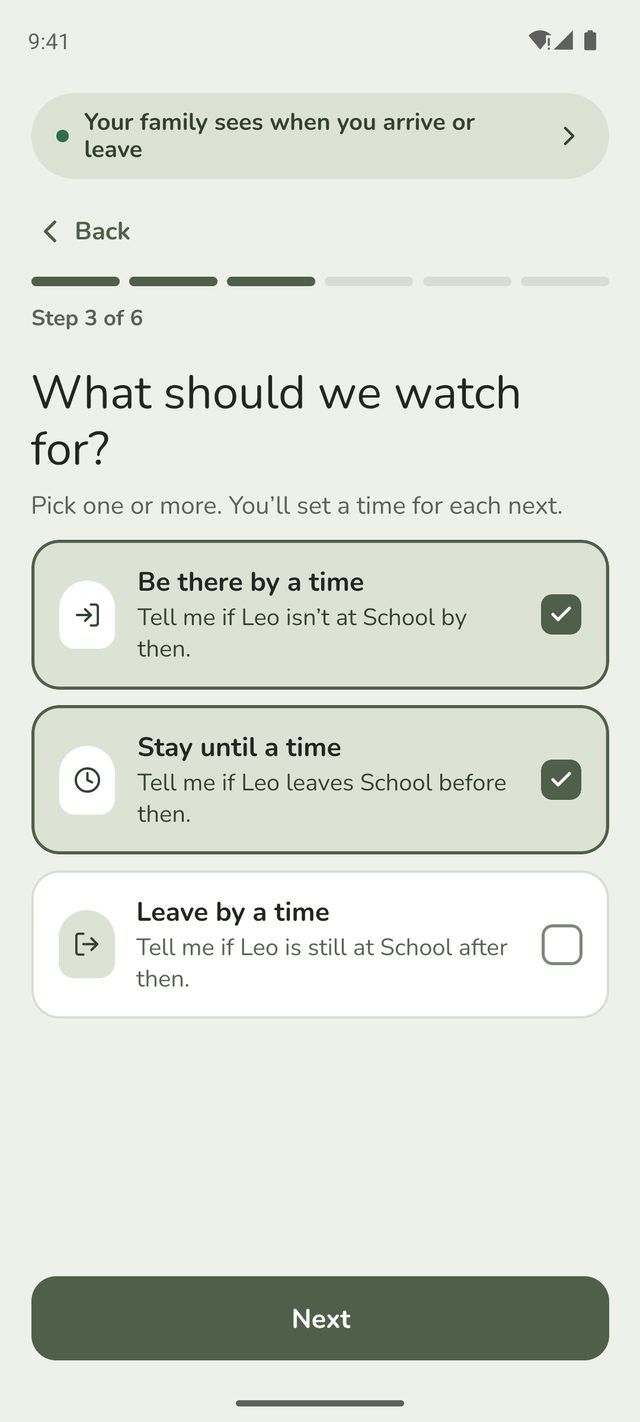
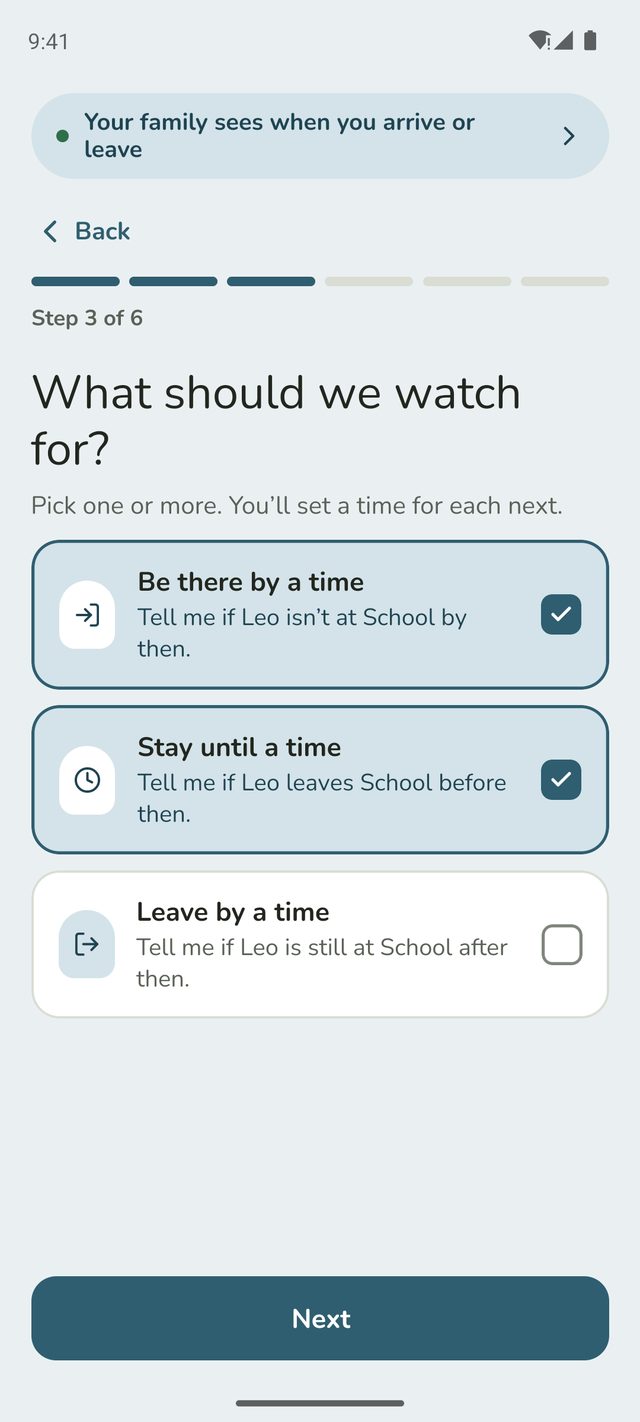
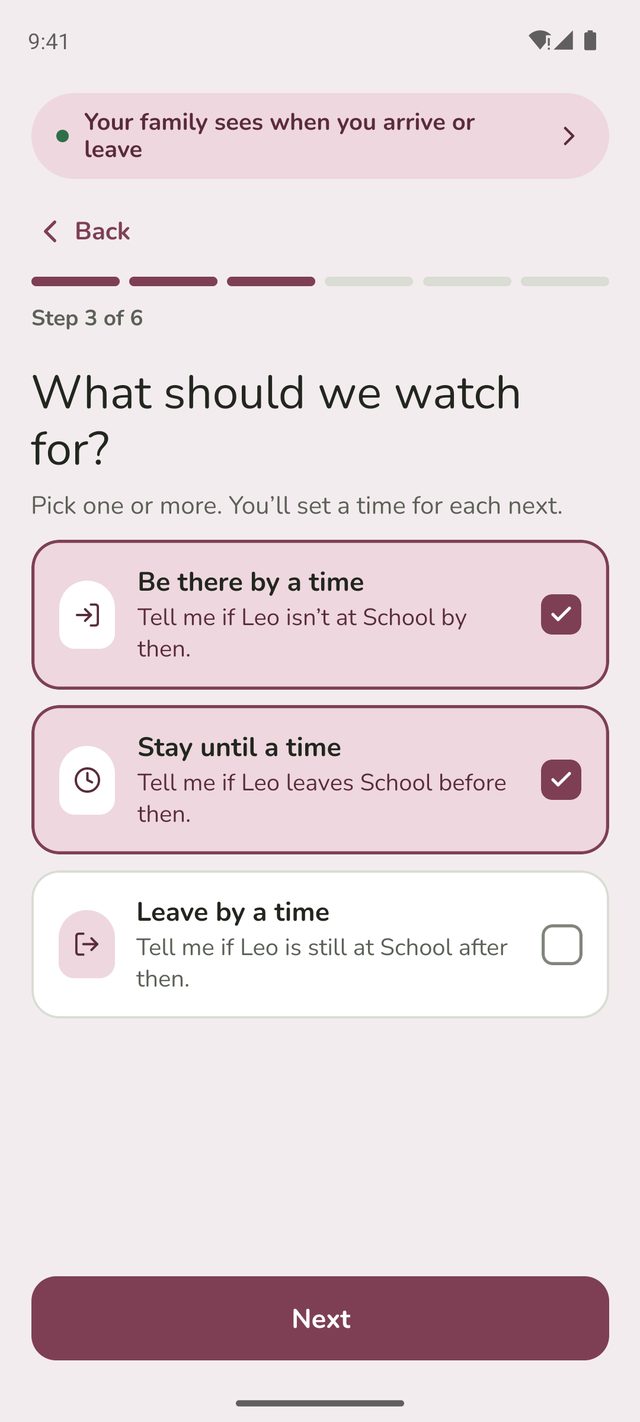
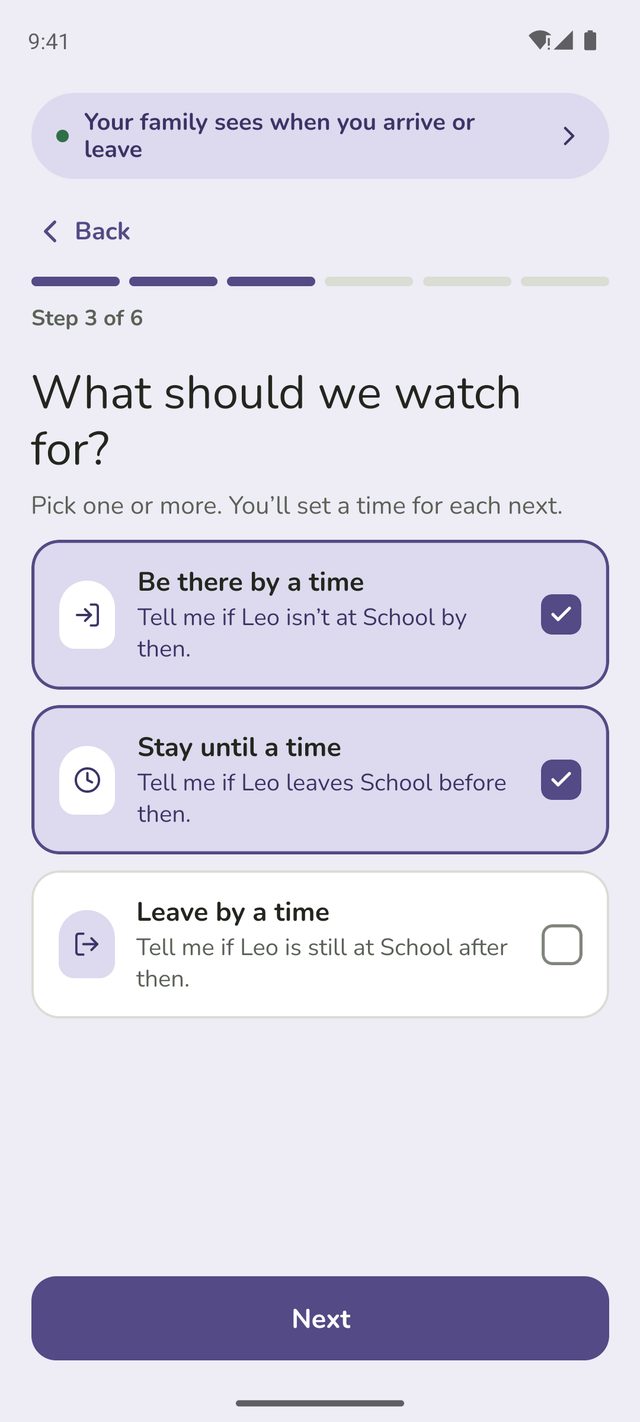
Step 4:What should we watch for?
Pick one or more:
- Be there by a time: you're told if they're not there by then.
- Stay until a time: you're told if they leave before then.
- Leave by a time: you're told if they're still there after then.
You can pick more than one. For school, you might choose Be there by and Stay until, so you'd hear if Leo wasn't there by 8:45am or left before 3:15pm.
Step 5:Set the times and days
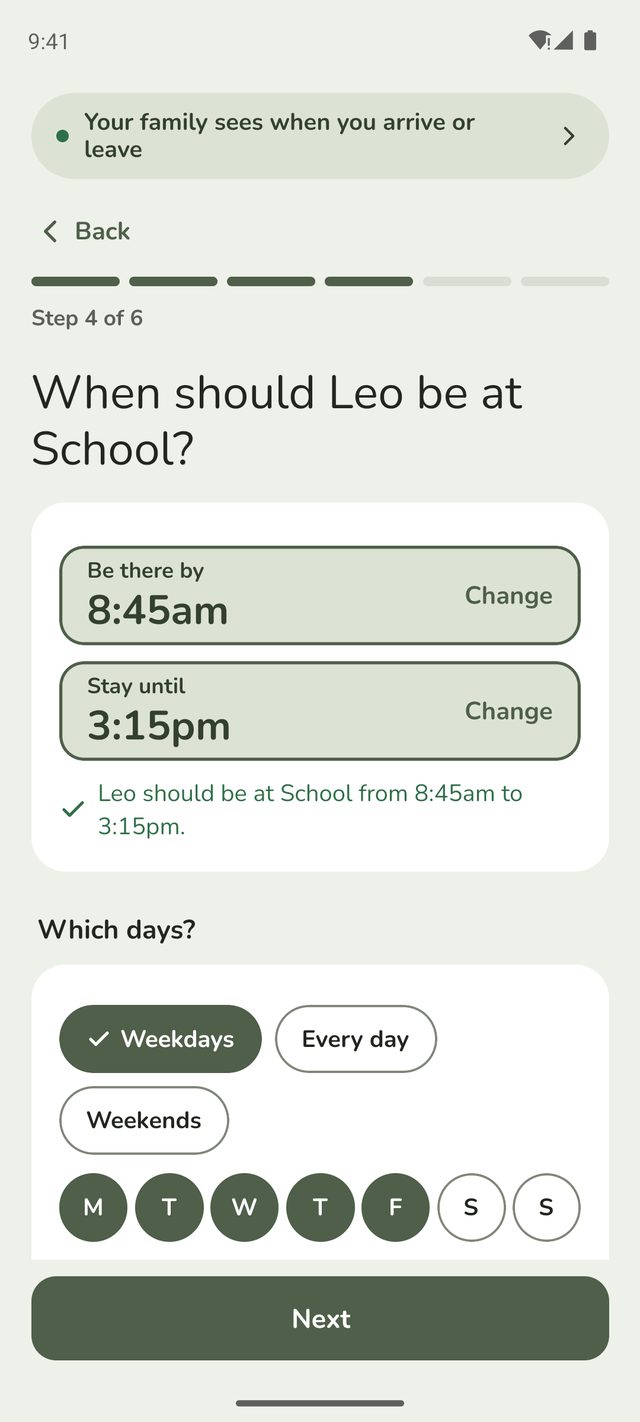
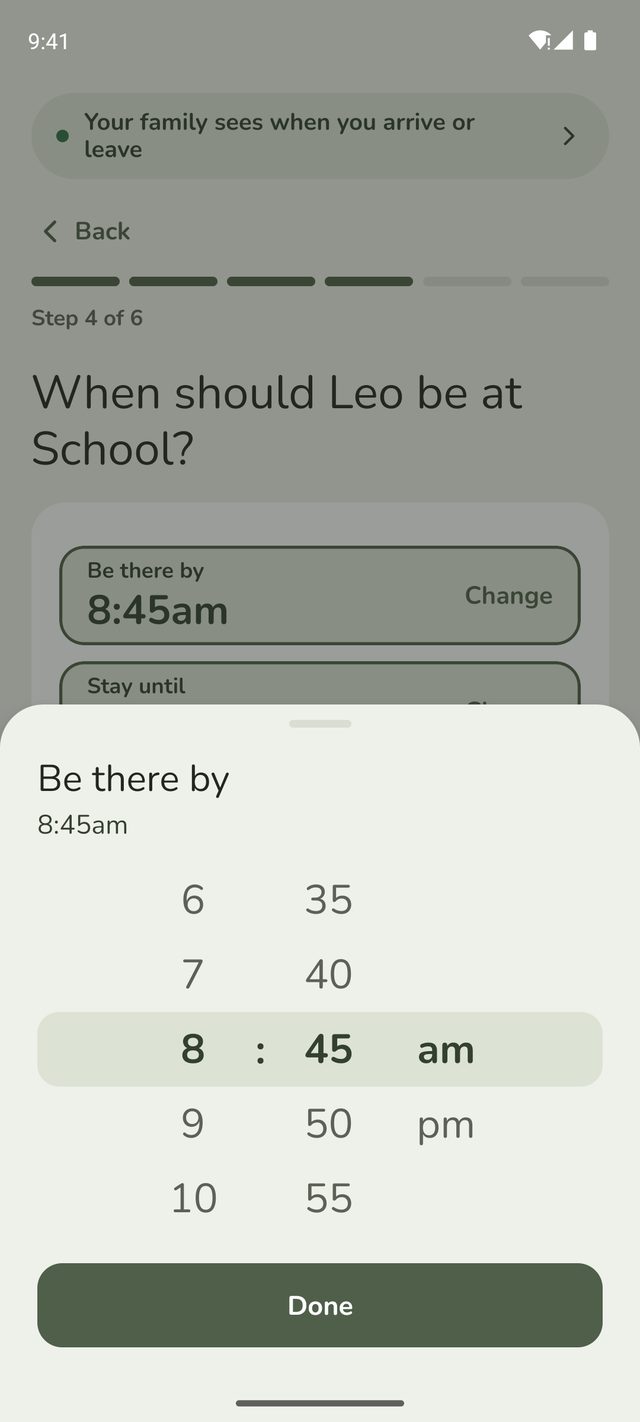
Tap Change next to a time, set the hour, minutes and am or pm, and tap Done. If you chose Be there by and Stay until, Family Haven says what that means, like Leo should be at School from 8:45am to 3:15pm.
Under Which days?, tap Weekdays, Every day or Weekends, or tap the days one by one. All the times use the same days.
Step 6:Give them time to reply?
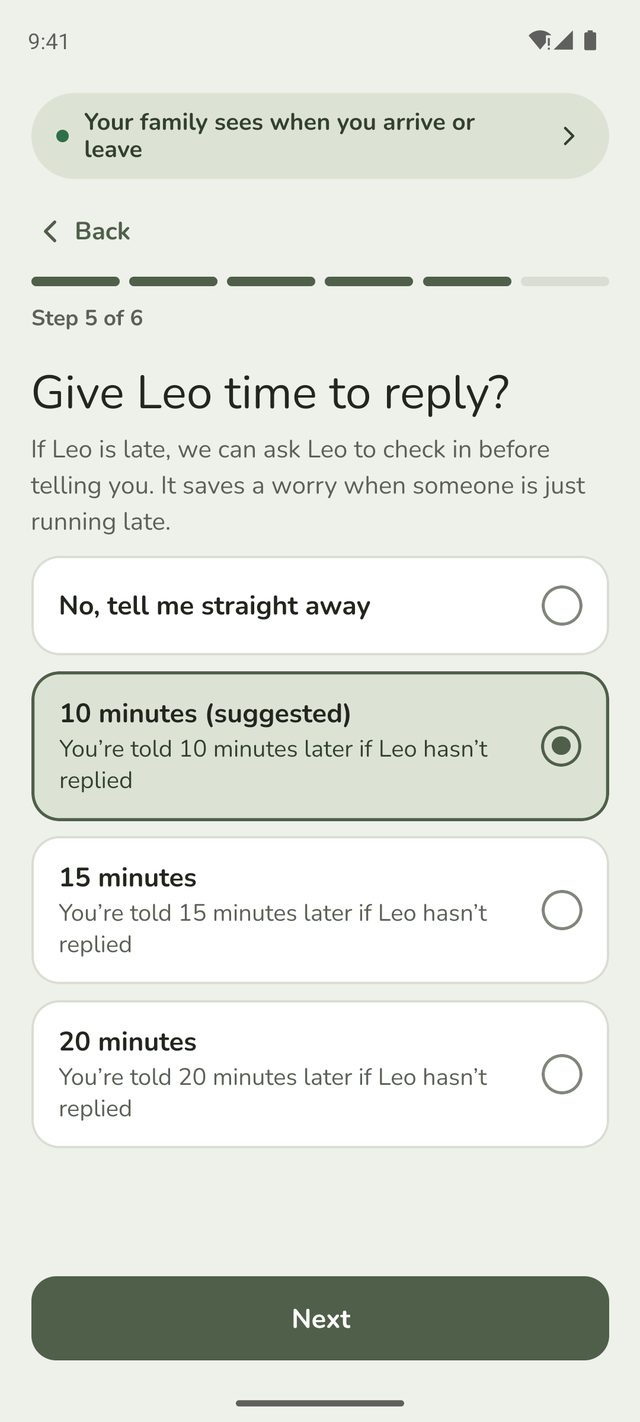
If the routine is missed, Family Haven can ask them to check in before telling you. Choose how long they get: 10 minutes (suggested), 15 minutes or 20 minutes. Or choose No, tell me straight away.
Each choice says when you'd be told, like You're told 10 minutes later if Leo hasn't replied. For a single Be there by time, it gives the time itself, like You're told at 8:55am if Leo hasn't replied.
Step 7:Check and save
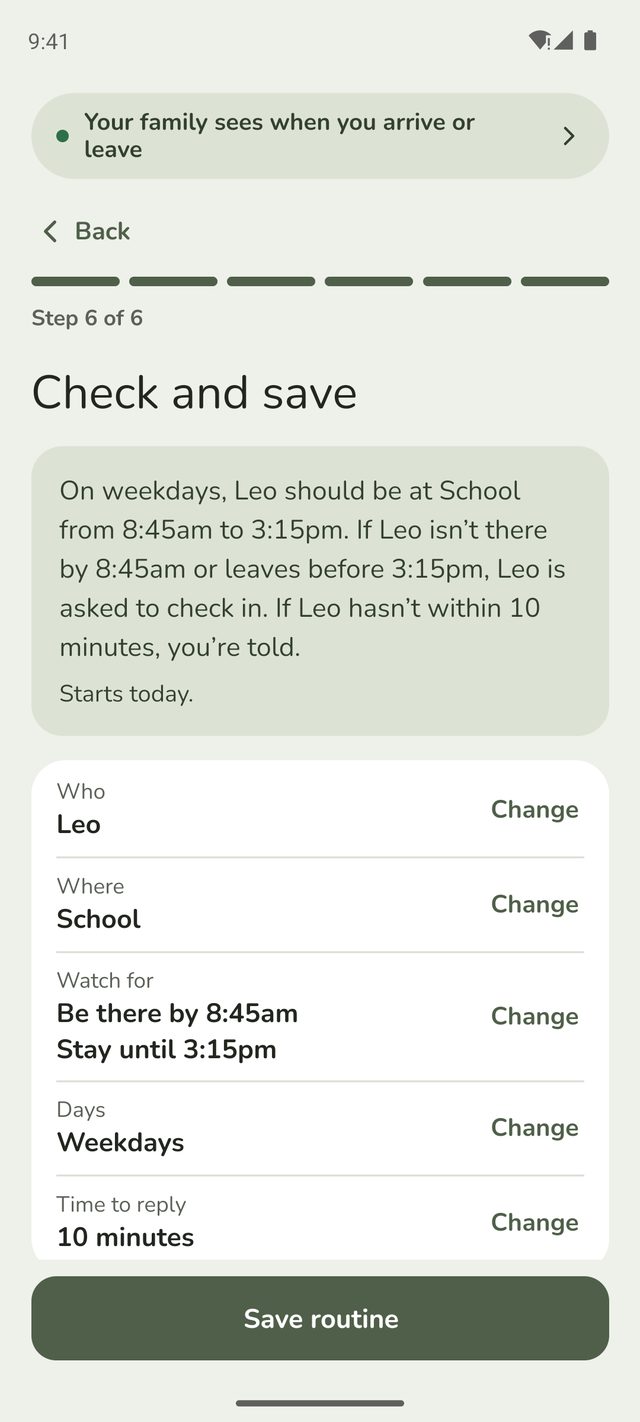
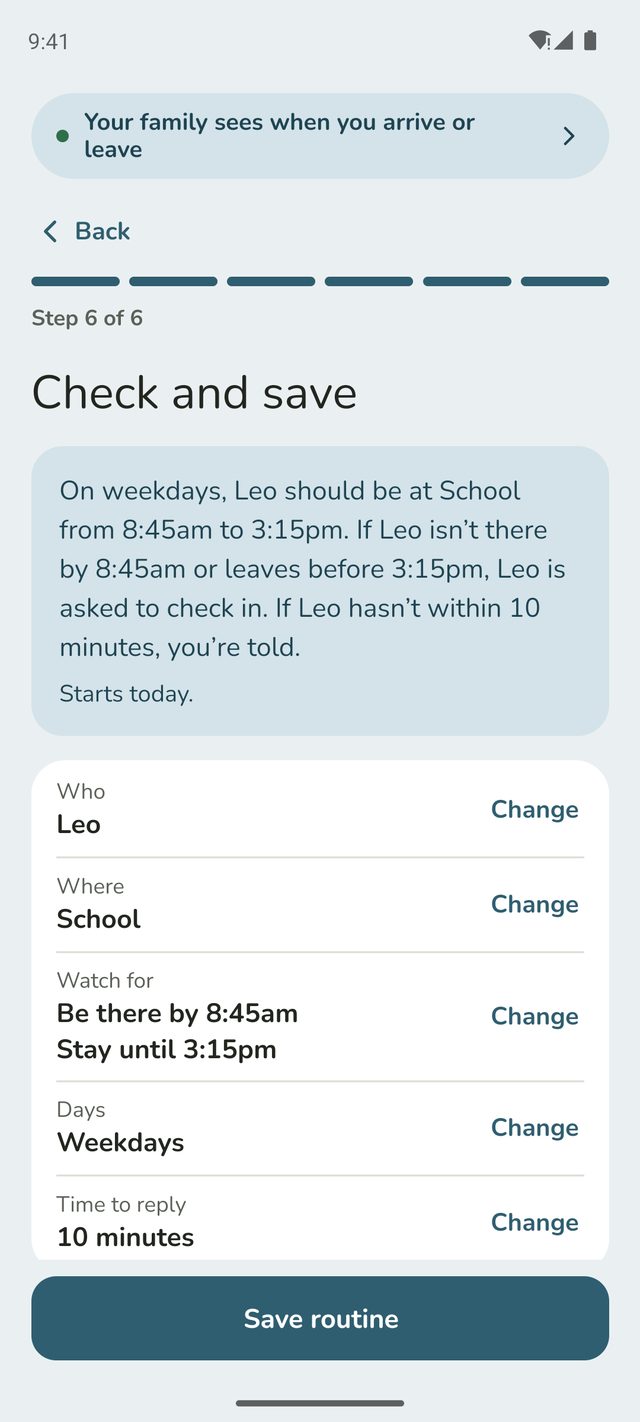
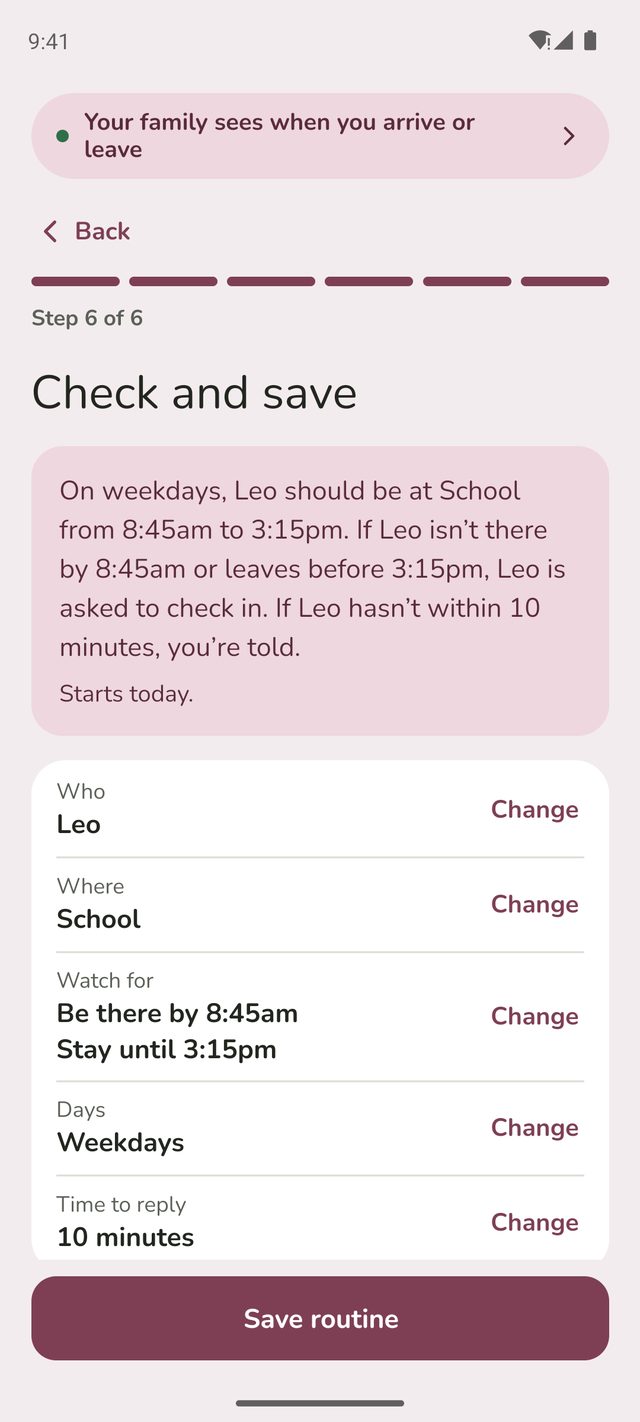
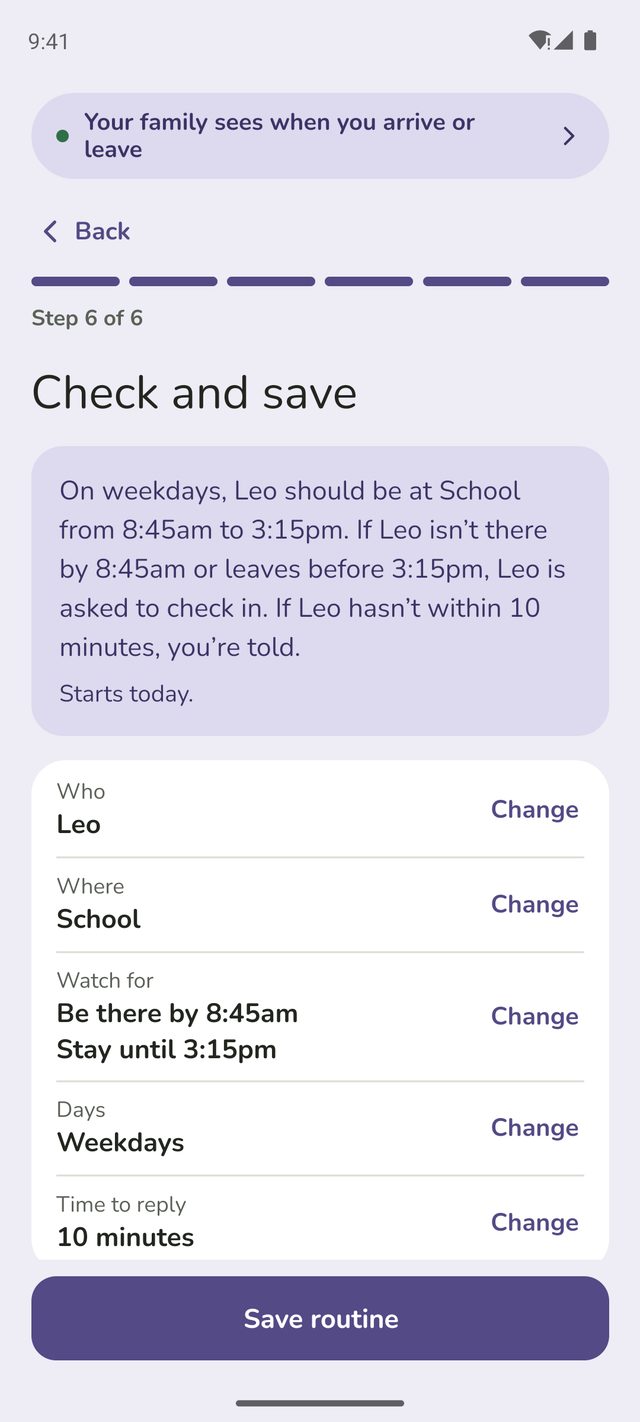
Family Haven sums up the routine in a sentence, like "On weekdays, Leo should be at School from 8:45am to 3:15pm. If Leo isn't there by 8:45am, or leaves before 3:15pm, Leo is asked to check in. If Leo hasn't within 10 minutes, you're told." It also says when it starts.
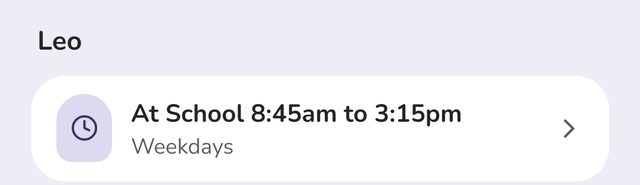
Something not right? Tap Change next to it, fix it, then tap Back to check. When it's right, tap Save routine. It appears under the person's name in Routines, like At School 8:45am to 3:15pm.



Changing or deleting a routine
Tap the routine in Routines. Change what you need and tap Save changes. To remove it, scroll down and tap Delete routine.
Good to know
- Alerts say what the phone shows. For example, an alert might say Sam's phone is still at Home and may have been left behind, or that there's no update from Sam's phone and it may be off or out of charge. Family Haven can't know why, so treat these as hints.
- An adult's own routine only alerts them. Nobody else is told.
- Teens can suggest routines for a parent to approve, depending on what you've allowed. See Review your child's requests.
- On the free plan, your family can have 1 routine. Routines shows it as 1 of 1 routine on the free plan. One person's checks at one place on the same days count as one routine, so "be there by 8:45am and stay until 3:15pm" at school on weekdays is one. Family Haven Plus removes the limit. See Family Haven Plus.
Still stuck?
Send us a message and a person will reply by email.