In this guide
Depending on what you've allowed them, your children can ask to change their settings, or suggest places, routines and trips. Nothing changes until a parent says yes.
Before you start
- You need to be a parent. Any parent in the family can review requests.
Step 1:Open your list to review
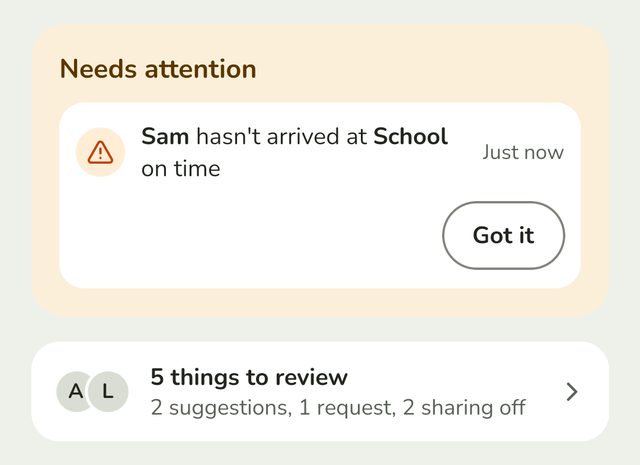
On Home, below Needs attention, tap the line that says how many things there are to review, such as 5 things to review. It also says what they are.
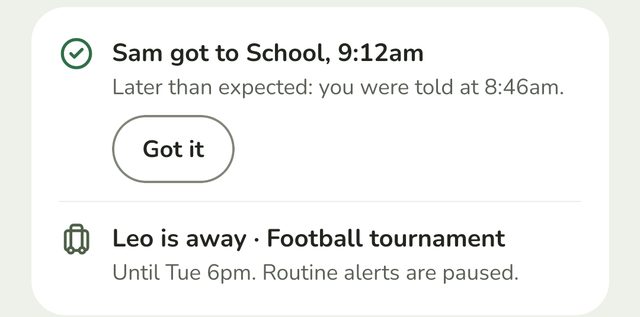
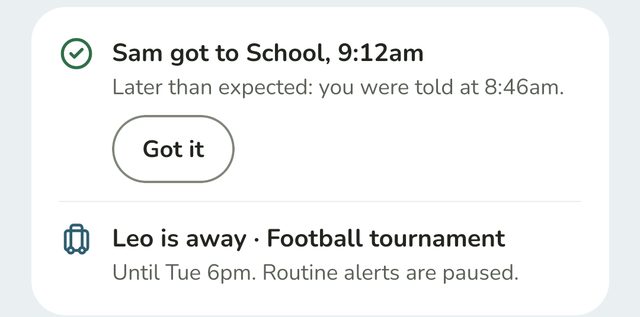
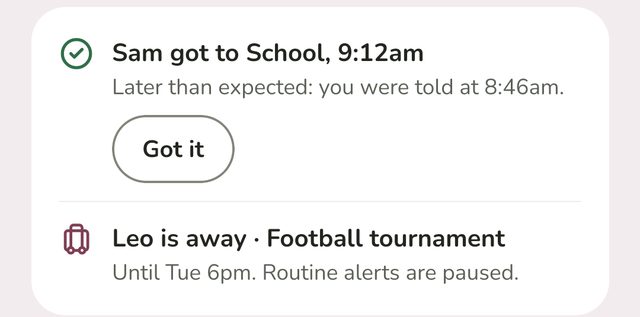
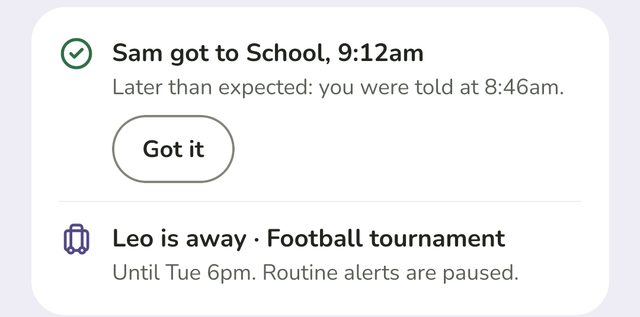
Needs attention is different: it's for missed routines and walks. Tap Got it once you've seen one. If your child gets there in the end, it moves to Updates, with when they arrived.
Step 2:Approve or decline requests
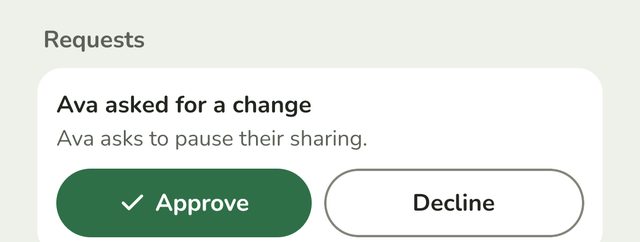
Under Requests are changes your child has asked for, such as being able to pause their sharing. Tap Approve to make the change, or Decline to leave things as they are.
Step 3:Approve or decline suggestions
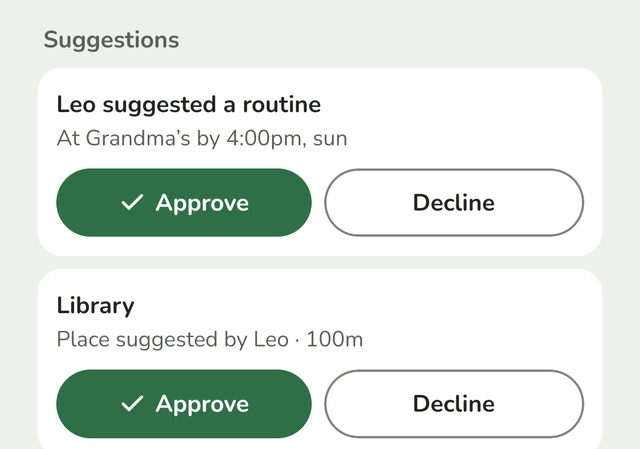
Under Suggestions are places, routines and trips your children have suggested:
- A routine shows when and where, such as "At Grandma's by 4:00pm, sun". If it changes one they already have, you'll see what it was before.
- A place shows who suggested it and how big it is.
- A trip shows how long it lasts or when it ends, and what's paused, such as "Trip asked for by Tia · until tomorrow 7pm · routine alerts paused". A trip with a length starts when you approve it. One with an end time ends when your child chose.
Tap Approve and it's added straight away. Tap Decline and it isn't. Your child sees that a parent said no, so they're not left wondering.
Step 4:Check who isn't sharing
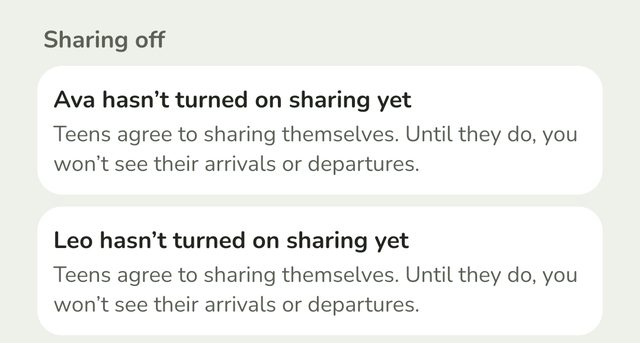
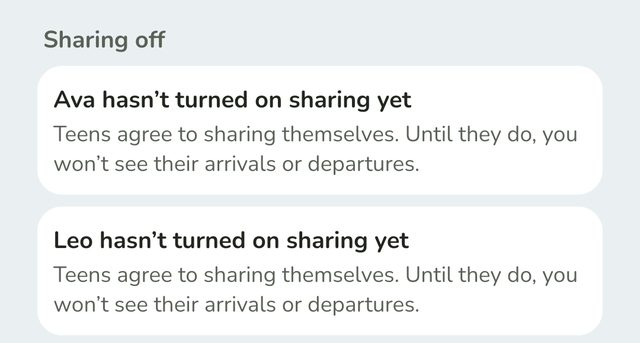
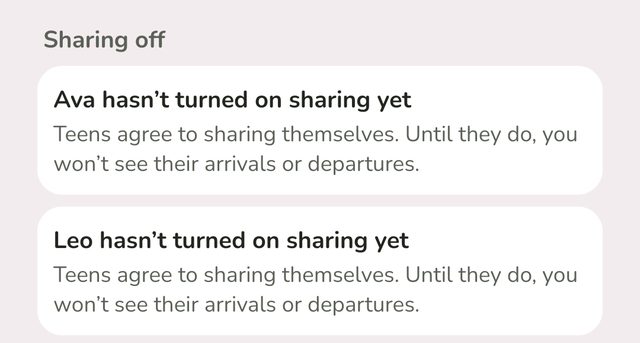
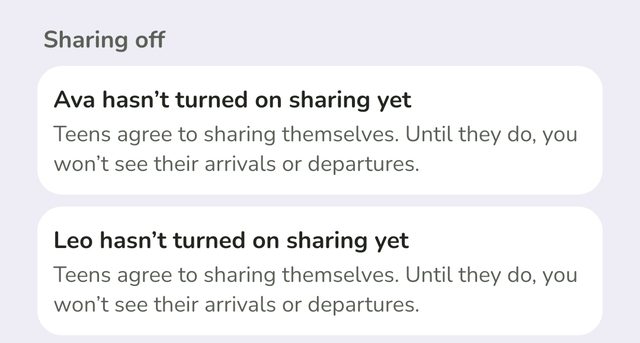
Under Sharing off are teens who haven't turned on sharing yet, or have turned it off. There's nothing to approve here. Teens decide this for themselves, and until they share, you won't see their arrivals or departures.
Good to know
- Nothing here is urgent. Missed routines are on Home, under Needs attention.
- You choose what your children can ask for. See "Choose what your child can do".
- The list is shared by all parents. Once one parent approves or declines, it's gone for everyone.
Still stuck?
Send us a message and a person will reply by email.