In this guide
Arrivals and departures come from the phone of the person who's moving. So if you're not hearing about someone, start with their phone. Most problems are a setting their phone changed, and Family Haven shows you which one.
Before you start
- Have their phone to hand, or ask them to follow along.
- Make sure the place is one of theirs. Family Haven only notices the places saved for that person. See Add a place.
On their phone
Step 1:Check Your sharing
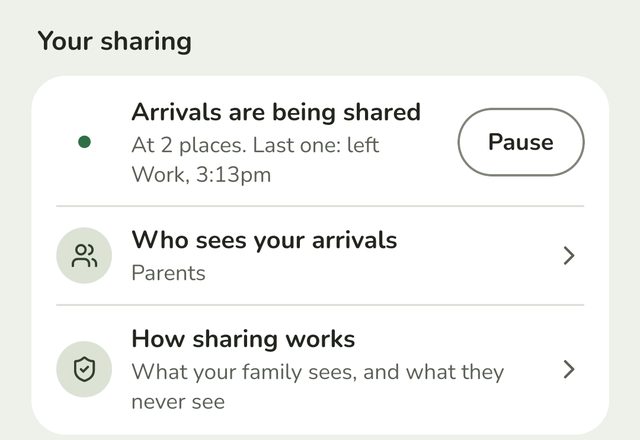
Open Family Haven, tap Settings and look at Your sharing at the top.
- Arrivals are being shared and Location access: Always means all is well.
- Sharing paused until… means they've paused it. It turns back on by itself.
- Location is off on this phone means location is turned off in the phone's settings.
- Sharing is off means a teen has turned sharing off. Only they can turn it back on. See For teenagers: your sharing, your choice.
Step 2:Fix Location access
If you see a Location access row under Your sharing, location isn't set to Always. Tap it, and in the phone's settings choose Allow all the time on Android, or Always on iPhone.
On iPhone, also make sure Precise Location is on. Without it, the phone can't tell when it arrives at a place. If it's off, Family Haven shows a card on the Home screen to help turn it on.
Step 3:On Android, clear anything marked Fix
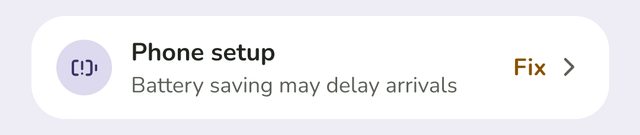
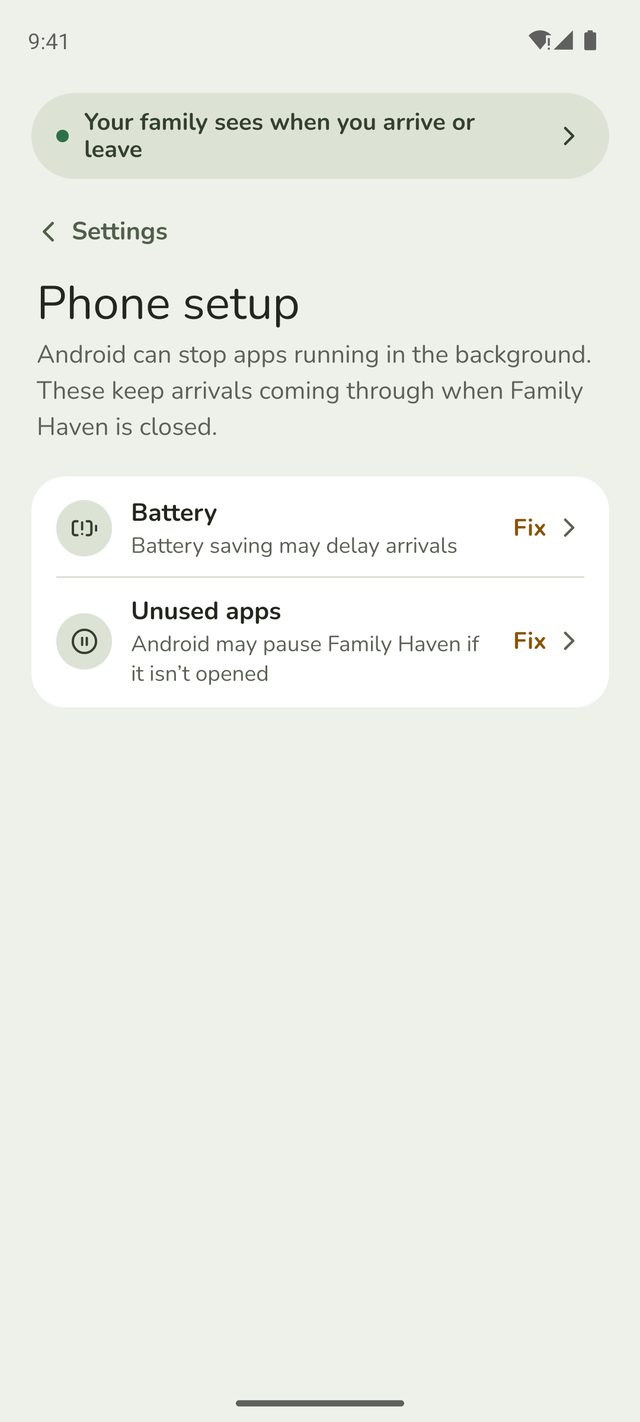
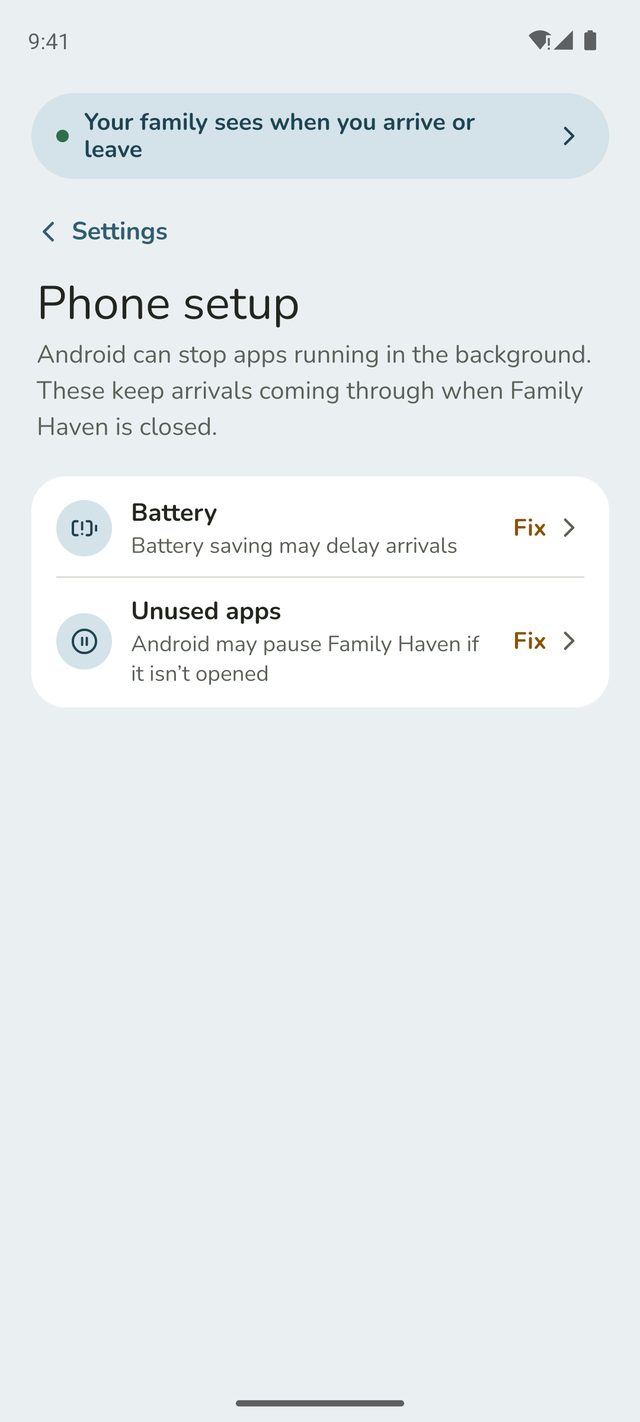
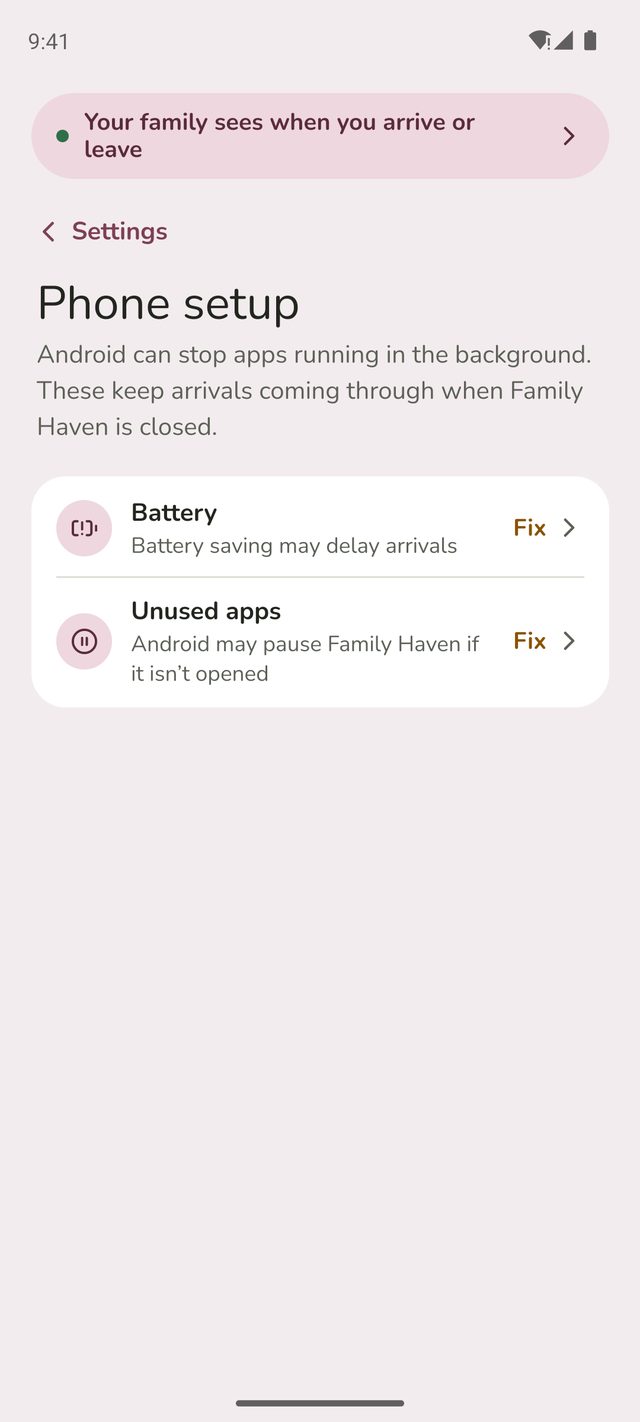
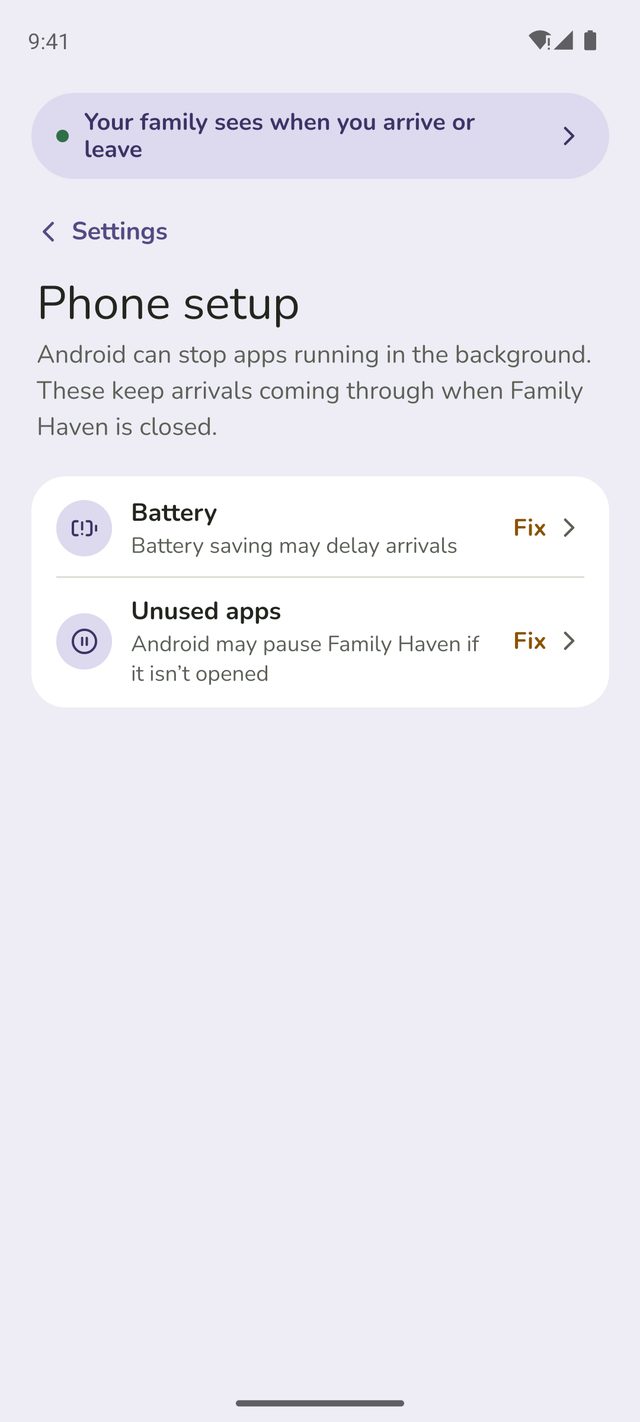
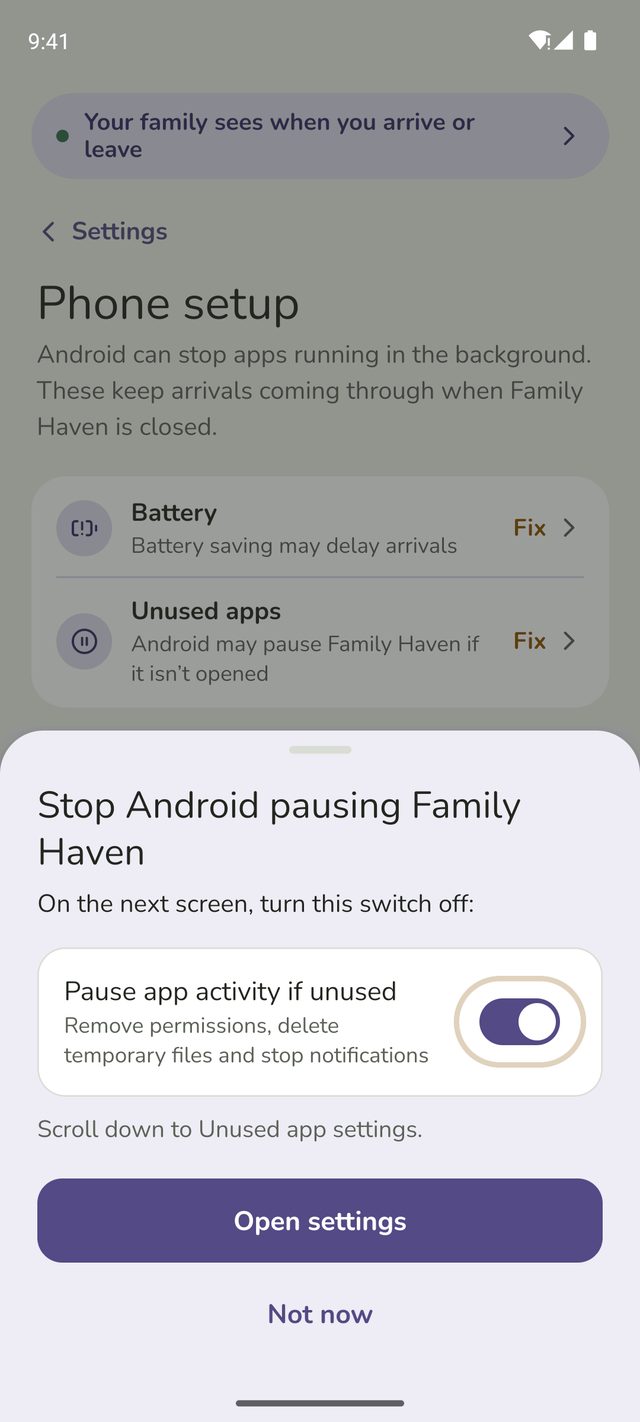
Android phones can stop apps working in the background. In Settings, tap Phone setup. If it says Nothing to fix, you can skip this step. Otherwise, every row on Phone setup should have a tick.
- Battery: if it says Fix, tap it and allow Family Haven to run in the background.
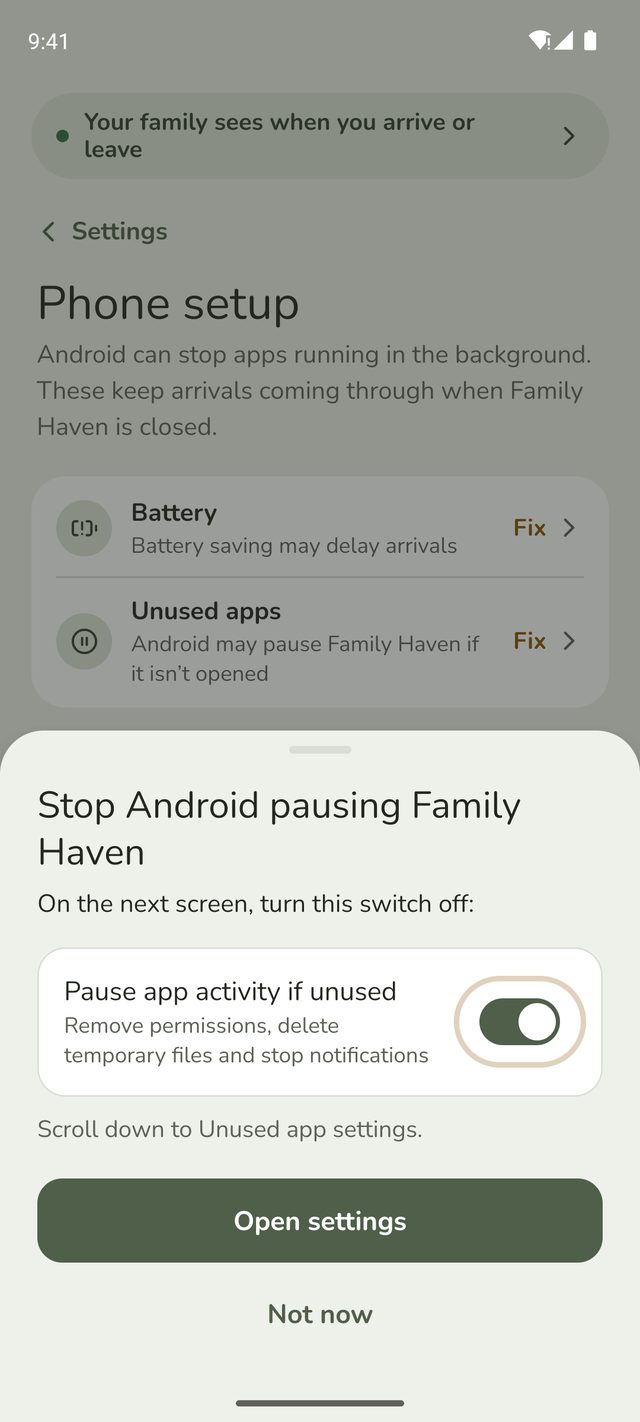
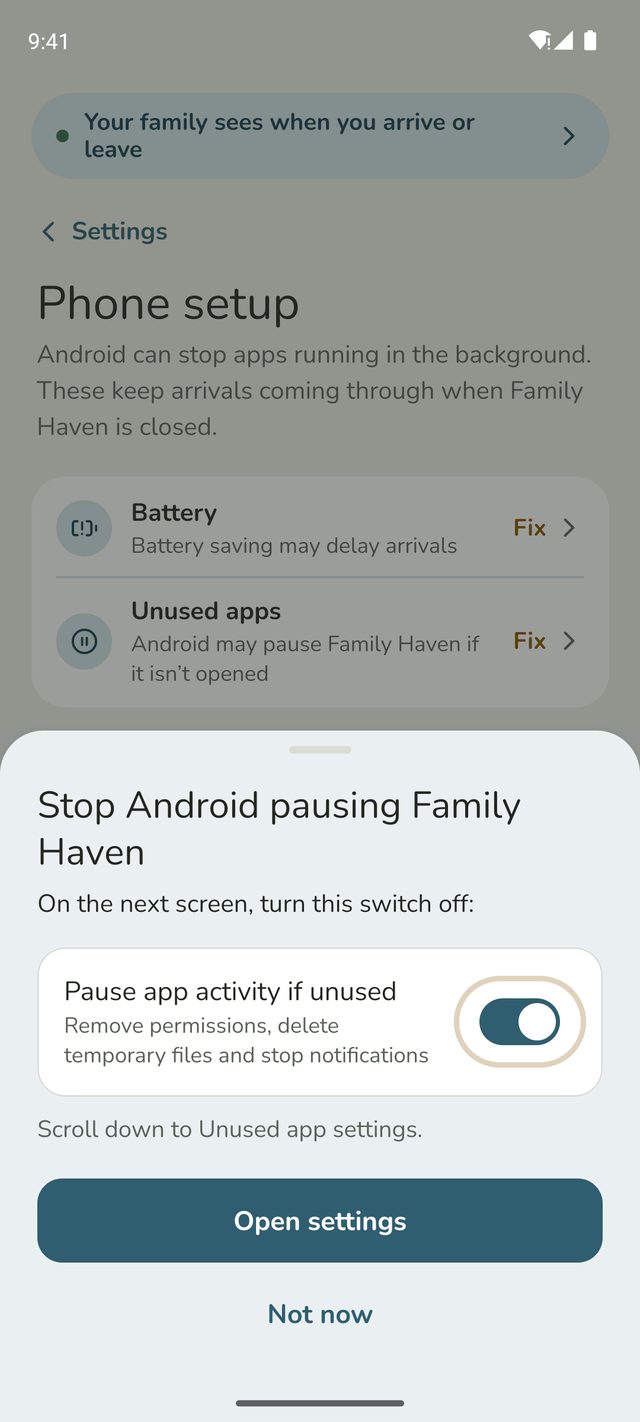
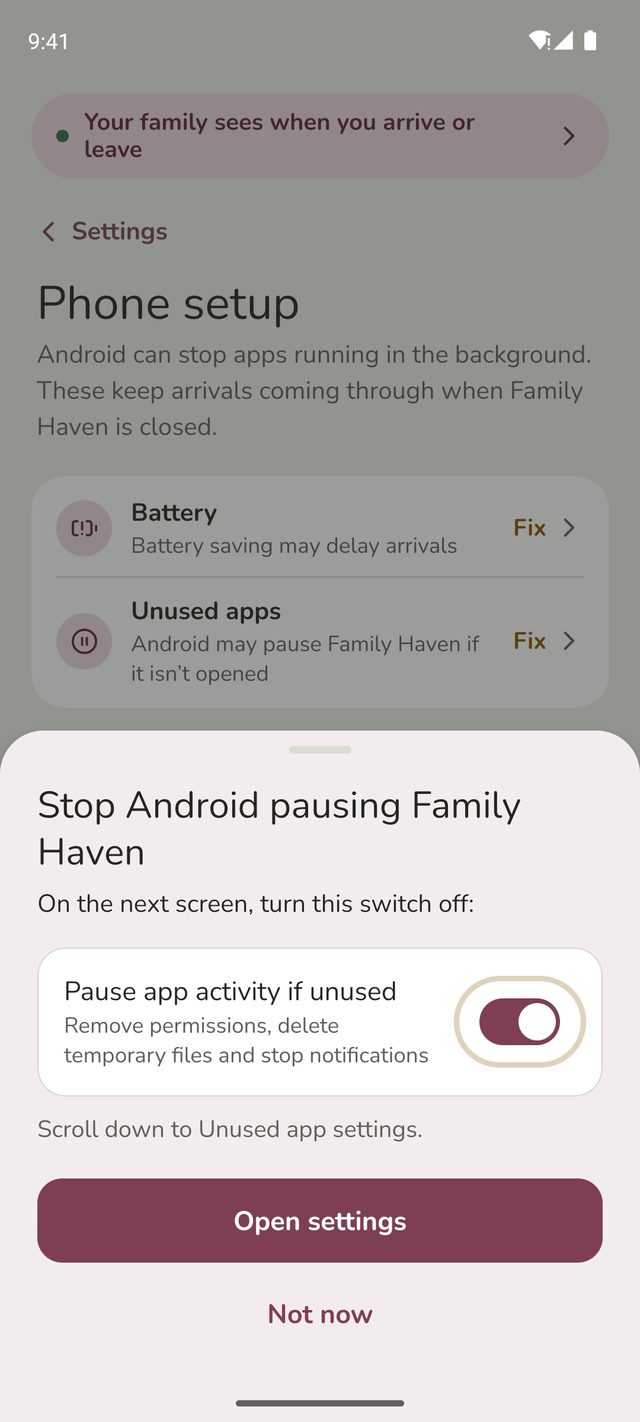
- Unused apps: if it says Fix, tap it. Stop Android pausing Family Haven shows the switch to look for on that phone, then Open settings takes you there. Turn that switch off. It's called Manage app if unused on Samsung phones and Android 16, Pause app activity if unused on Pixels with Android 13 to 15, and Remove permissions and free up space or Remove permissions if app isn't used on others.
- Phone maker background setting: some phones, like Samsung or Xiaomi, have their own. Tap Check for the steps on that phone.



Step 4:Open the app
If a phone hasn't opened Family Haven for a long time, open it once. It's also worth restarting the phone if nothing else has helped.
On your phone
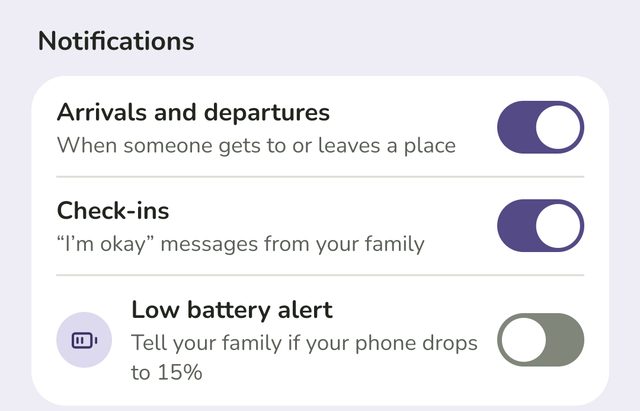
Step 5:Check your alerts are on
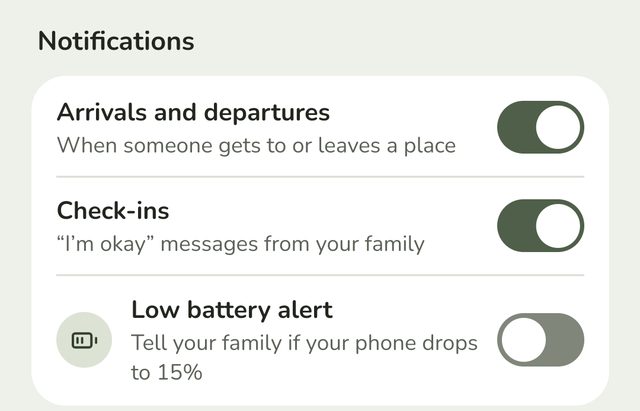
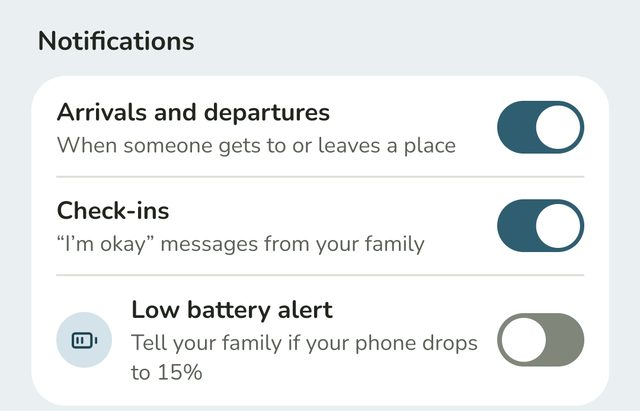
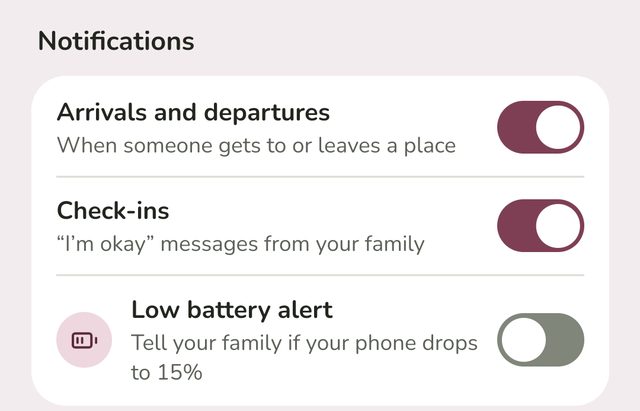
In Settings, under Notifications, Arrival and departure alerts should say On for this phone. If it says Turned off in your phone's settings, tap Open settings and allow notifications for Family Haven.
Step 6:Look for things to review
If a child has paused sharing, or their location is off, your Home screen shows it under things to review. Tap it to see who, and tap Remind to send them a nudge to turn it back on.
Good to know
- Grandparents and carers only hear about the children if a parent has turned on See children's arrivals for them. See Let a grandparent or carer see arrivals.
- Alerts can take a few minutes, especially when a phone has been still for a while or has poor signal.
- Still not working? Email support@ourfamilyhaven.com with the phone's make and model, and we'll help.
Still stuck?
Send us a message and a person will reply by email.